3-32 Setting Up the Software
1. Verify that no jobs are currently being processed and no studies
are being received.
2. Log out and shut down the system (refer to “Logging Out” on
page 3-39 and “Shutting Down and Rebooting” on page 3-40).
The device powers off at the end of the shutdown process.
NOTE:
If you do not shut down the system before removing the SmartDrive, a message
displays indicating that the SmartDrive has been removed. Once it is reinserted, the system
prompts you to reboot.
3. Remove the SmartDrive, which is inserted in the USB port
behind the green output bin.
4. Mount the SmartDrive in a USB port on a PC.
The SmartDrive will appear as a standard USB flash drive.
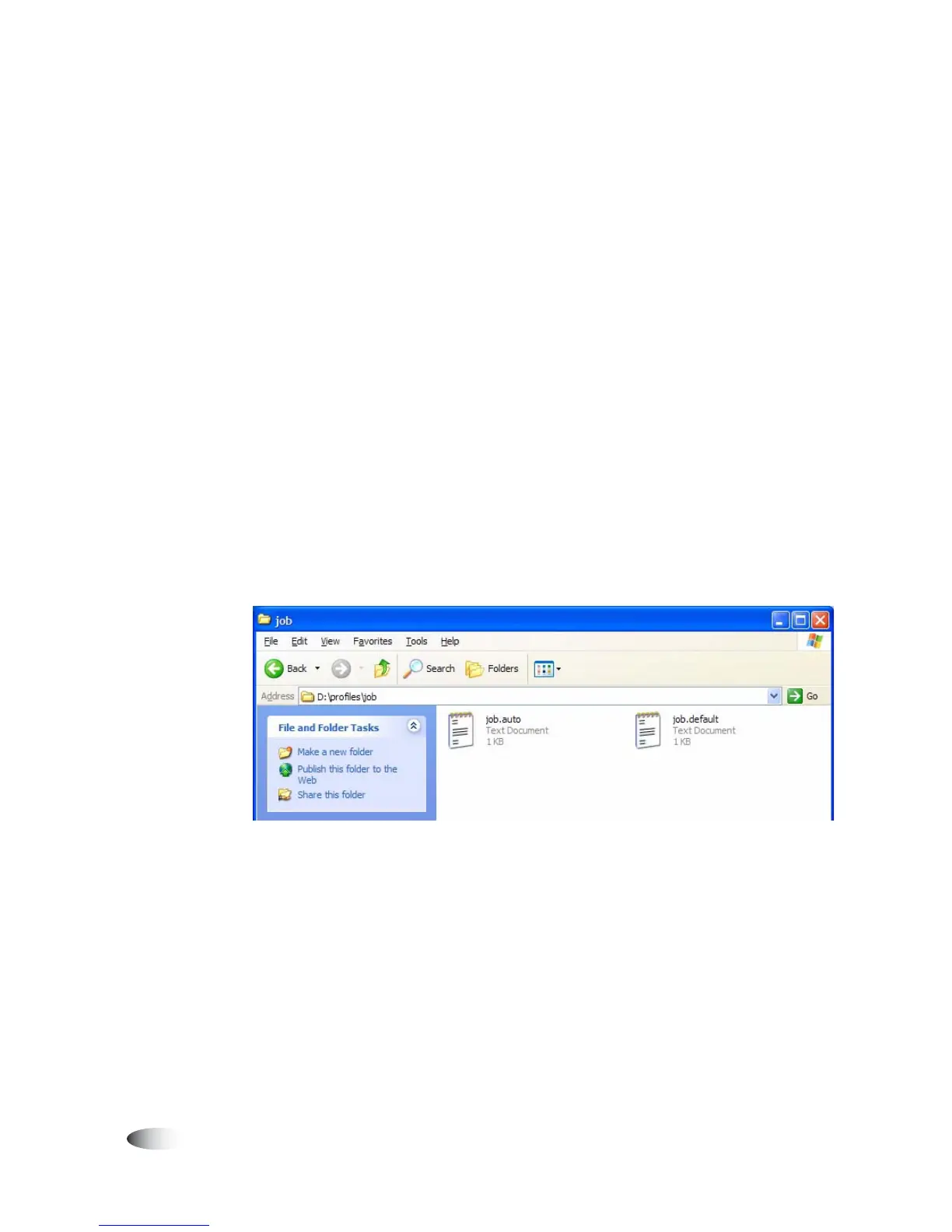
5. From Windows Explorer, open the folder
\profiles\job
on the
SmartDrive.
3



 To Next Page