Codonics Virtua User’s Manual 3-33
Setting Up the Software
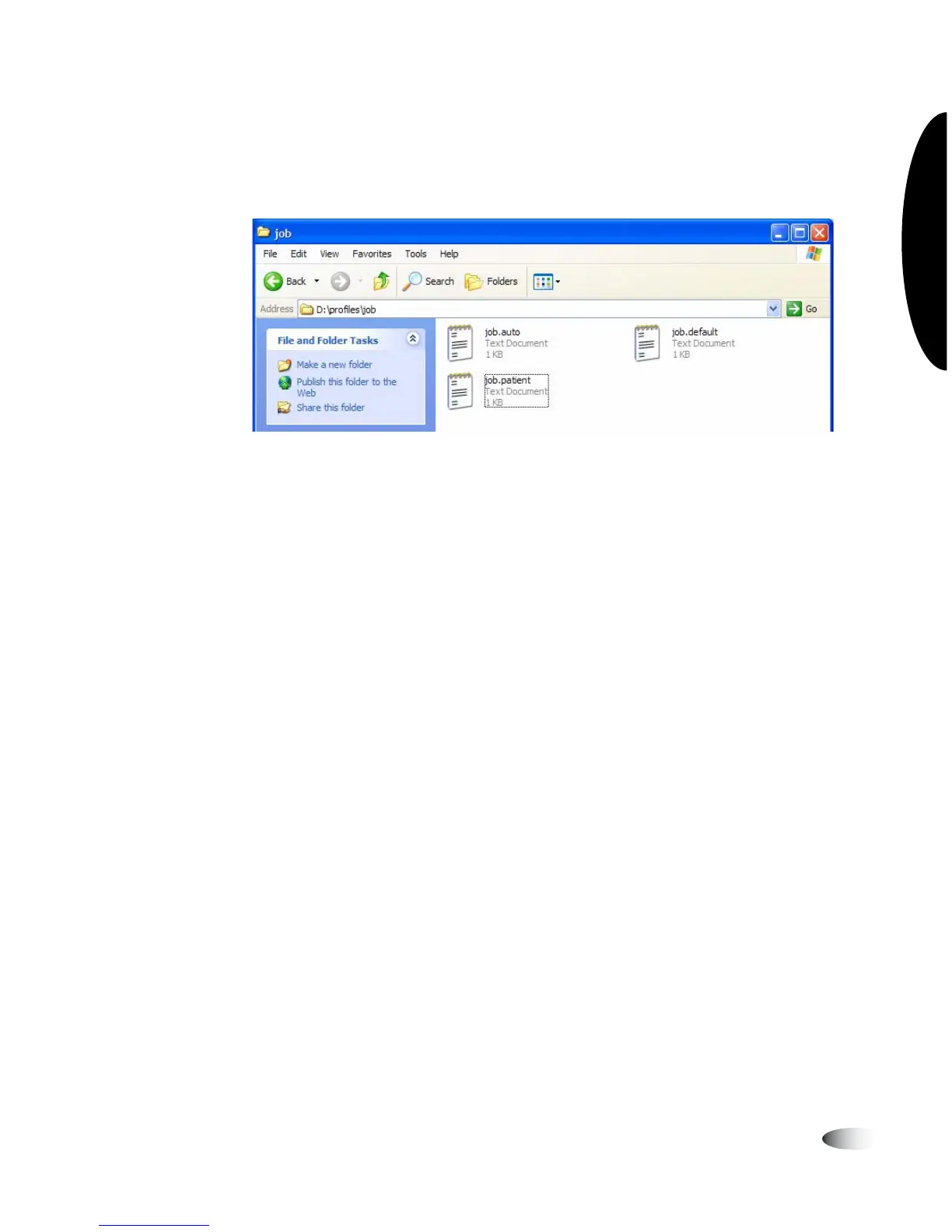
6. Select the file
job.default
and copy it to a new file called
job.patient
.
7. Use a text editor (for example, Notepad) to open the file for
editing.
8. Make the following modifications to the settings (shown in
bold):
[ JobProfile ]
jobProfileName = patient
doAutoRecord = true
doCreateJpegImages = false
doEnableAutoRun = true
doIncludeSelfCheckProgram = false
doVerifyDiscsAfterRecord = false
doPrintToDicomImager = false
doLimitStudiesPerDiscToLabelCapacity = false
dicomImagerName = Default
physicianCopies = 0
patientCopies = 1
anonymizedCopies = 0
legalCopies = 0
discLabel = Physician
discLabelPhysicianCopy = No_Override
discLabelPatientCopy = No_Override
discLabelAnonymousCopy = No_Override
discLabelLegalCopy = No_Override
includedDicomViewer = Codonics_Viewer.zip
mediaType = CD
discStudyGrouping = byPatient
endOfStudyTimeout = 30
postProcessingAction = Save
siteProfileName = default



 To Next Page