USER MANUAL FOR mPICO SERIES
Copyright - refer to title page
3.4.5 CONNECTION BETWEEN PC AND EQUIPMENT
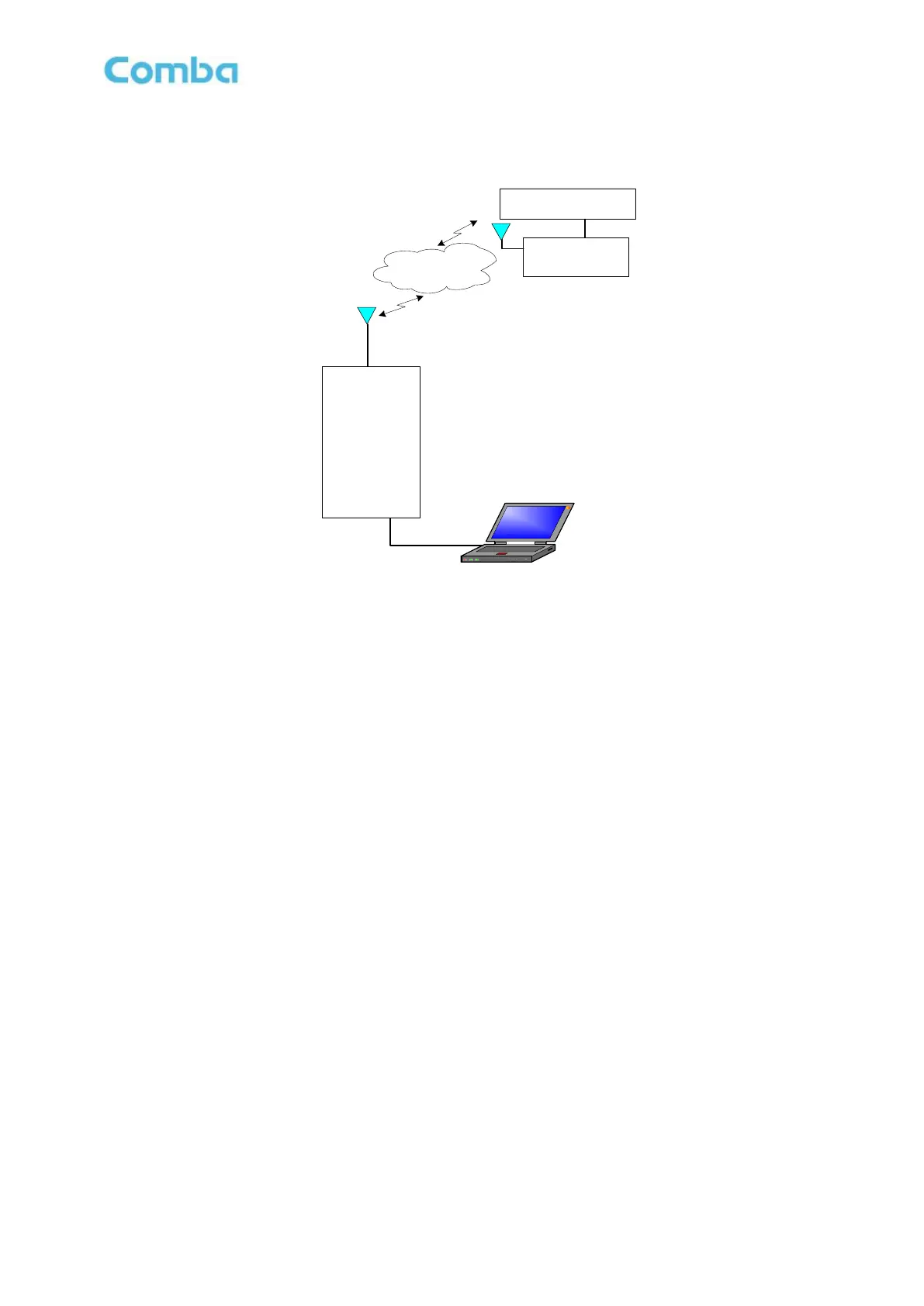
The below shows the connection:
Micro-
USB
WCDMA/GSM
Network/PSTN
Wireless
Build-in
WCDMA/GSM
Modern
Realize remote
monitor
Local Monitoring
Wire/Wireless
Modem
Monitoring Center
Figure 12: The Connection between Equipment and PC
Note that when connect the Micro-USB with PC, the equipment should be power off and Li-ion battery
output connector is disconnected.
End of Section



 To Next Page