USER MANUAL FOR mPICO SERIES
Copyright - refer to title page
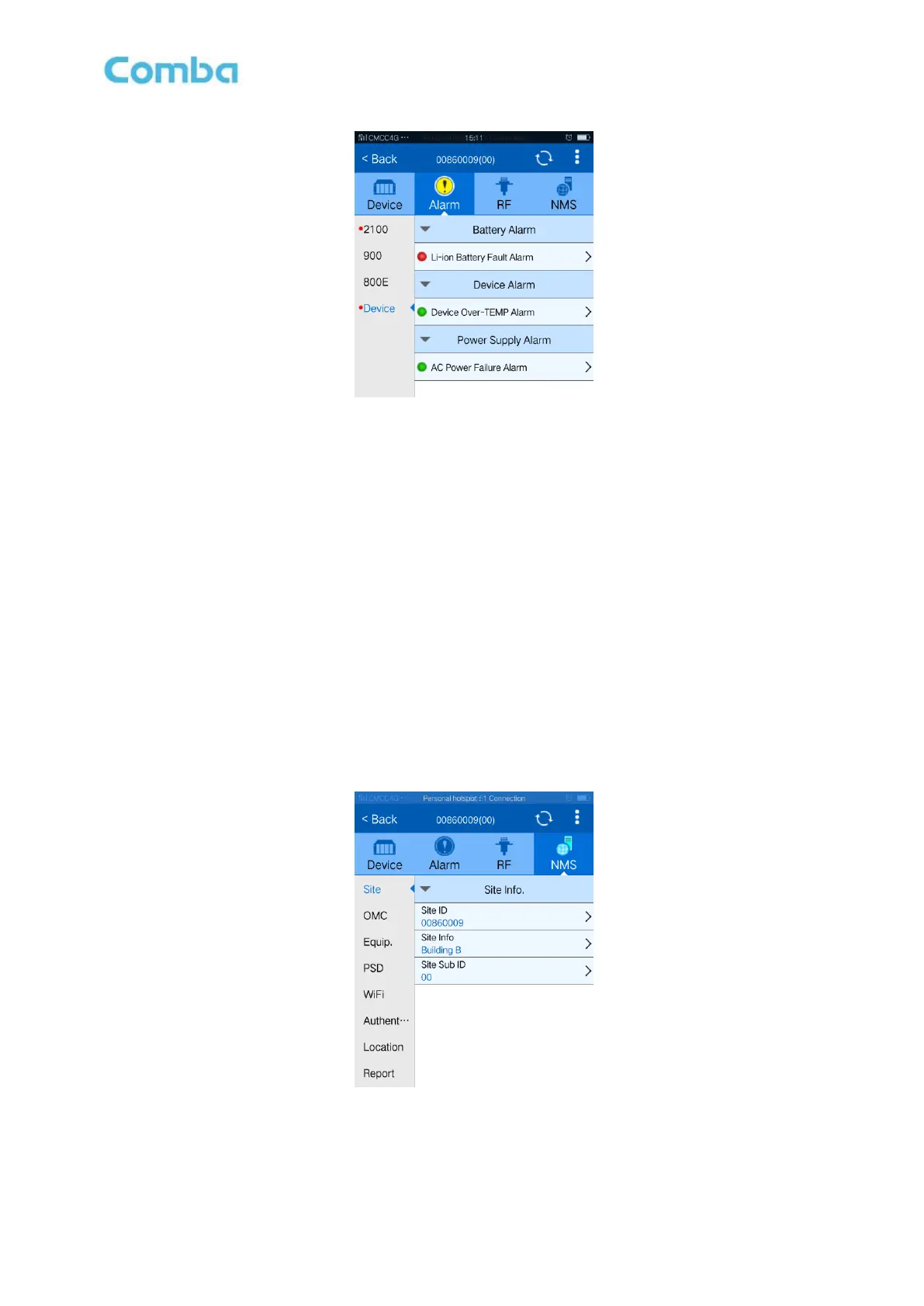
Figure 37: Common Device Alarm
Config:
Click the desired parameter and enable/disable of the desired parameters.
Notice: [Enable] is to enable the alarm monitoring for system. Only if users enable the alarms, the alarms
can be monitored by the OMC.
On the mPICO, if any alarm is generated and this alarm is also enabled in [Enable] box, LED H2 turns
RED; while it is OFF when normal working. On the OMC window, [Alarm Status] indicator keeps GREEN
if no alarm and turns RED if an alarm is generated.
5.5 NMS
5.5.1 SITE ID
Site ID is to be configured after local commission has been completed, which includes Site ID, and Site
Sub ID.
Figure 38: Site ID
See the table below for configuration details of each parameter.



 To Next Page