USER MANUAL FOR mPICO SERIES
Copyright - refer to title page
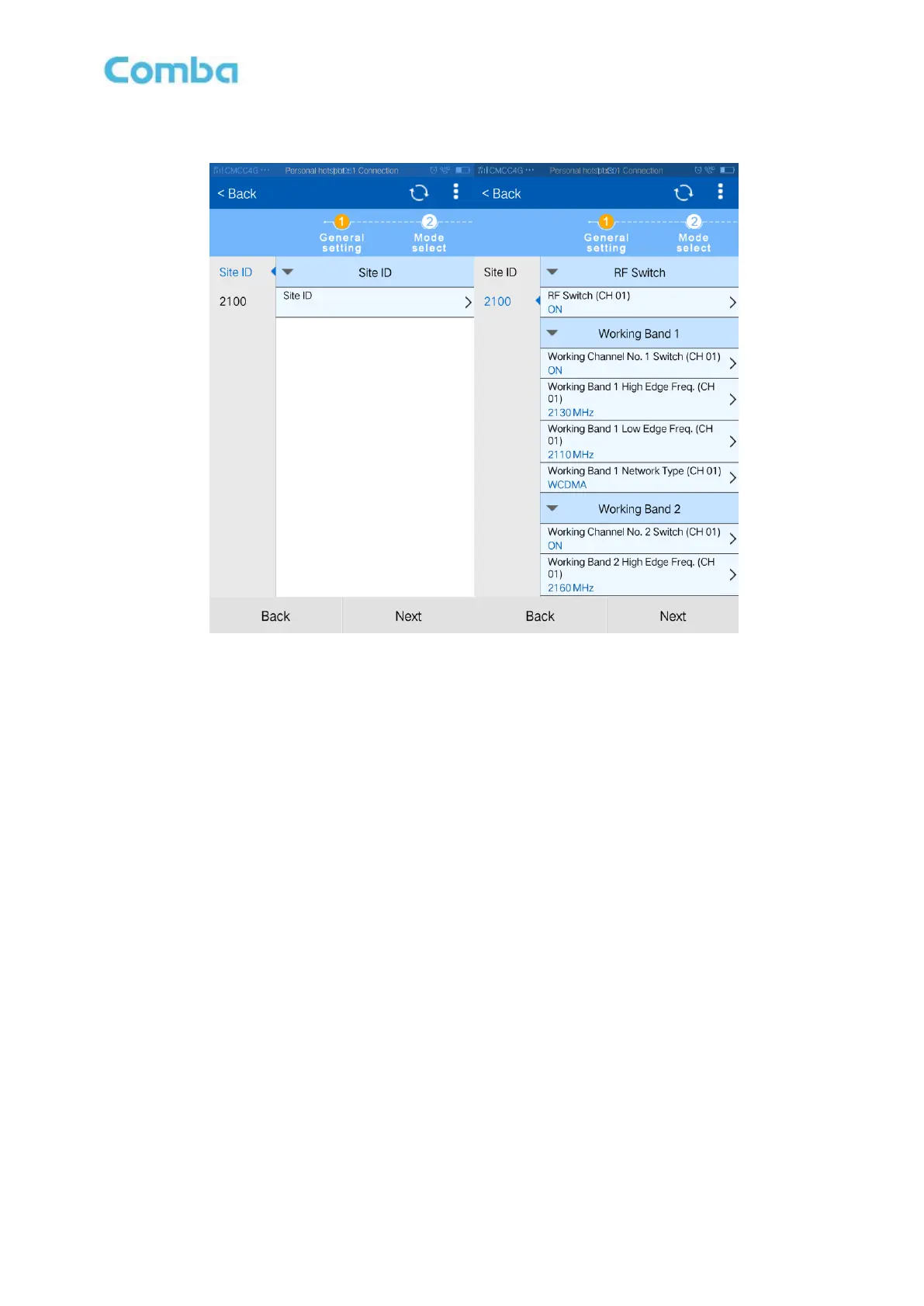
For each frequency band, the 2 working band bandwidth setting should not be overlap each other, if yes,
they are forbade switching on working channel No. switch.
Figure 46: General Setting
Step 3: Click [Next] to enter to Mode select Screen shown.
Make sure the antenna has been connected, and tick it.
Click [Auto Setup] to start isolation detection. The isolation detection result is show
automatically. If select [Manual Setup], user also can adjust system gain manually.
Click [Back], if frequency settings need to change.



 To Next Page