USER MANUAL FOR mPICO SERIES
Copyright - refer to title page
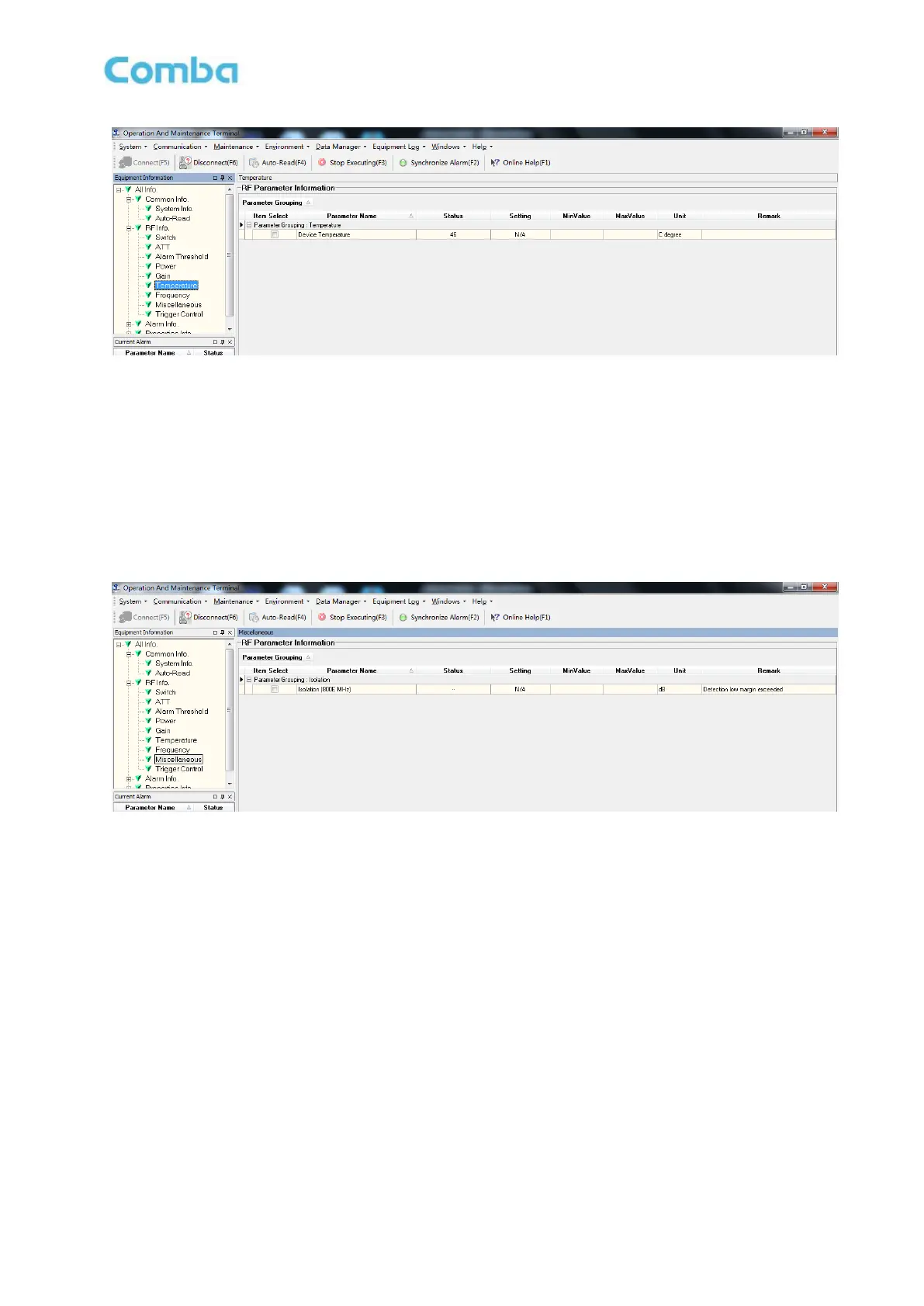
Figure 71: Temperature
Read:
Press [Read] to read all the values of the parameters in the window. Press [Auto-Read (F4)] to read
values continuously.
5.9.8 MISCELLANEOUS
Isolation is referring to the reading of system isolation status.
Figure 72: Miscellaneous
Read:
Press [Read] to read all the values of the parameters in the window. Press [Auto-Read (F4)] to read
values continuously.
5.9.9 ALARM INFORMATION
Alarm information operation is to select alarm parameters for monitoring. Alarm parameters include
Master Alarm, Channel Alarm and External Alarm.
Click any tree node in [Alarm Info] group, [Alarm Parameter Information] window will appear in the right
side. The picture below shows the master alarm information.



 To Next Page