USER MANUAL FOR mPICO SERIES
Copyright - refer to title page
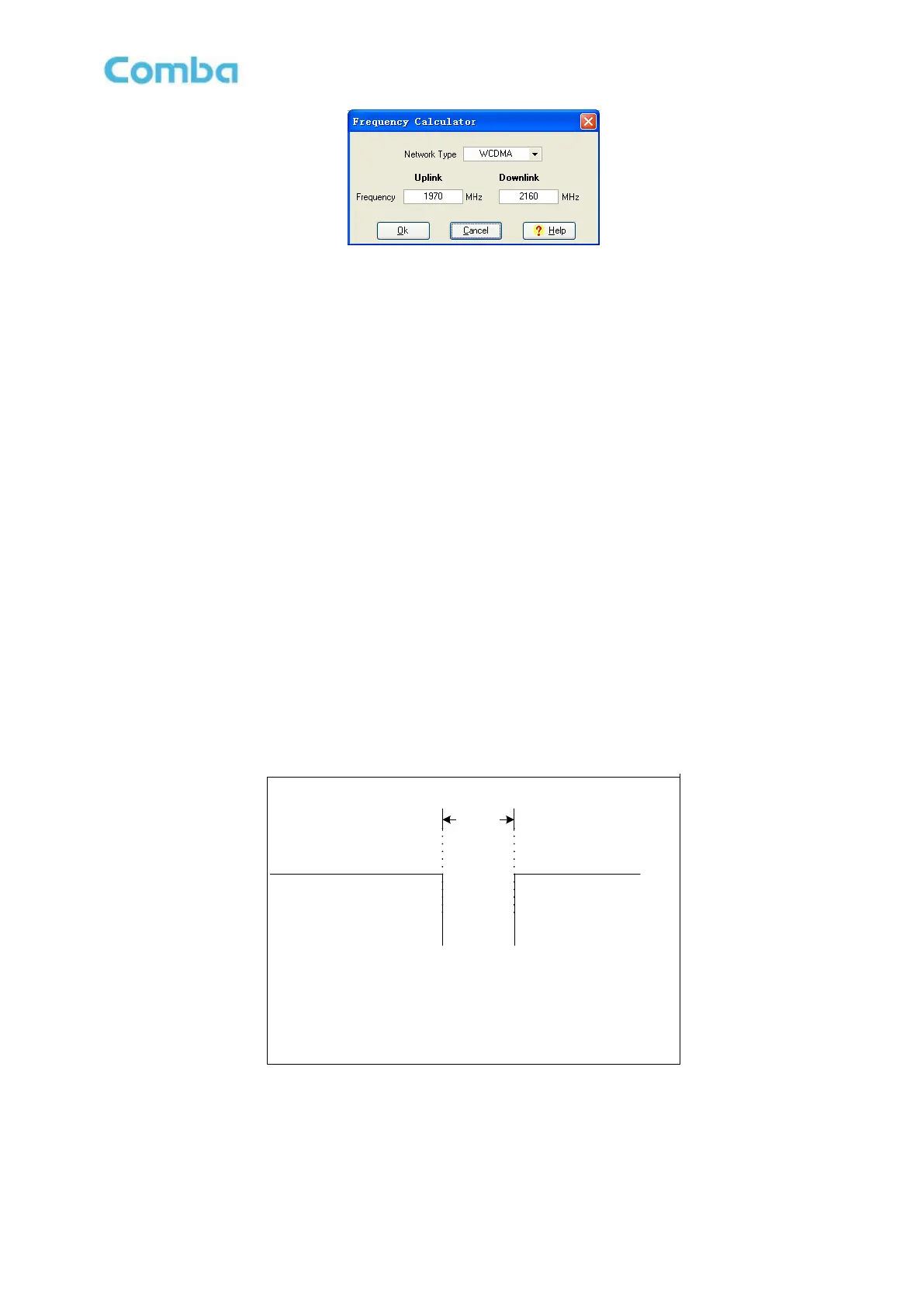
Figure 65:Frequency Calculator
Channel NO. Setting rules:
mPICO can support 2 working-bands of each band, in order to make sure the repeater can work
normally, the frequency setting rules are shown as below:
Before switch on the channel switch, please check the channel frequency and it shall not be
overlapping with other channels which have turned on. Otherwise the config will remain off after
press “config” in OMT.
For channel frequency setting, internal calculation will judge if the setting will be overlapping with any
other existing channel, if conflicted, then the config will not be effective.
Make sure the difference between the highest frequency and the lowest frequency is less than
50MHz.
For GSM, In the same channel, the difference between high edge frequency and low edge frequency
is less than 25MHz, the bandwidth is 0.2~25MHz.
For WCDMA, the bandwidth is 5, 10, 15 or 20MHz.
For LTE, the bandwidth is 3, 5, 10, 15 or 20MHz.
For GSM, the protective frequency edge interval of channels should no less than 600kHz and the
minimum interval as illustrated below. WCDMA and LTE network type is not need to consider guard
band required.
Band A
F1
F2
Thereinto,
F1: WorkingBand A High Edge Frequency
F2: WorkingBand B Low Edge Frequency
Band B
600kHz
Figure 66:The Protective Frequency Edge Interval



 To Next Page