USER MANUAL FOR mPICO SERIES
Copyright - refer to title page
Figure 18: APP Main Window
5.2 DEVICE INFORMATION
5.2.1 BASE INFO.
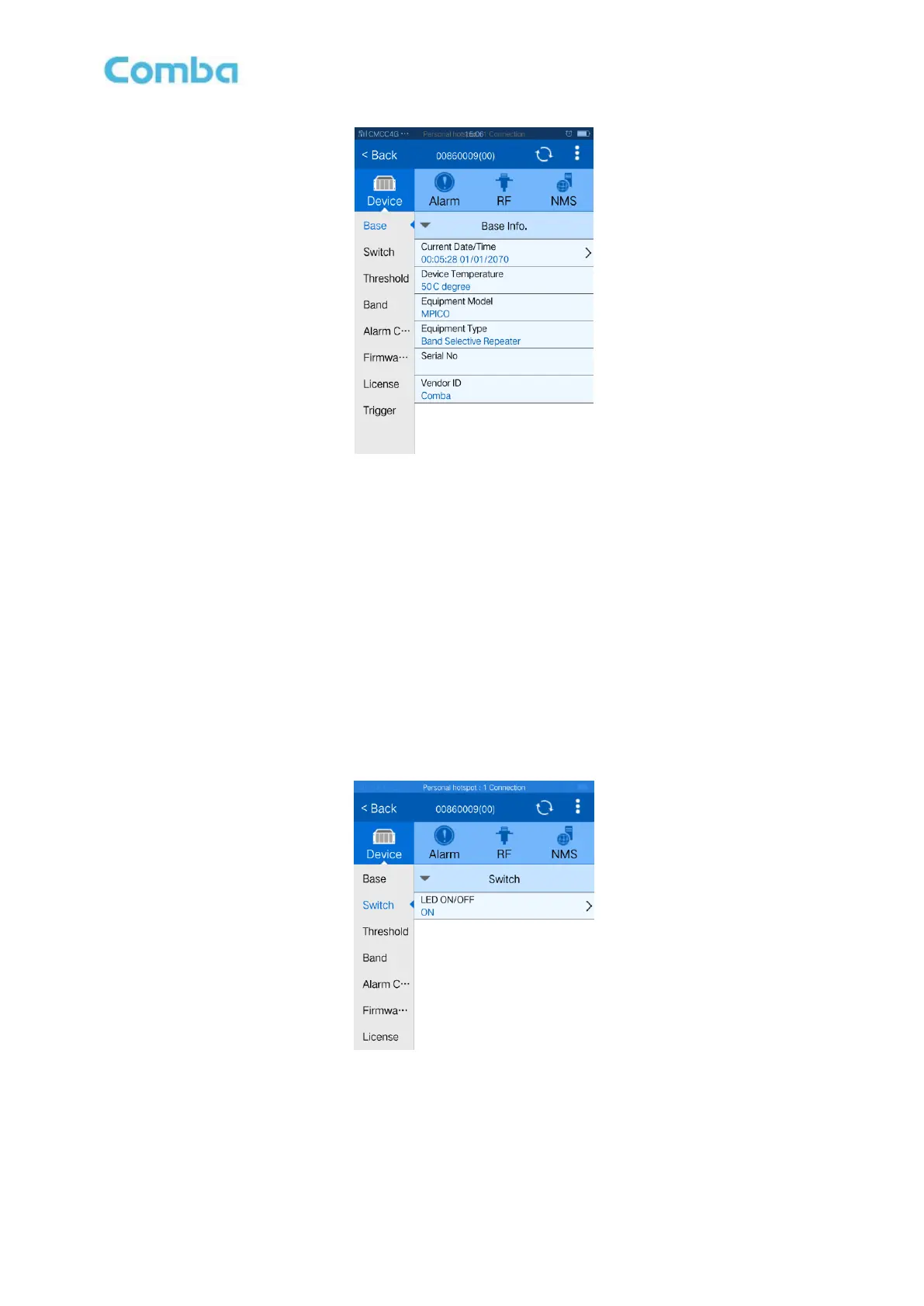
Base Info includes current date/time, device temperature, equipment model, equipment type, serial no.
and vendor ID.
Click ‘Current Date/Time’ to input your local date and time information. The other parameters are read
only.
5.2.2 SWITCH
Figure 19: LED ON/OFF switch
Config:
Click and access to select required state, the status will change automatically. The switch is to on/off
those 3 LEDs on the equipment side.



 To Next Page