USER MANUAL FOR mPICO SERIES
Copyright - refer to title page
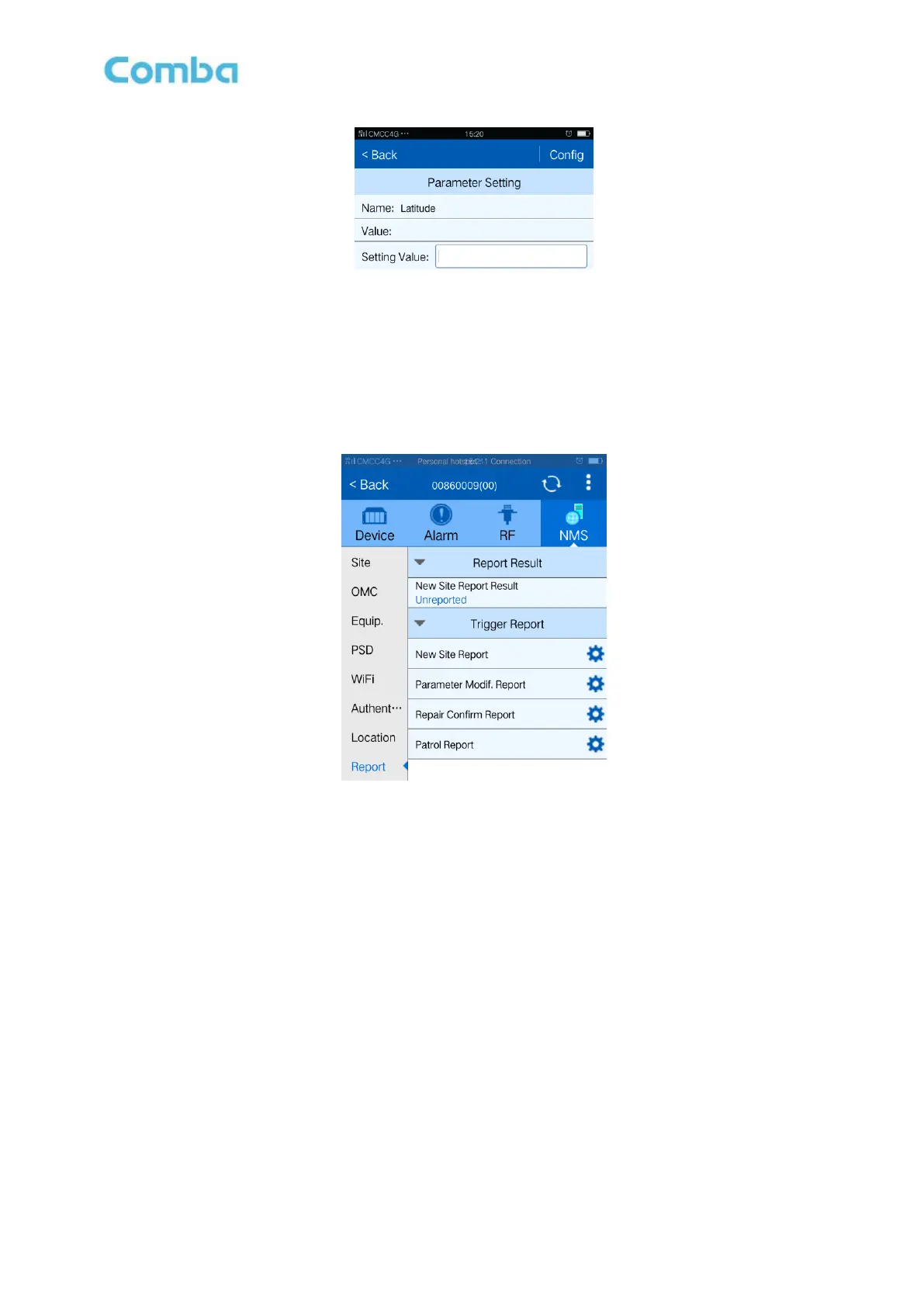
Figure 42: Location
Config:
Enter the required value in setting columns and press [Config] button to finish the configuration operation.
Figure 43: Trigger Report
Config:
Click the desired parameter and trigger report.
If Comba OMC platform had been set up, after OMC config parameter setting is done, trigger the new
site report, Comba OMC platform will add the new site automatically.



 To Next Page