USER MANUAL FOR mPICO SERIES
Copyright - refer to title page
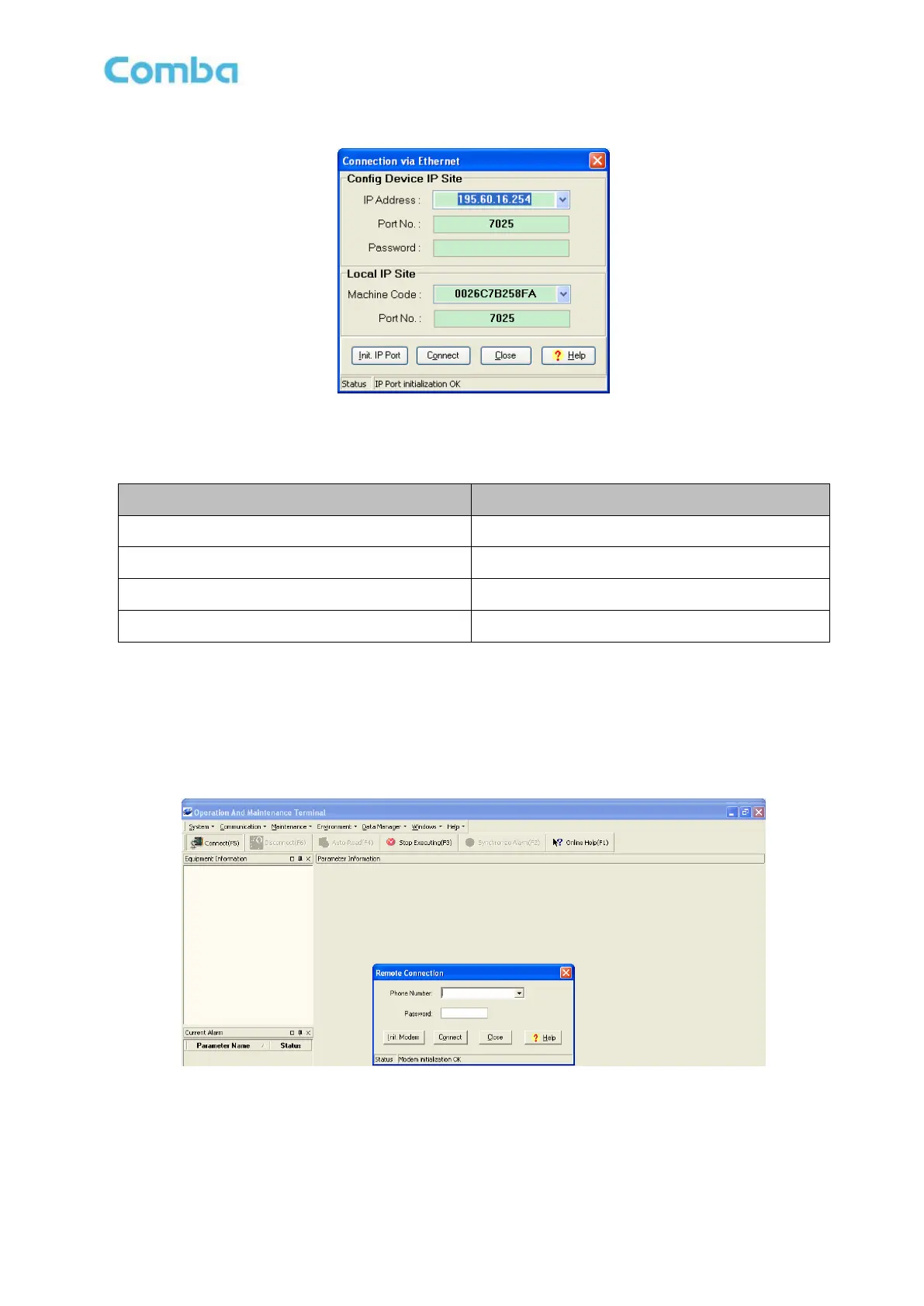
Figure 60: Connection via Ethernet
Table 10: IP Setting Quick Look-up Table
5.7.3 REMOTE CONNECTION TO OMT
If remote connection is needed, users can select [Remote connection via modem] in connection type
window. Select desired serial port and click “OK” in [Serial Port Configuration] window to go to OMT main
window and start modem initialization. Click “connect” and the [Remote Connection] window will show up.
Figure 61: Remote Connection
Config: Enter the correct phone number (Users don't have to enter the password) and click “connect”, it
will be connected remotely.



 To Next Page