USER MANUAL FOR mPICO SERIES
Copyright - refer to title page
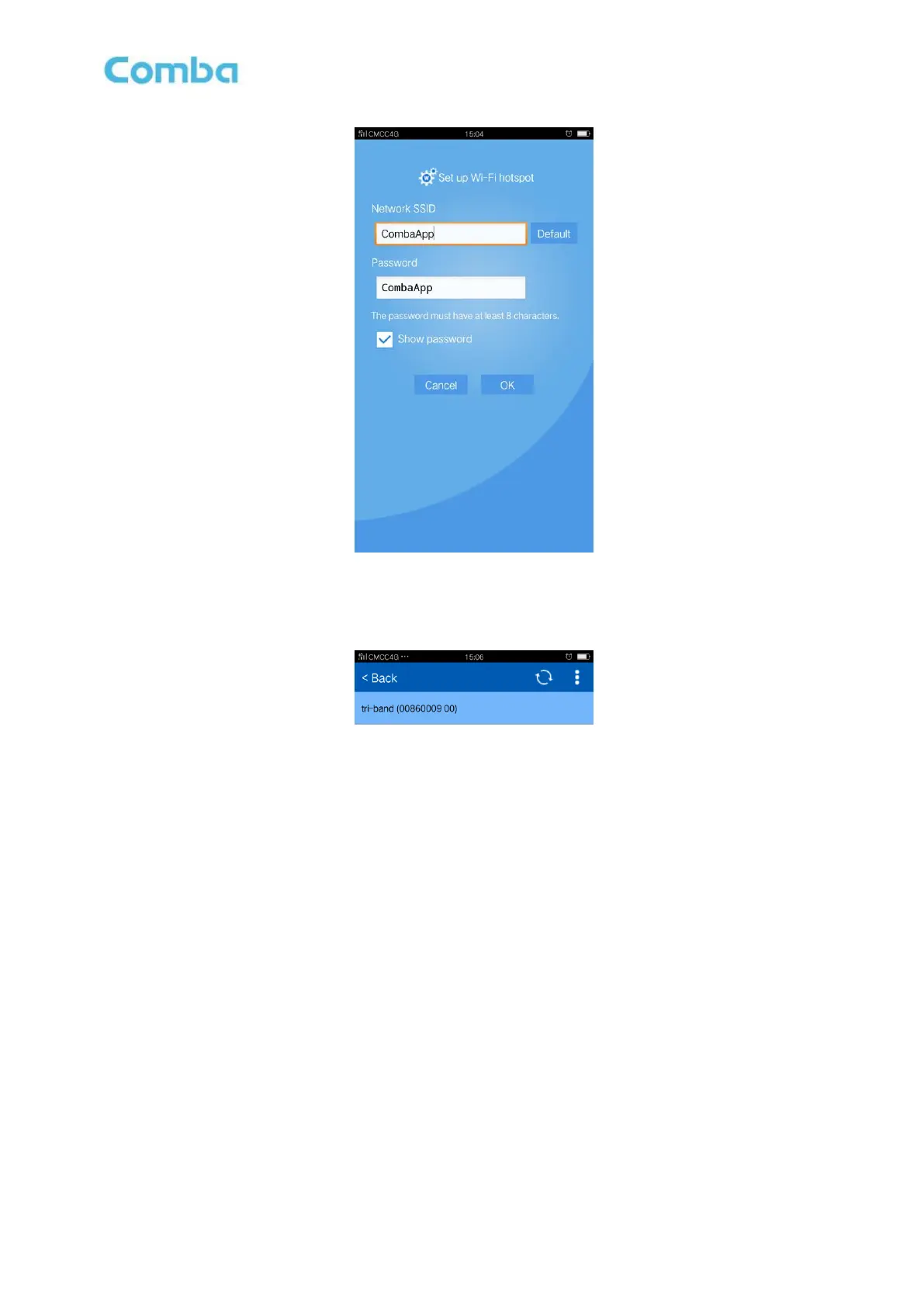
Figure 16: Wi-Fi hostspot
After configuration is done successfully, the following window will pop up; click the site ID and access.
If there have several equipments nearby, it will display a site ID list.
Figure 17: Product Selection
5.1.2 APP CONFIGURATION
After entering the APP main screen, equipment parameters can be read and/or set.
Users can configure the parameters, and then offset the parameters according to desired coverage level.
APP parameters include: Device Information, Alarm Information, RF Information, and NMS Information.



 To Next Page