USER MANUAL FOR mPICO SERIES
Copyright - refer to title page
5.8 OMT CONFIGURATION
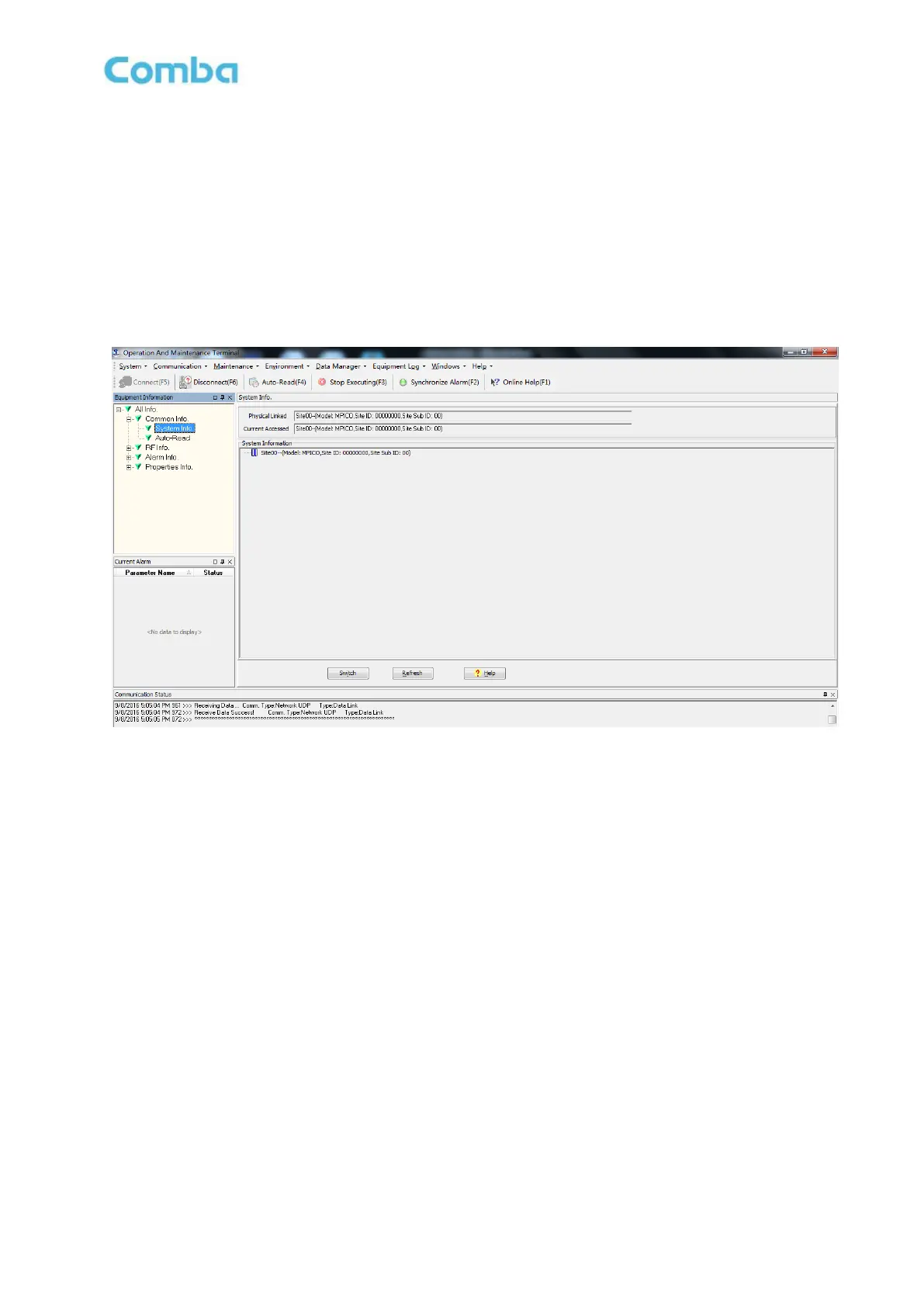
After entering the OMT main screen, click the “Connect” button on the toolbar, to connect the equipment
to the OMT. Successful connection will be indicated by a message “Online Ok” and equipment
parameters can be read and/or set.
Users can configure the parameters, and then offset the parameters according to desired coverage level
and interference to other BTS signals.
OMT parameters include: Common Information, RF Information, Alarm Information, and Properties
Information.
Figure 62: OMT Main Window
5.9 RF PARAMETER
It is recommended to configure the following RF parameters for the first installation.
5.9.1 SWITCH
RF Switch is to enable/disable power for internal modules. When user checks and sets non-RF
parameters, such as checking physical antenna connection, switching off will disable equipment power
temporarily to protect PA in operation.



 To Next Page