USER MANUAL FOR mPICO SERIES
Copyright - refer to title page
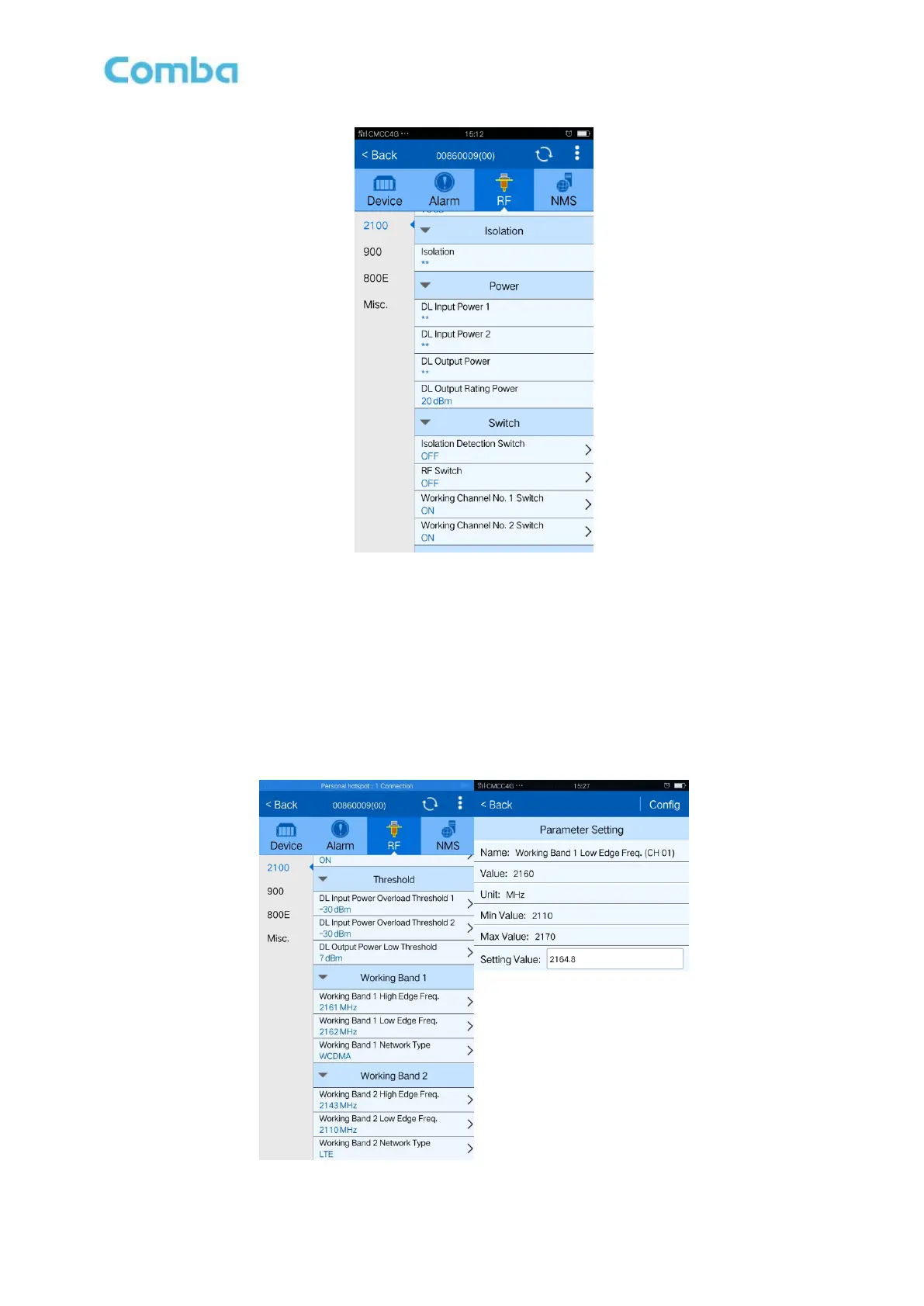
Figure 27: Switch
Config:
Select the required state in setting columns of RF information window for RF switch, then press [Config]
button to complete the configuration operation.
5.3.2 FREQUENCY
Frequency is working band bandwidth setting. The value in [Max Value] column is the upper limit of the
range, while the value in [Min Value] column is the lower limit of the range.
Figure 28: Frequency



 To Next Page