6Mechanical Installation Installation & Commissioning Manual
32
5100607_CFD5000 T - CM2.2_Installation & Commissioning Manual_T_EN_2023_F
6.7.2 Modules on a DIN rail
6.7.2.1 General information
This section is intentionally left blank and may be replaced
by project specific product information.
6.7.2.2 Mounting of modules on a DIN rail
CFD5000 modules (yellow housing) must be connected together as a separate
block.
If any CCP Fire modules (grey housing) are mounted on the same rail, place the
CFD5000 modules to the left of the CCP Fire modules.
•
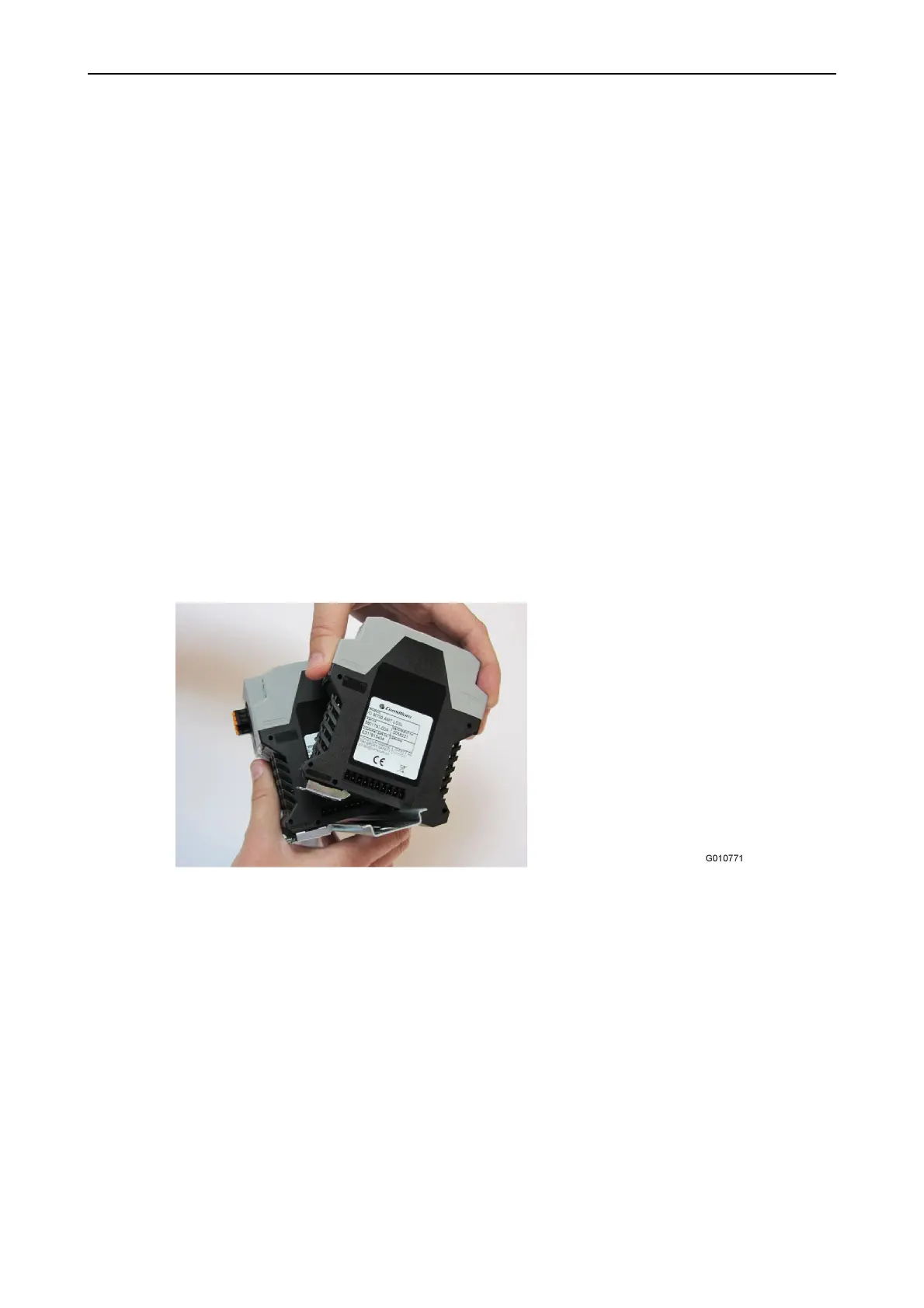
Snap the modules on the DIN rail from top to bottom with the locking facing
downwards.
•
Connect one module to the next by pressing them together.
Figure 19. Snap on Module
Screw type: N/A.
Tooling: N/A.
Torque: N/A.



 To Next Page