Installation & Commissioning Manual 8Commissioning
5100607_CFD5000 T - CM2.2_Installation & Commissioning Manual_T_EN_2023_F
47
5 Verify that the correct number and type of loop
units are installed in the correct place. The
system will provide you with the requested
information if you use the Menu » 6 Service
Menu » 2 Zones, choose the relevant zone, and
then press .
A list of all units found on the zone will be
generated.
If the loop has too many or too few
loop units, see Wrong number of loop
units, page 55.
6 One loop is now verified and tested. Continue
with the next loop.
Repeat steps 3-5 for all other loops.
7 Perform a loop unit test of the complete fire
detection system. Activate the loop unit and
verify that the text in the panel correspond to the
actual location. Also verify the type of loop unit
and its functional output. Observe that some
loop unit can have multiple source of alarm.
Use appropriate test equipment (smoke detector
test gas, heat detector tester) to test each
detector and loop unit. See section Approved
test equipment, page 49
The “Fire alarm history list”, found under Menu
» 7 History » 1 Fire, contains the 1000 latest fire
alarms.
See Testing of System Parts (Control
Panel CM2.2), page 48.
8 Use a top to bottom procedure if you have any problem with the verification of the loop
function.
Start by solving the problems that affect the whole loop and then continue with the
problems with each address.
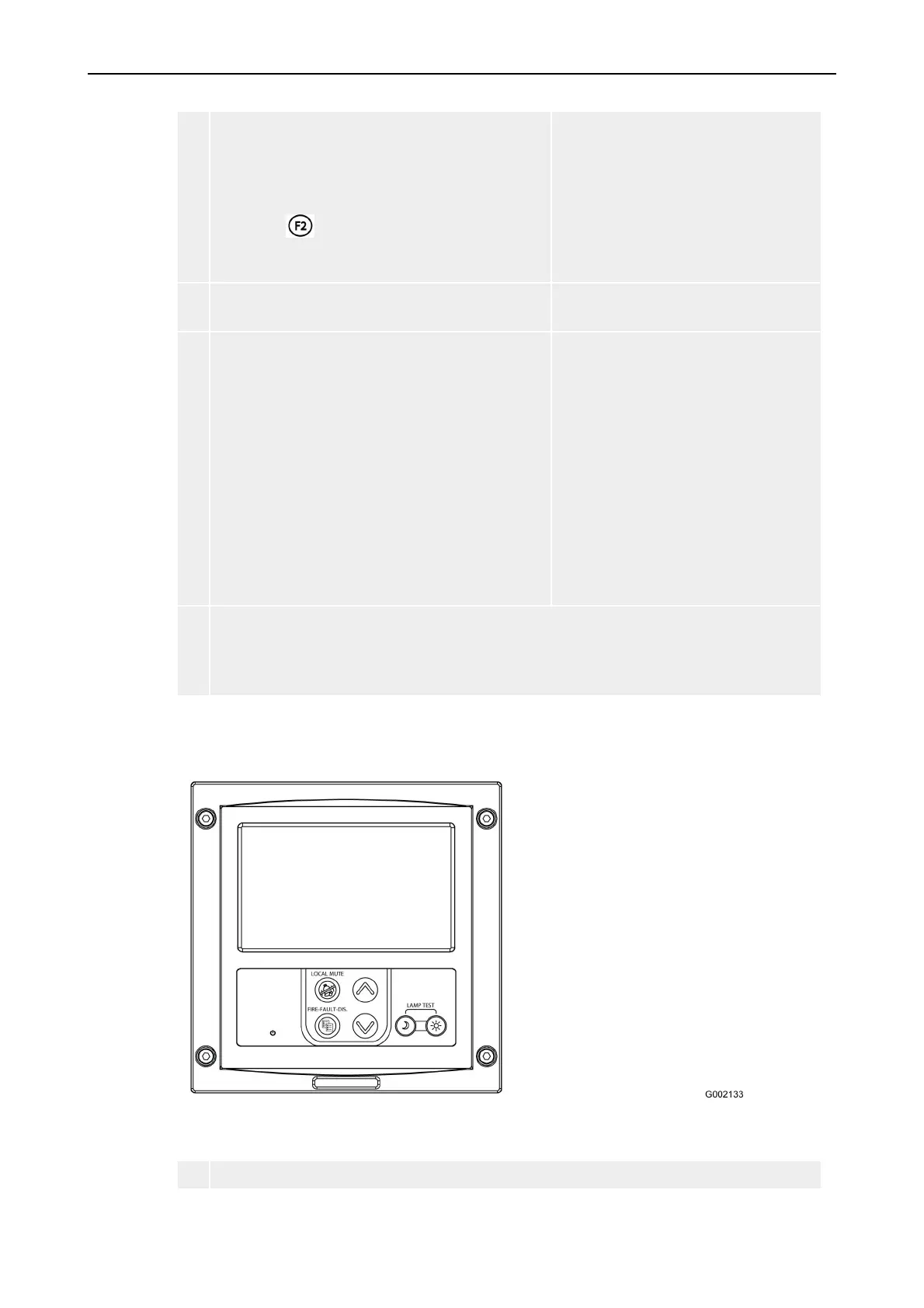
8.3 Setting address and layout on Repeater M4.3
Follow this instruction to set the address and the functions of the Repeater M 4.3.
1 Power up the Repeater M4.3 panel and wait until it is operational.



 To Next Page