Installation & Commissioning Manual 6Mechanical Installation
5100607_CFD5000 T - CM2.2_Installation & Commissioning Manual_T_EN_2023_F
35
6.7.4.2 Mounting of SLZ-2 DIN carrier
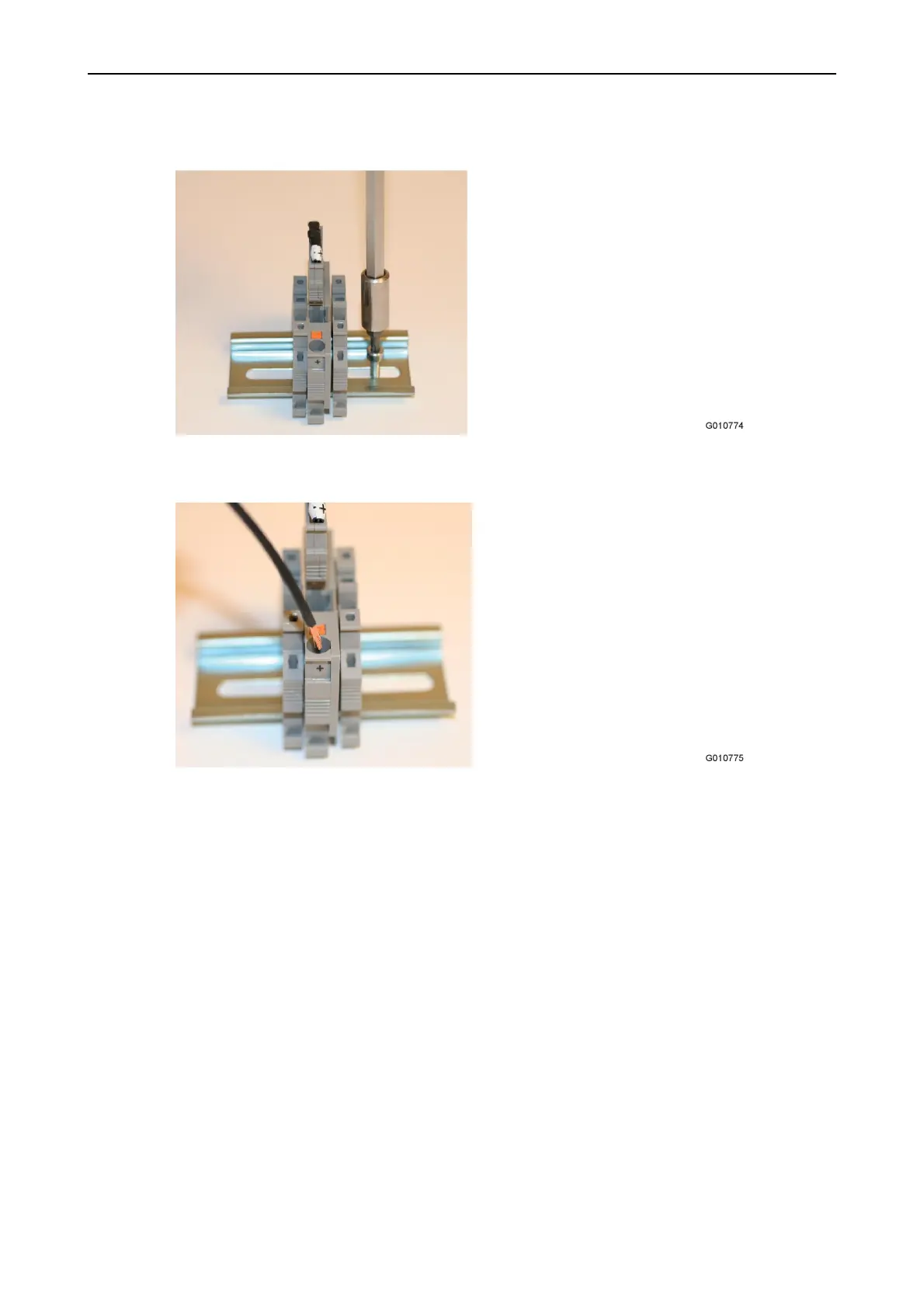
1. Attach the SLZ-2 DIN carrier.
Figure 22. SLZ-2 DIN carrier attachment
2. Connect the wires.
Figure 23. Connect the wires to the SLZ-2 DIN carrier
Screw type: Type depending on surface. Maximum diameter of 5 mm / head min. 7 mm
Tooling: Depending on screw type used.
Torque: Depending on surface and screw type used.
6.7.4.3 Dismounting of SLZ-2 DIN carrier
Screw type: Type depending on surface. Maximum diameter of 5 mm / head min. 7 mm
Tooling: Depending on screw type used.
Torque: Depending on surface and screw type used.



 To Next Page