6Mechanical Installation Installation & Commissioning Manual
36
5100607_CFD5000 T - CM2.2_Installation & Commissioning Manual_T_EN_2023_F
6.7.5 DCDC converter
6.7.5.1 General information
This section is intentionally left blank and may be replaced
by project specific product information.
6.7.5.2 Mounting of MTM PCMDS DCDC converter
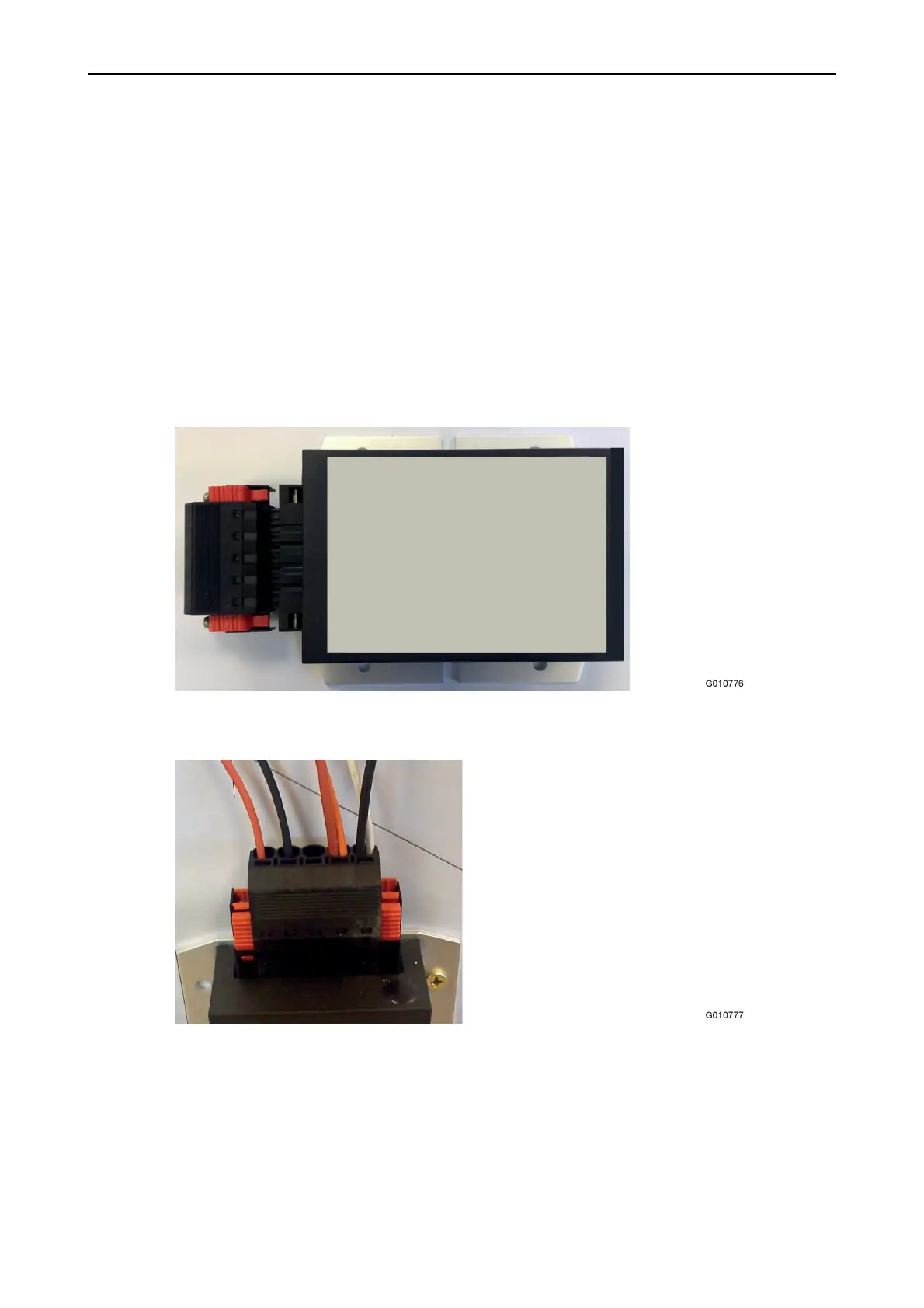
1. Attach the DCDC converter with 4 screws.
Figure 24. Connector and DCDC converter
2. Connect the wires.
Figure 25. Connect the wires to the connector
Screw type: Depending on surface, maximum diameter of 5 mm.
Tooling: Depending on screw type used.
Torque: Depending on material.



 To Next Page