Installation & Commissioning Manual 8Commissioning
5100607_CFD5000 T - CM2.2_Installation & Commissioning Manual_T_EN_2023_F
53
4 Check and reset any fault codes generated from the testing.
CS-MCP HD and CS-MCP HD Ex
The call point can be tested with a special key, included in the delivery.
Figure 34. Testing CS-MCP HD and CS-MCP HD Ex
1 Insert the key into the test hole.
The test hole is situated on the bottom right hand side of the glass cover.
2 Turn the key in a clockwise direction (approximately 60°).
This will simulate the breaking of the glass.
3 Release the key to reset the call point.
4 Check and reset any fault codes generated from the testing.
8.4.4 Test the Control Module Display
With the function Test LEDs it is possible to test:
•
The display
•
All indications on the control module
NOTE!
The user has to verify that the display and all indications are working properly. This
function will not generate a fault alarm in case something is faulty.
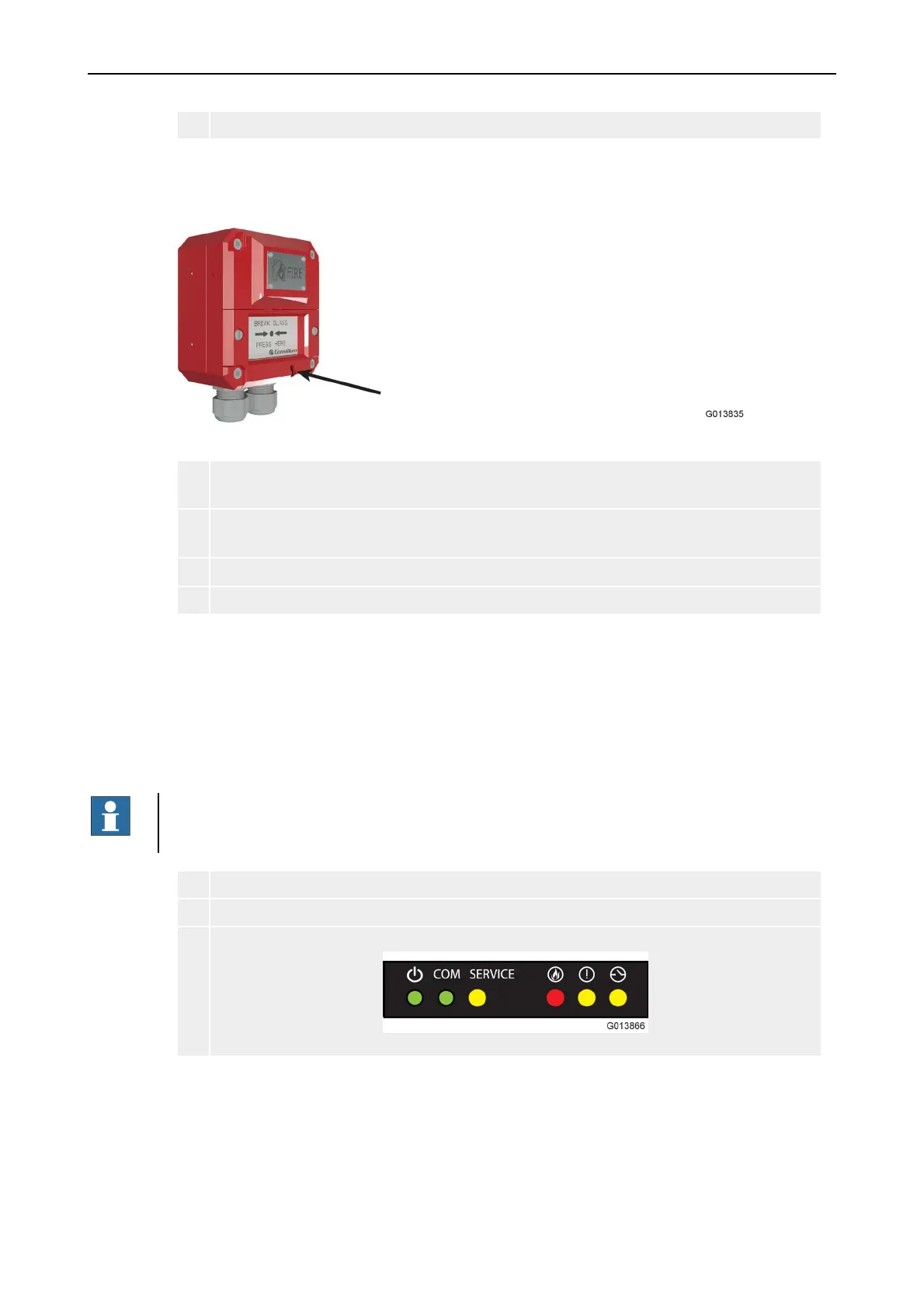
1 To test the control module display, use: Menu » 5 Settings » 3 Test LEDs.
2 Verify that the display momentarily shows a test image.
3 Verify that all system indicators momentarily lights up with a steady light.



 To Next Page