BS Controller for AC SERVO PRESS
Instruction Manual Ver1.08
BS-M3A-1B
- 39 -
other data for them.
An example of a setting of an IP address
IP address 192.168.1.1(The default gateway of BS)
Subnet mask 255.255.0.0
Since it is not connectable with the Internet environment in almost all cases,
the personal computer set as the fixed IP address should be careful.
Please use a cross cable, when you link a BS controller and a personal
computer directly. Please use a straight cable, when you go via a hub.
If connection is completed, BS Configurator will be started and communication
will be checked. In the following explanation, the spindle number shall be set
as No. 1.
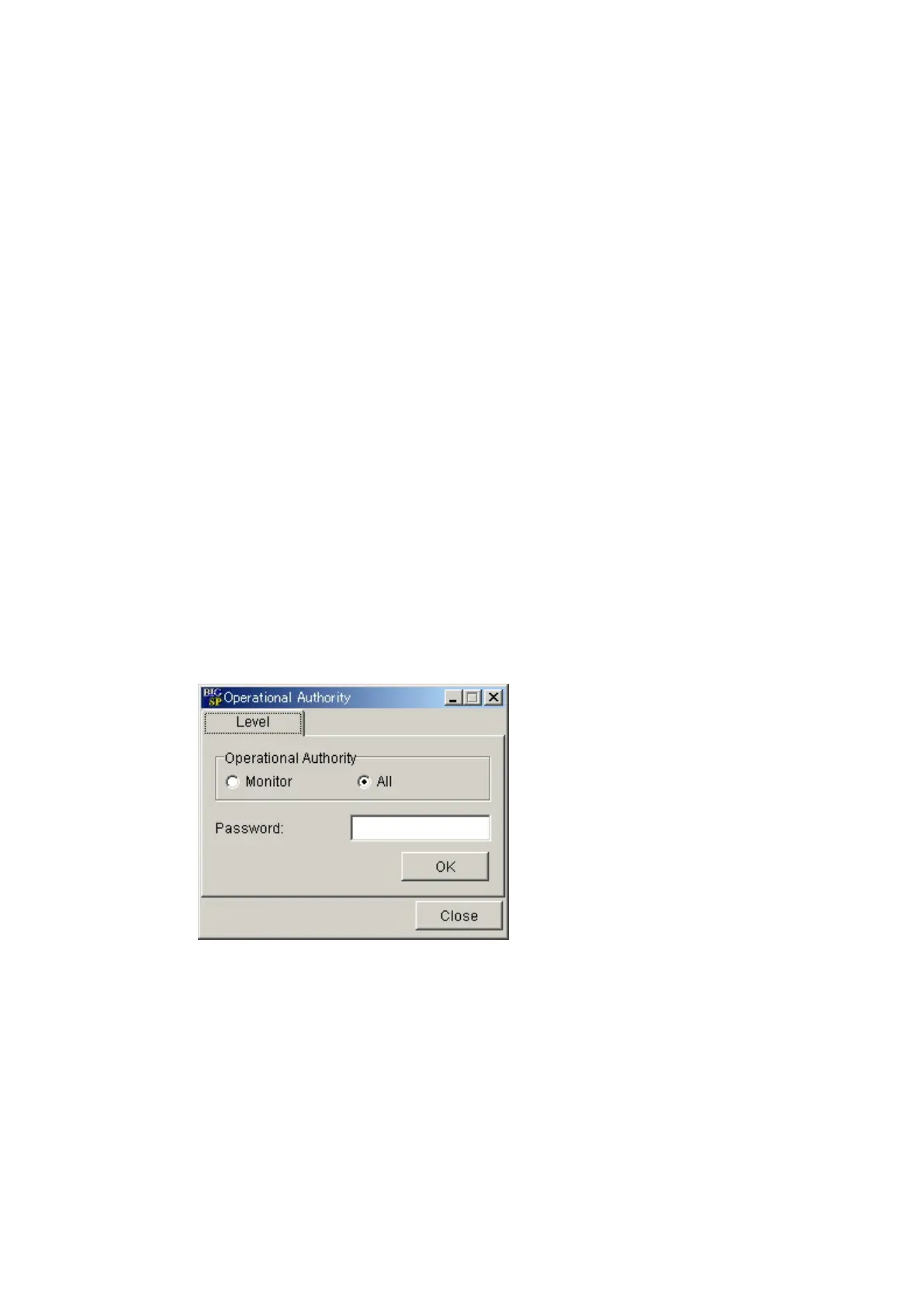
Setup of operational authoority
Operation authority can be set to BS Configurator. All operations are attained
by setting it as "All ". If setup-operation authority is chosen with a pull down
menu, an operation authority screen (Fig. 9-1) will be displayed. The radio
button of “All” is turned ON, a password is inputted, and O.K. button is clicked.
The initial value of a password is "2".
Fig.9-1 Operational authority screen



 To Next Page