12 2 - Machine installation
COROB
TM
D300
14. Adjust the colorant level alarm for the correct amount, 0.5 - 1l, by activating the colorant
control of the machine driver software.
=> The machine reduces the colorant amounts used in dispensing and informs if there is not
enough some colorant.
This way you can add colorant during dispensing and the dispensing continues normally after
that.
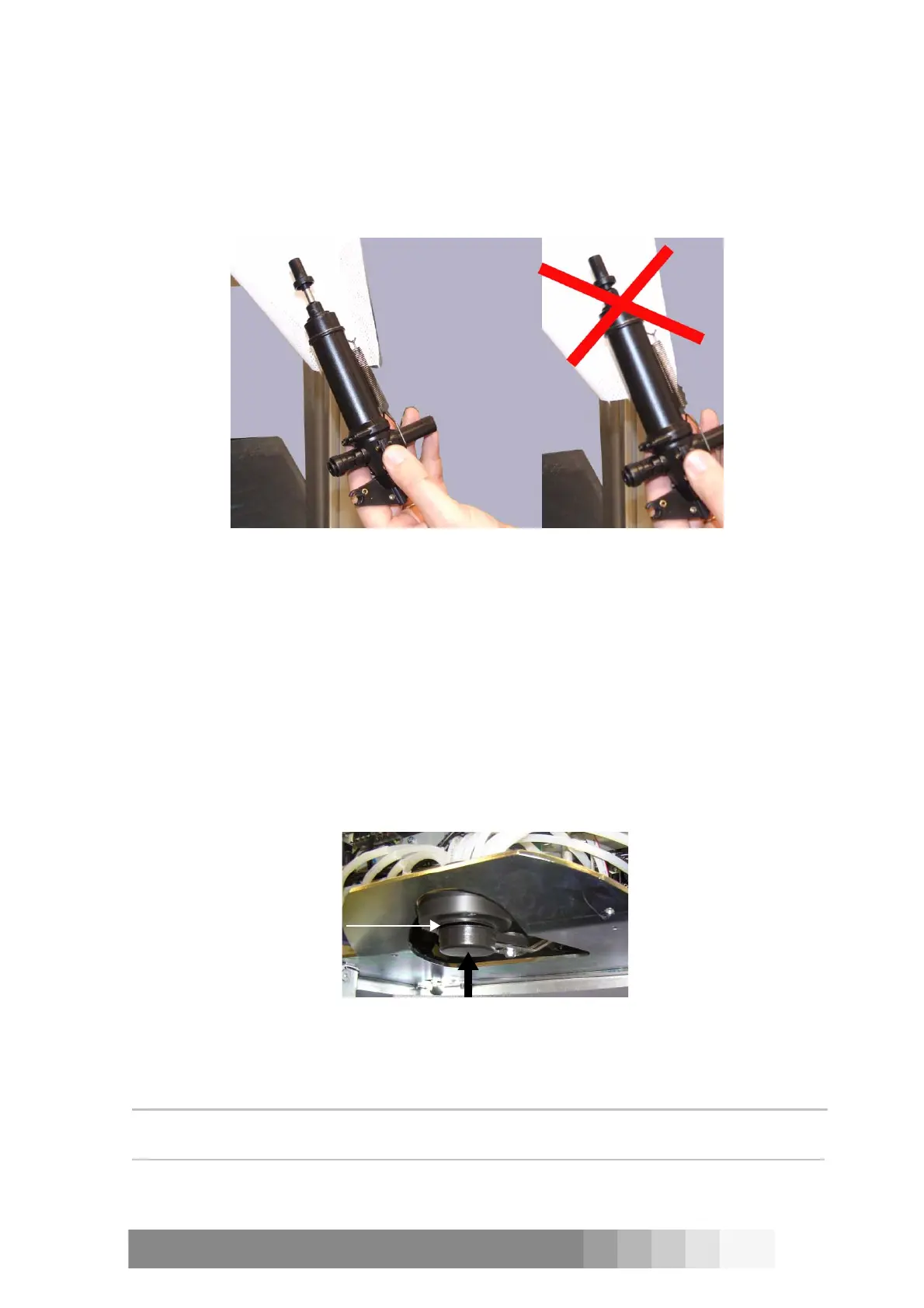
15. Check that the pistons of the pumps are not in their lowest position.
16. Run Purge (Sequential) -test and check that the valves, solenoids and pumps are working, see
the section “Purge, init and dispense commands” on page 47.
17. Remove the air from the hoses, pumps and nozzles by dispensing 500ml of colorant from each
canister. Do it either with Free dispense or Manual dispense programs:
- Start the program
- Change the unit to ml, if necessary.
- Dispense 500ml of each colorant to a clean container.
- Pour the dispensed amount back to the canister.
- Close the program by pressing the cross at the top right corner of the window.
18. Check that the puncher (optional) works properly.
19. Check that the humidifier cap works correctly.
20. Check that the space between the humidifier cap and the nozzles is 0.5 - 1mm.
21. Fill in the Installation report and Warranty registration form and send it to CPS Color
Equipment Oy.
NOTE!: The warranty becomes valid after installation. However, this will never exceed 14 months
from the delivery.
Figure 15: The piston of the pump must be lifted up a little, when the
pumps are in the machine.
0.5 - 1mm
Figure 16: The humidifier cap is under
the nozzles.



 To Next Page