Product Manual — Doc. 8559B 4-Series™ Control Systems • 99
DINRail Mounting
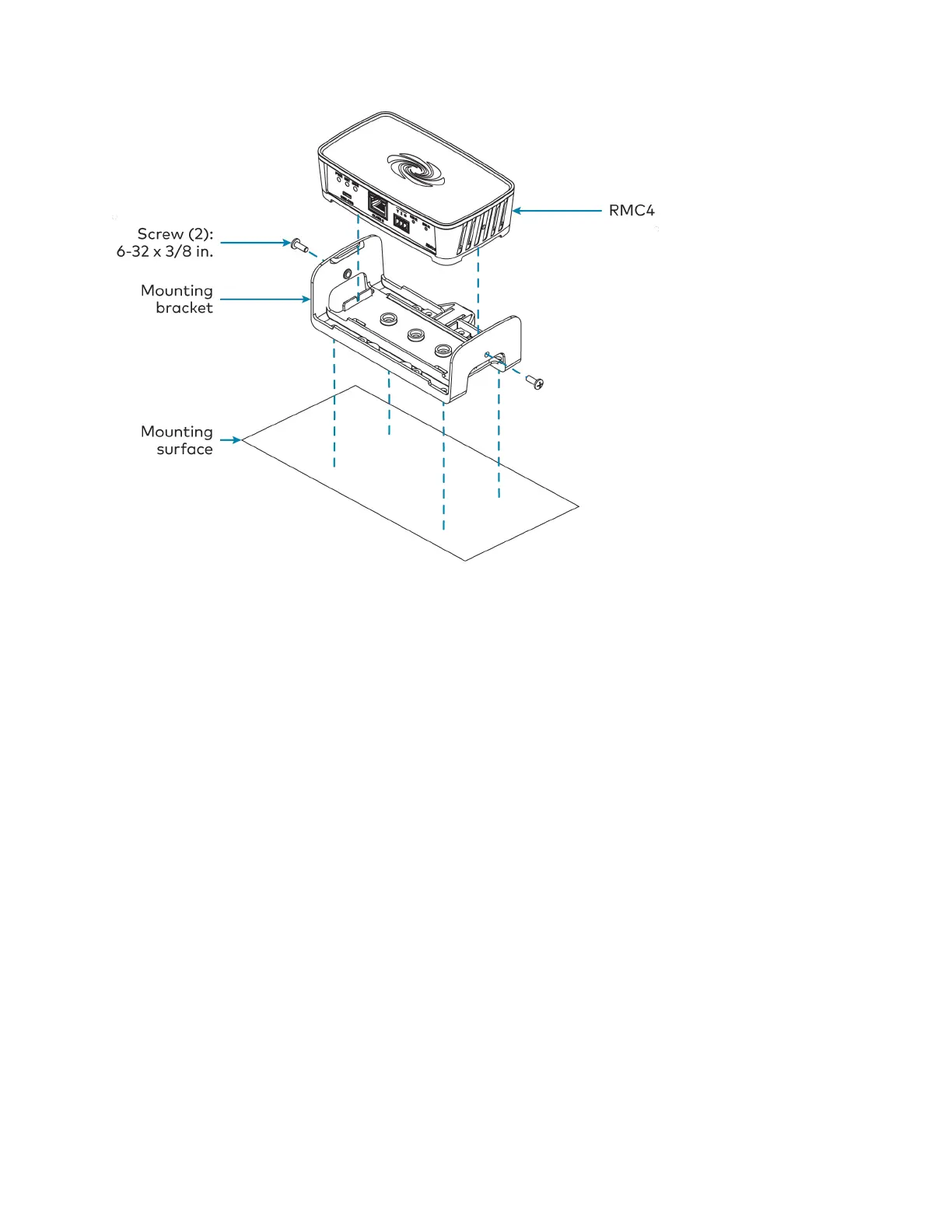
1. Detach the control system from the mounting bracket by pulling the left and right flanges
of the bracket outward to release the tabs that hold the control system in place.
2. Pull the DIN rail release tab downward using a flat-head screwdriver.
3. Position the DIN rail mounting tabs (located on the rear of the bracket) over the top edge
of the DIN rail.
4. Push the DIN rail release tab upward to lock the mounting bracket onto the rail.
5. Align the slots on the bottom of the control system with the tabs on the mounting
bracket.
6. Press the control system into the bracket until it snaps into place.



 To Next Page