Product Manual — Doc. 8559B 4-Series™ Control Systems • 155
Once a static or dynamic IP address has been set for the control system, the TCP/IP connection
information for the control system may be saved using the Address Book function in Crestron
Toolbox. For more information, refer to the Crestron Toolbox help file.
Set aLogon Banner
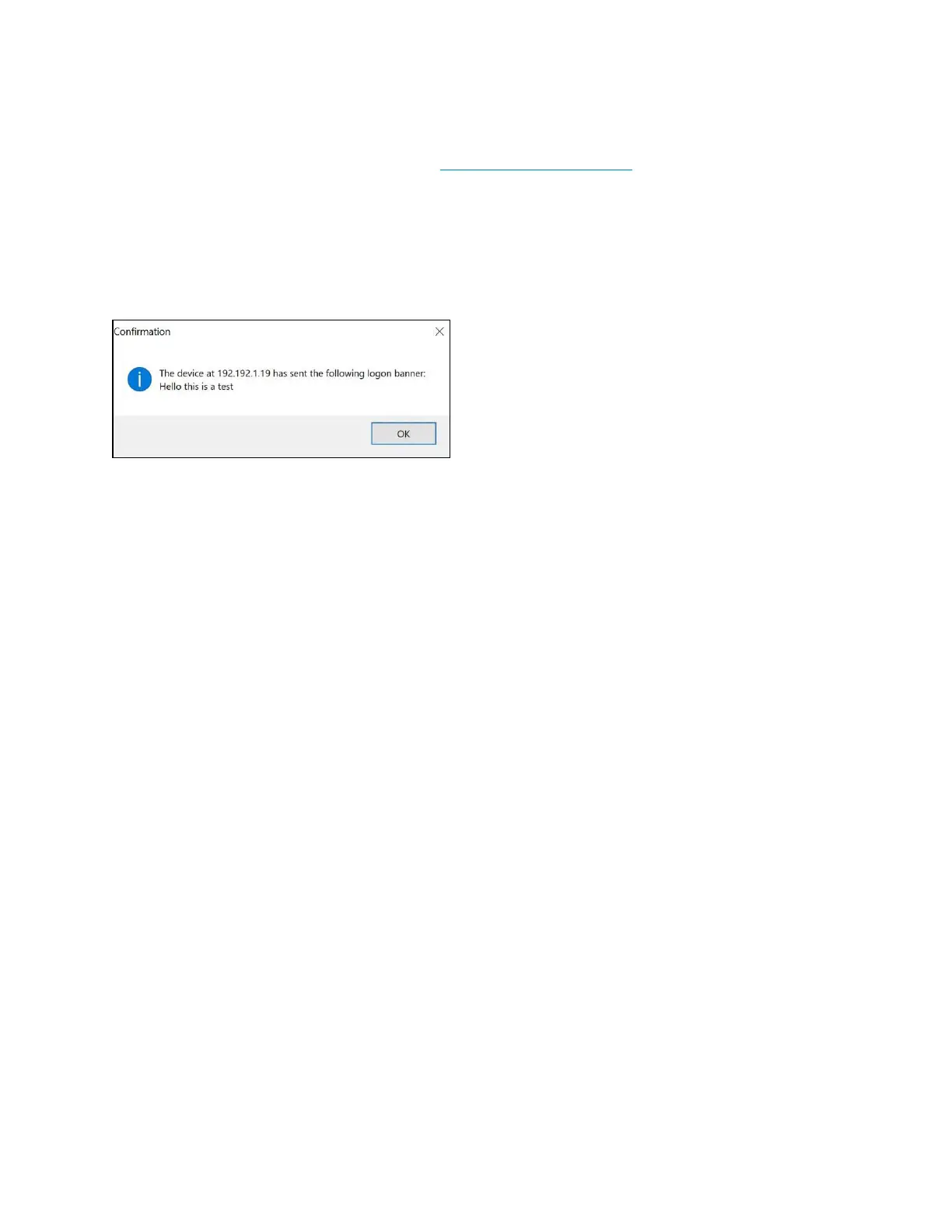
A logon banner can be loaded to the control system that is shown when a user connects to the
control system successfully over SSH or web server. Asample logonbanner is shown below.
Sample LogonBanner
To load alogon banner to the control system:
1. Create the banner text file using a text editing application. The text file must be a regular
ASCIIfile (not using UTF-16 or any other encoding).
2. Save the text file as banner.txt.
3. Use an SFTP client to load the banner.txt file to the \sshbanner directory on the control
system.



 To Next Page