Product Manual — Doc. 8559B 4-Series™ Control Systems • 143
802.1x Configuration
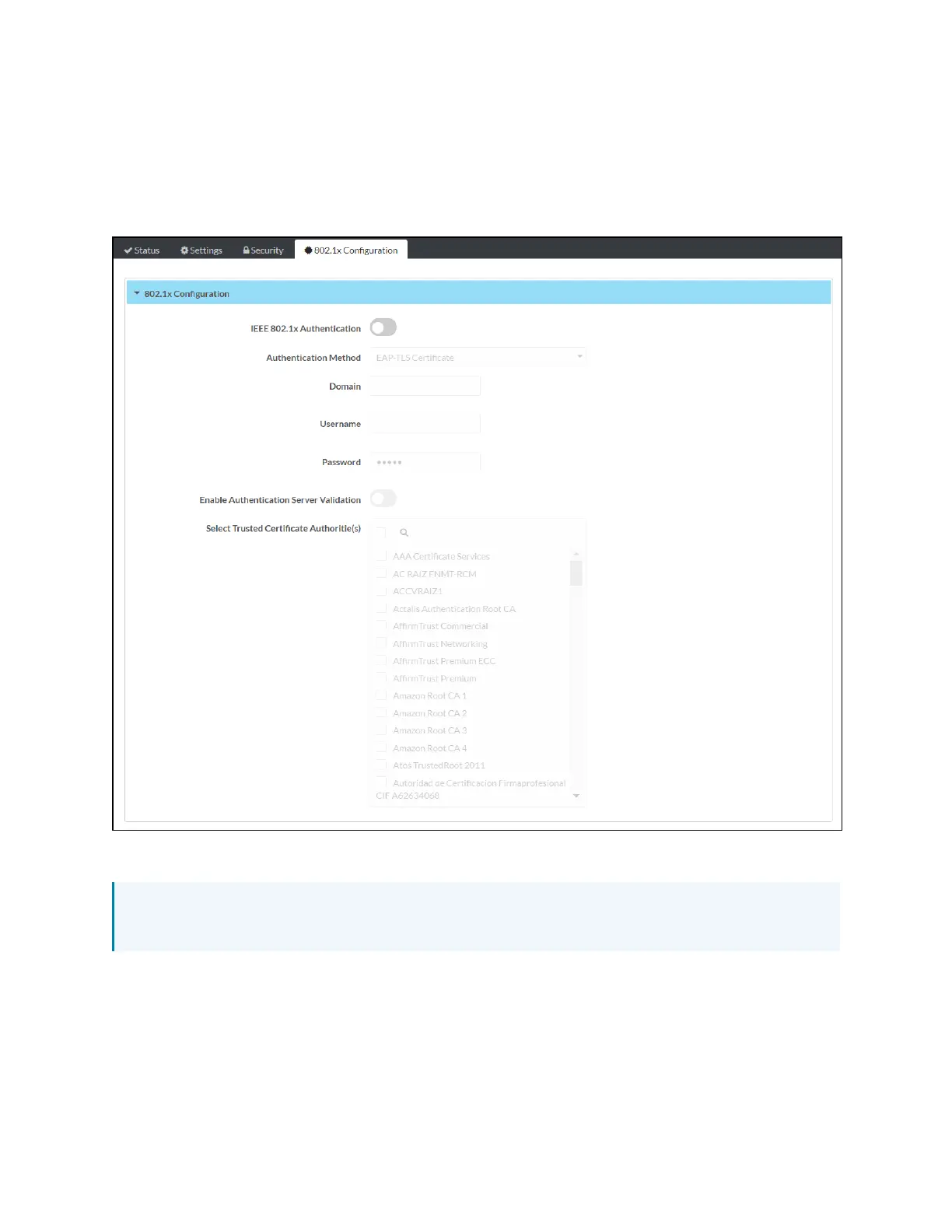
Select the 802.1x Configuration tab on the top left of the configuration interface to display
selections for configuring IEEE 802.1X network authentication for control system security.
802.1x Configuration Tab Selections
Expand the 802.1x Configuration accordion to configure the following settings:
NOTE:For more information about configuring 802.1X network authentication on a 4-Series
control system, refer to 802.1X (on page177).
l
IEEE 802.1x Authentication: Turn on the toggle to use 802.1X authentication for the
control system.



 To Next Page