142 • 4-Series™ Control Systems Product Manual — Doc. 8559B
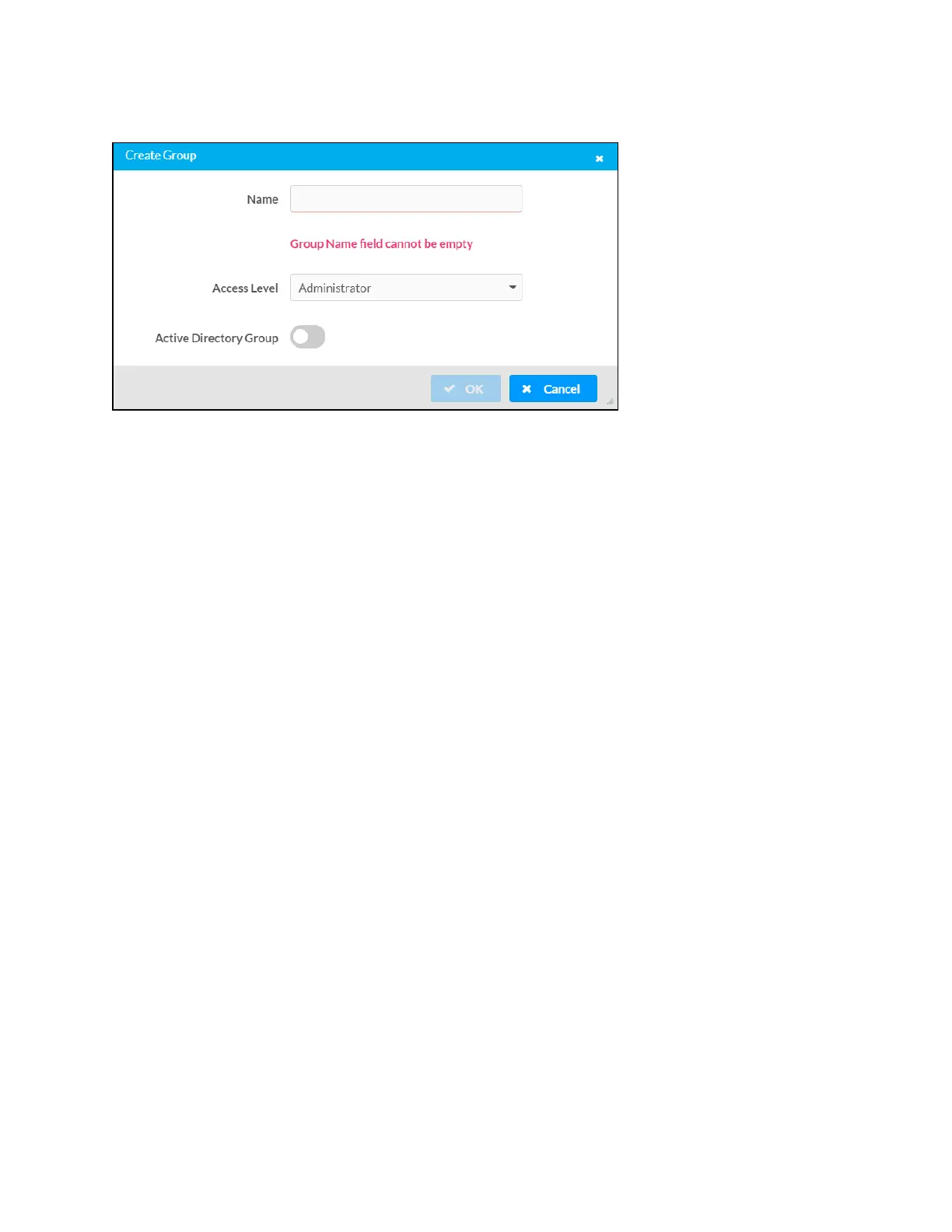
Create Group Dialog Box
Use the following settings to create a new group:
l
Name: Enter a group name.
l
Access Level: Select an access level for the group and its users from the drop-down menu.
l
Active Directory Group: Turn on the toggle to use authentication via Active Directory for
the group.
Select OK to save any changes and to return to the Groups selections. Select Cancel to cancel
creating a new group.



 To Next Page