134 • 4-Series™ Control Systems Product Manual — Doc. 8559B
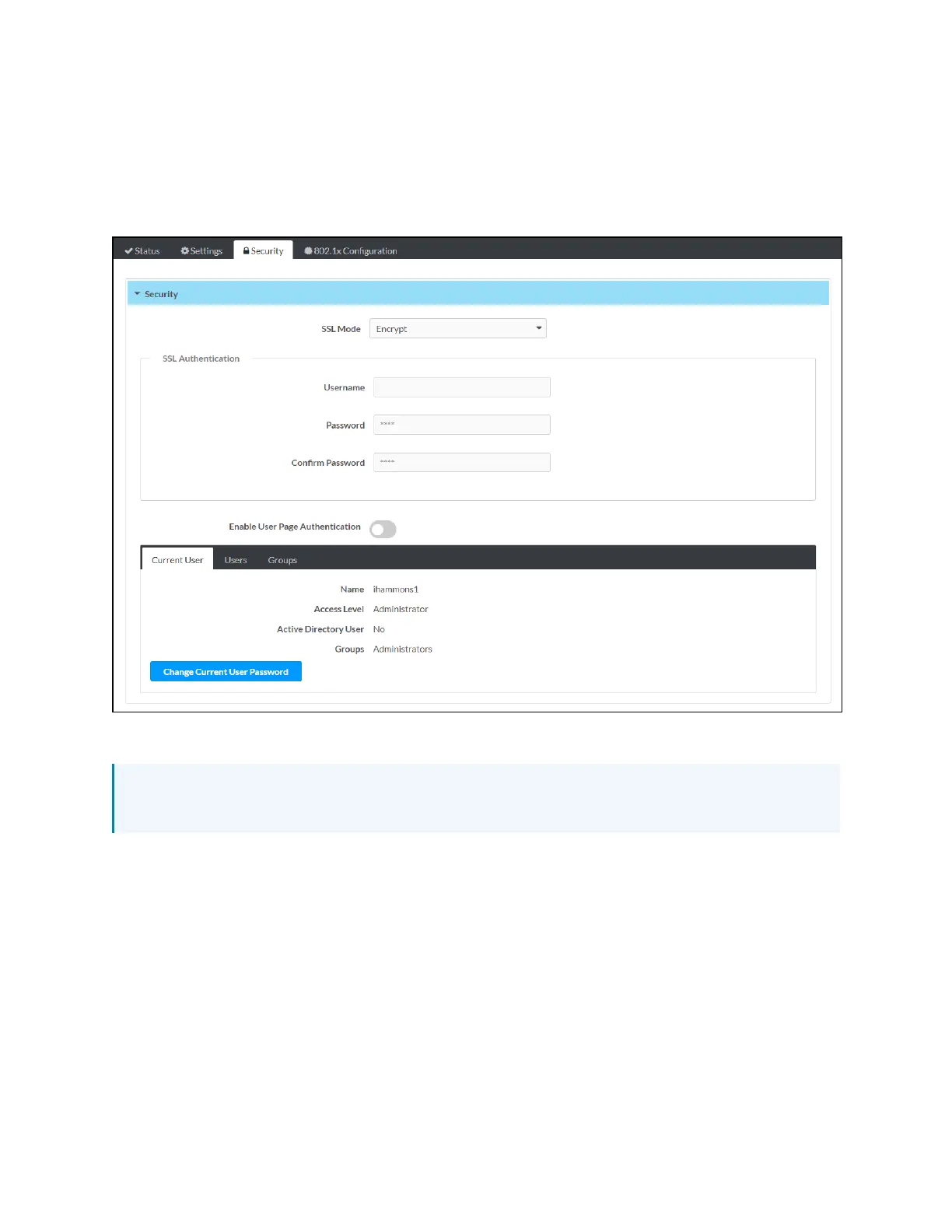
Security
Select the Security tab on the top left of the configuration interface to display selections for
configuring security and authentication settings for the control system.
Security Tab Selections
Expand the Security accordion to configure the following settings:
NOTE:For more information about configuring authentication settings on a 4-Series control
system, refer to Authentication (on page157).
l
SSLMode:Select an SSL(Secure Sockets Layer) mode to use for establishing a secure
connection to the control system:
o
Encrypt and Validation:The control system will require a username and password to
validate an encrypted SSLconnection. Enter a username and password in the
appropriate fields that are displayed.
o
Encrypt: The control system will use an encrypted SSL connection.
l
Enable User Page Authentication:Turn on the toggle to use user page authentication for
web pages and mobility projects. If this toggle is turned on, a user will be prompted for
login credentials as they load the project.



 To Next Page