Product Manual — Doc. 8559B 4-Series™ Control Systems • 135
Control system users and groups can be viewed and modified within the table provided at the
bottom of the accordion. Use the following settings to add, delete, and edit control system users
and groups.
Current User
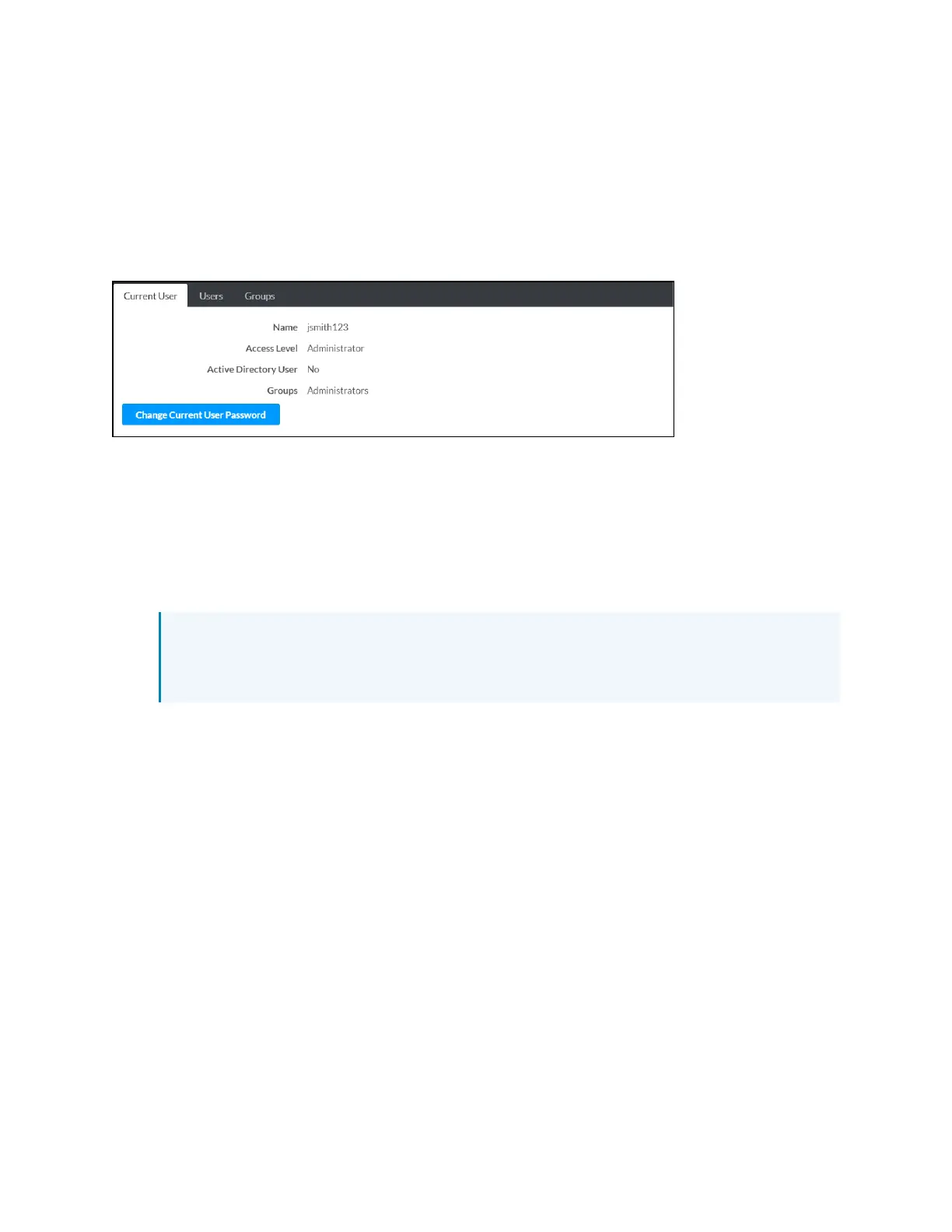
Select the Current User tab to view and edit information for the current control system user.
Current User Tab
The following settings are displayed for the current user:
l
Name: The chosen username
l
Access Level: The access level granted to the user (Administrator, Programmer, Operator,
User, or Connect)
l
Active Directory User: Reports whether the current user is (Yes) or is not (No)
authenticated through Active Directory® software
NOTE: A user must be added to an Active Directory group before the user may be
selected as an active directory user. For more information, refer to Groups (on
page140).
l
Groups: Any groups of which the current user is a member
Select Change Current User Password to change the password for the current user. The Change
Password dialog box is displayed.



 To Next Page