Product Manual — Doc. 8559B 4-Series™ Control Systems • 109
The configuration interface provides the following tabs:
l
Status:Used to monitor control system status
l
Settings:Used to configure control system settings
l
Security:Used to configure authentication and other security settings
l
802.1x Configuration:Used to configure IEEE 802.1X network authentication for control
system security
The Status tab is the default tab that is displayed, as shown in the preceding image.
Actions Menu
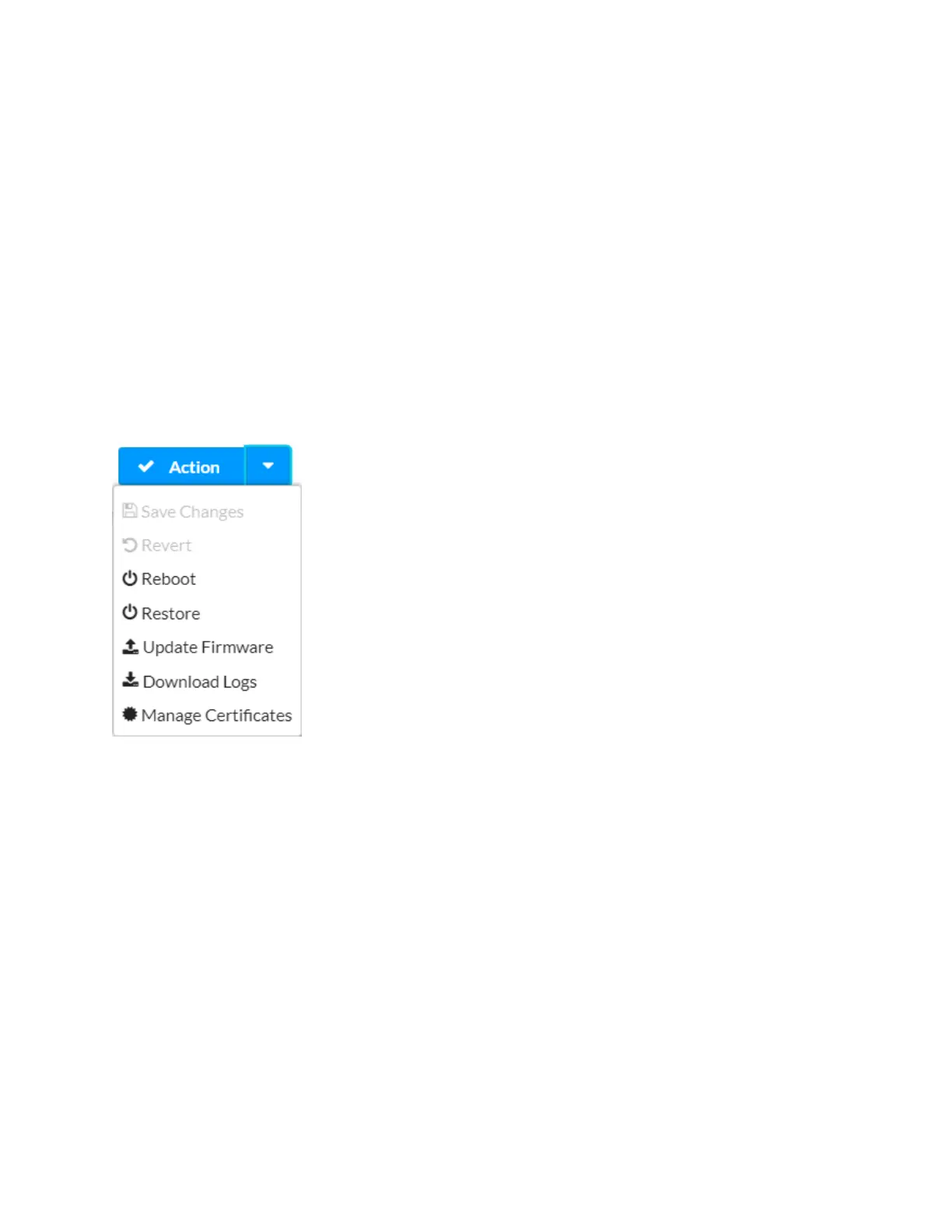
The configuration interface provides an Actions drop-down menu on the top right of the page.
The Actions menu may be accessed at any time.
Actions Menu
Once any changes have been made to the control system configuration, the Actions button
changes to a Save Changes button. Select Save Changes to save changes to the configuration
settings.
If a restart is required after changes have been saved, a dialog box is displayed asking whether
the restart should be performed. Select Yes to restart the device or No to cancel the restart.
The Actions menu provides the following selections.
Save Changes
Select Save Changes to save any changes made to the configuration settings.
Revert
Select Revert to revert the control system back to the last saved configuration settings.
Reboot
Select Reboot to restart the control system.



 To Next Page