110 • 4-Series™ Control Systems Product Manual — Doc. 8559B
After Reboot is selected, a dialog box is displayed asking whether the control system should be
restarted. Select Yes to restart the device or No to cancel the restart.
Restore
Select Restore to restore the control system configuration settings to their default values.
After Restore is selected a dialog box is displayed asking whether the device settings should be
restored. Select Yes to restore the settings or No to cancel the restore.
Update Firmware
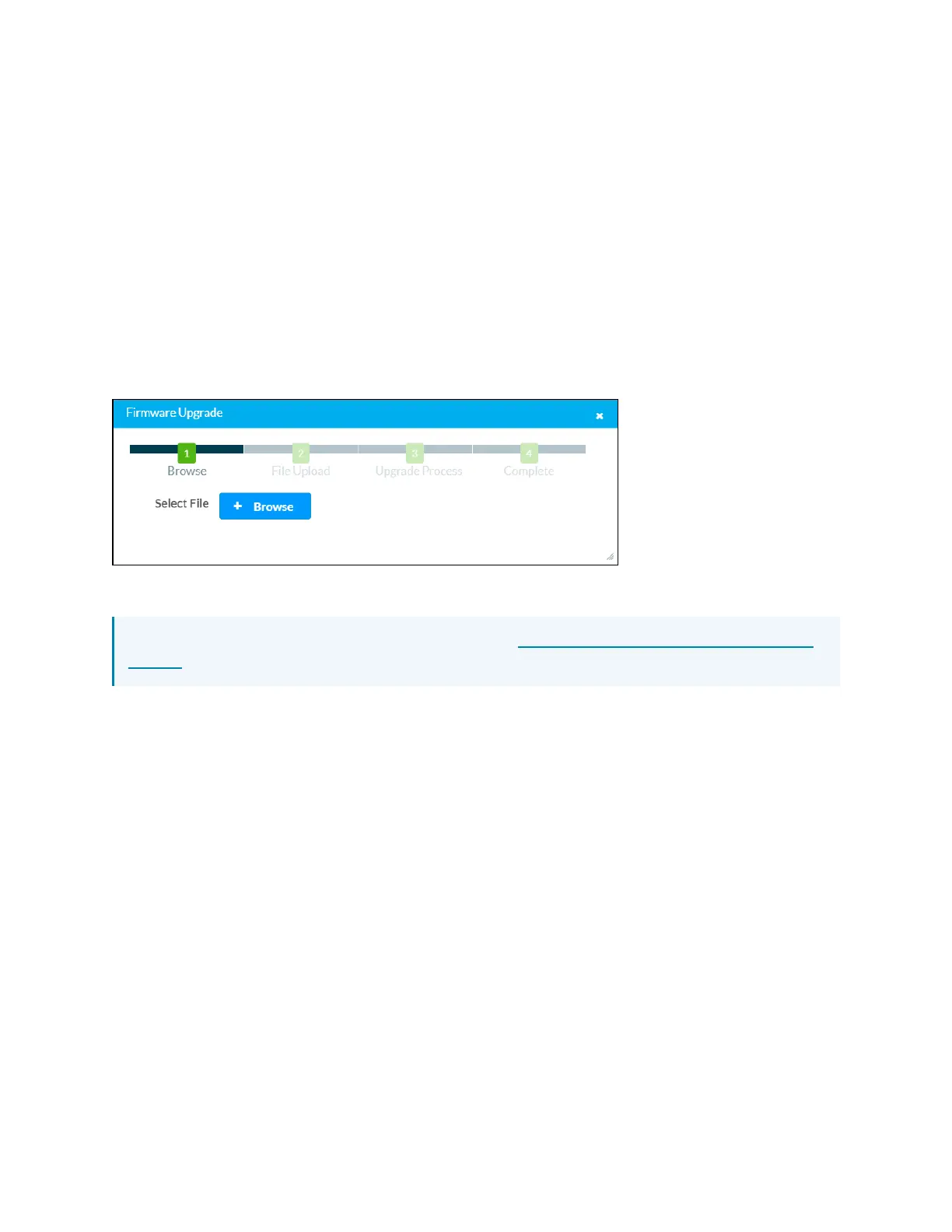
Select Update Firmware to upgrade the control system firmware manually with a downloaded
PUF (package update file). The Firmware Upgrade dialog box opens.
Firmware Upgrade Dialog Box
To upload a firmware PUF through the web configuration interface:
NOTE: Visit the appropriate device product page or www.crestron.com/Support/Resource-
Library to download the latest firmware PUF.
1. Select Browse, and then navigate to the firmware PUF on the host computer.
2. Select the firmware PUF, and then select Open.
3. Select Load to load the PUF to the control system. The upload progress is shown in the
dialog box.
4. Once the control system has completed the firmware upgrade, select OK.
Select the x button to close the Firmware Upgrade dialog box at any time during the upgrade
process. Selecting the x button before the PUF is uploaded cancels the upgrade.
DownloadLogs
Select Download Logs to download the control system message logs for diagnostic purposes.
The message files download as a compressed .tgz file. Once the compressed file is downloaded,
extract the message log files to view them.
Manage Certificates
Select Manage Certificates to manage any certificates that are installed on the control system.
For more information on certificate management, refer to 802.1x Configuration (on page143).



 To Next Page