Product Manual — Doc. 8559B 4-Series™ Control Systems • 115
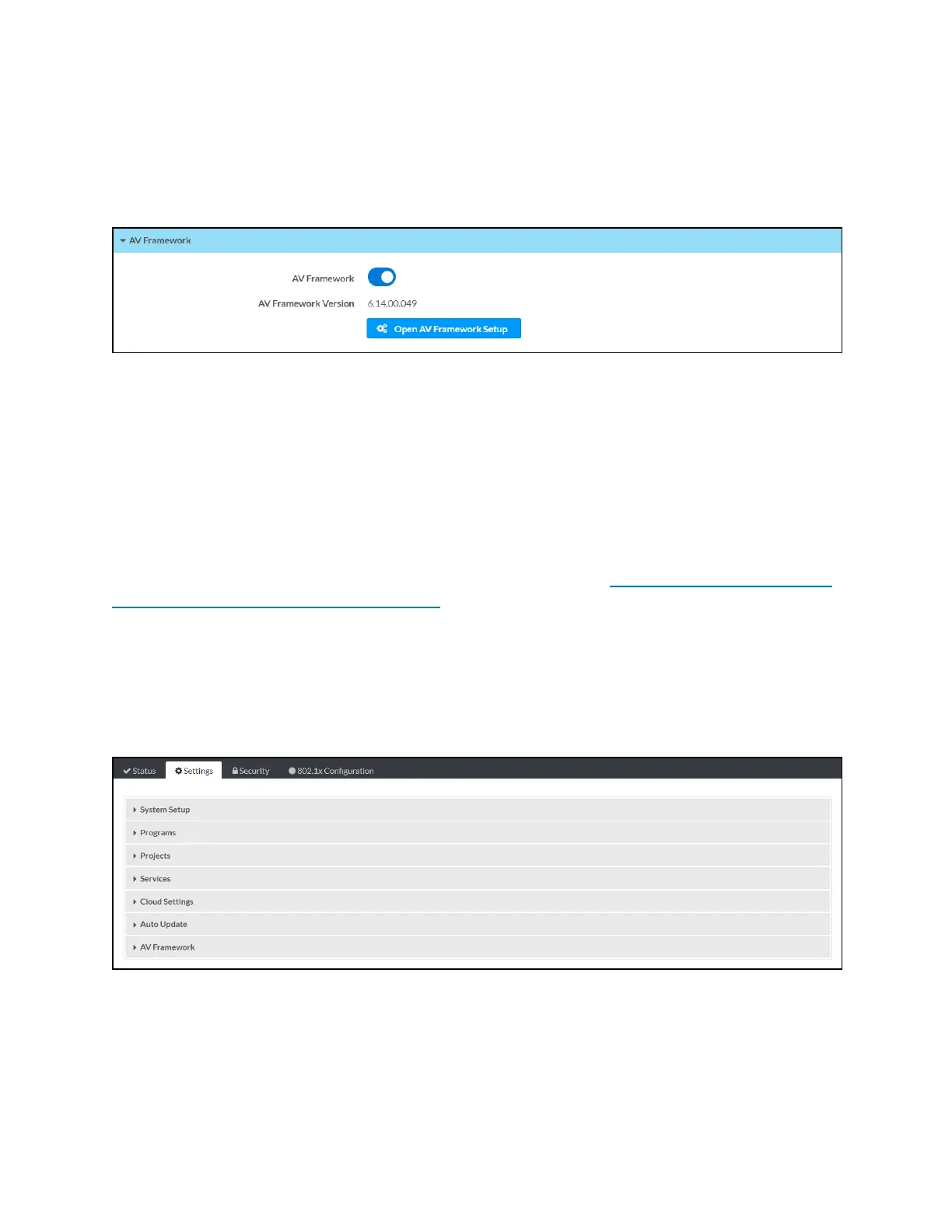
AVFramework
Select AVFramework to view the status of the native .AVFramework software program running
on the control system
Status Tab - AVFramework
The following AVFramework information is displayed:
l
AVFramework: Reports whether the native .AVFramework software program has been
turned on (Enabled)or not (Disabled)
l
AVFramework Version:Reports the version of the native .AVFramework software
program running on the control system, shown only if the native .AVFramework software
program is turned on
If the native .AVFramework software program is turned on, an Open AVFramework Setup
button is provided to launch the .AVFramework web configuration utility. For more information
on configuring .AVFramework for the control system, refer to the .AVFramework Software for
4-Series Control Systems Operations Guide.
Settings
Select the Settings tab on the top left of the configuration interface to display selections for
configuring various control system settings.
Settings Selections
Each selection is described in the sections that follow.



 To Next Page