116 • 4-Series™ Control Systems Product Manual — Doc. 8559B
NOTE: If an invalid value is entered for a setting, the web interface will not allow changes to
be saved until a valid value is entered. Red text is displayed next a setting to indicate an
invalid value.
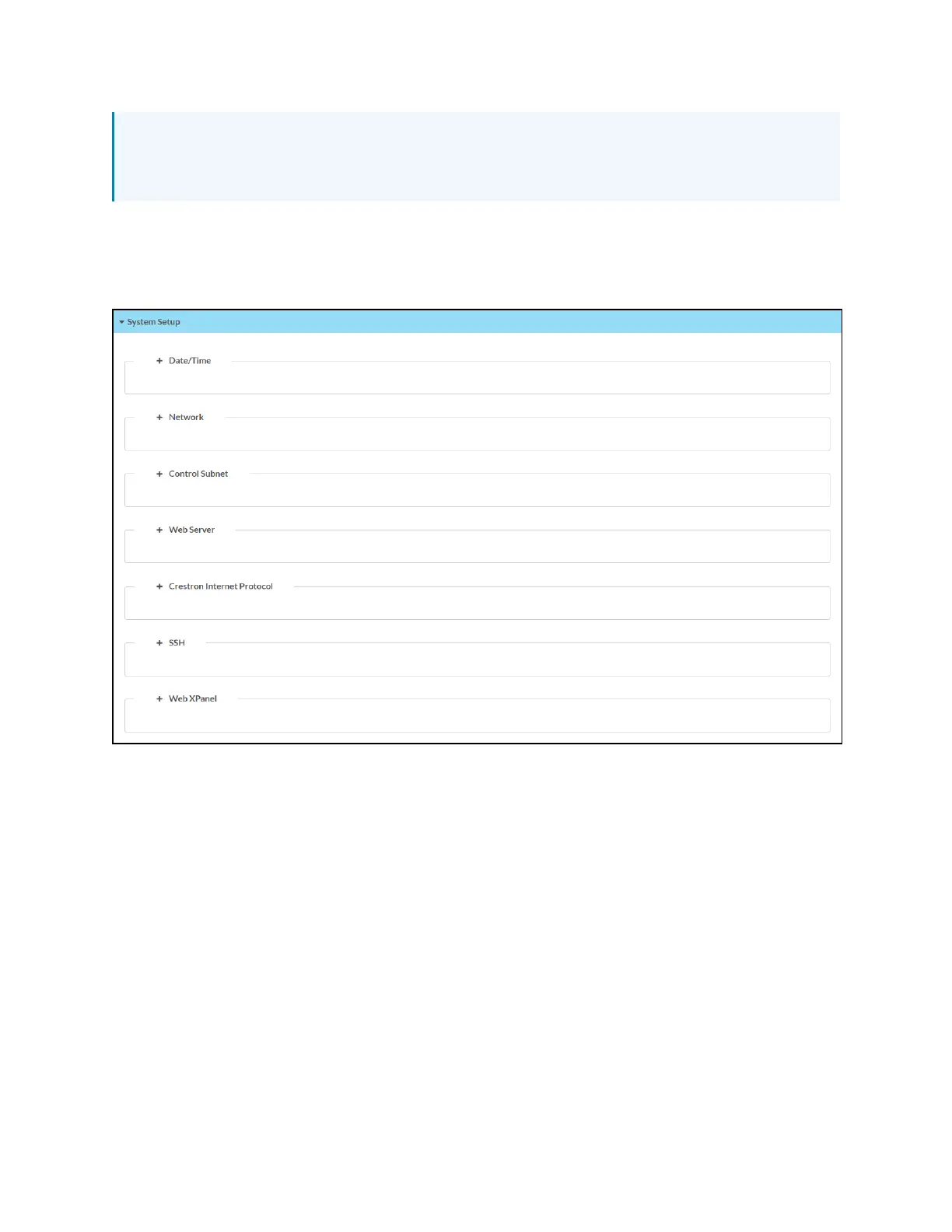
System Setup
Select System Settings to configure general network and control system settings.
Settings Tab - System Setup



 To Next Page