Product Manual — Doc. 8559B 4-Series™ Control Systems • 117
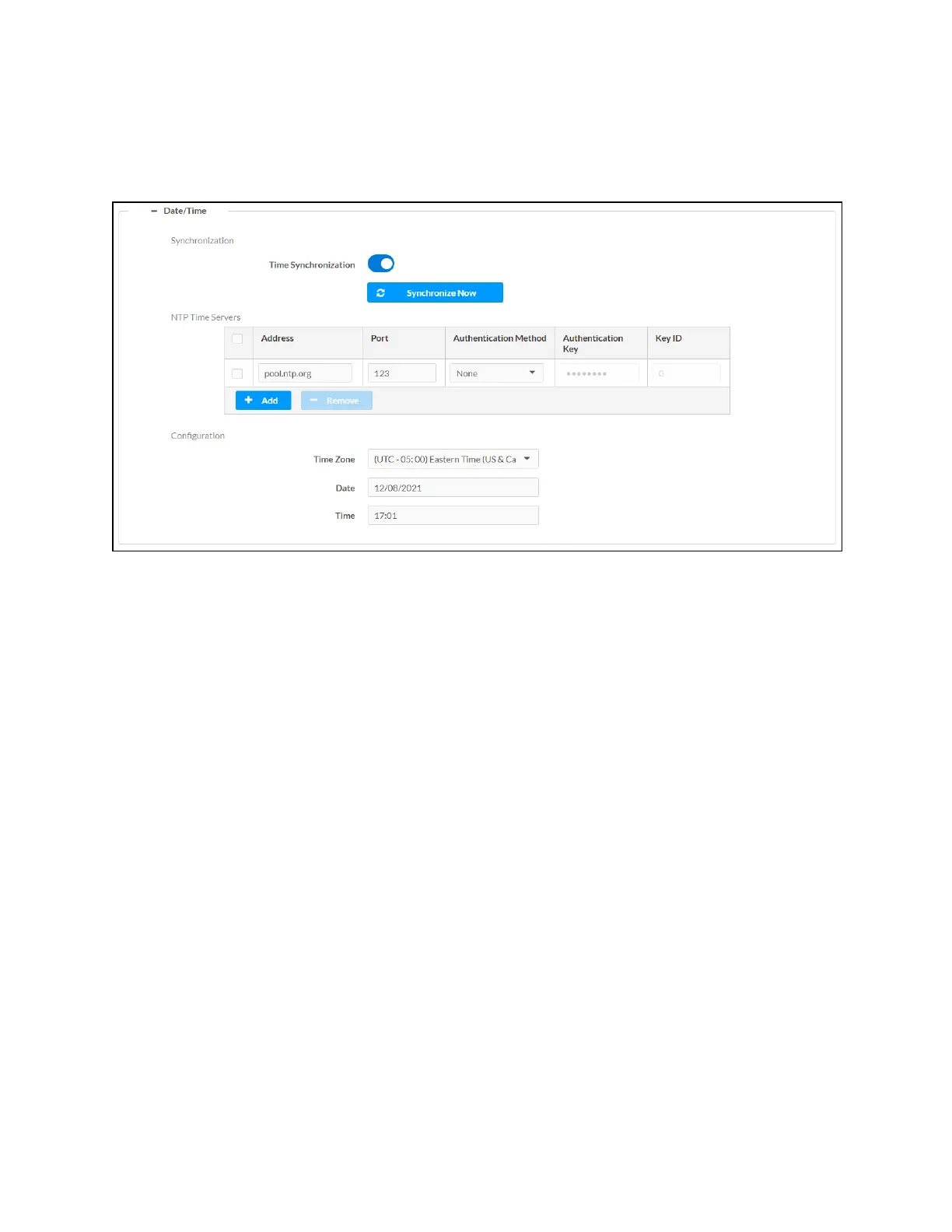
Date/Time
Select the + (plus)icon next to Date/Time to display the following time and date settings.
Settings Tab - System Setup (Date/Time)
l
Time Synchronization: Turn on the toggle to use time synchronization via NTP (Network
Time Protocol).
l
Synchronize Now: With Time Synchronization turned on, select Synchronize Now to
synchronize the control system with the NTP server(s) entered in the NTPTime Servers
table.



 To Next Page