Product Manual — Doc. 8559B 4-Series™ Control Systems • 107
Pair with Apple HomeKit
The control system can be paired with Apple® HomeKit® technology to support communication
between the control system and Apple HomeKit devices and accessories.
For pairing instructions and to locate the unique QRcode required for pairing, refer to the
Product Information document that shipped with your control system.
Configure .AVFramework Software
The control system provides native support for the .AVFramework™ software program. .AV
Framework software is a web-based management solution that is used to deploy scalable
Crestron® enterprise room solutions without requiring any programming. For more information
on the capabilities supported by .AV Framework, visit www.crestron.com/avframework.
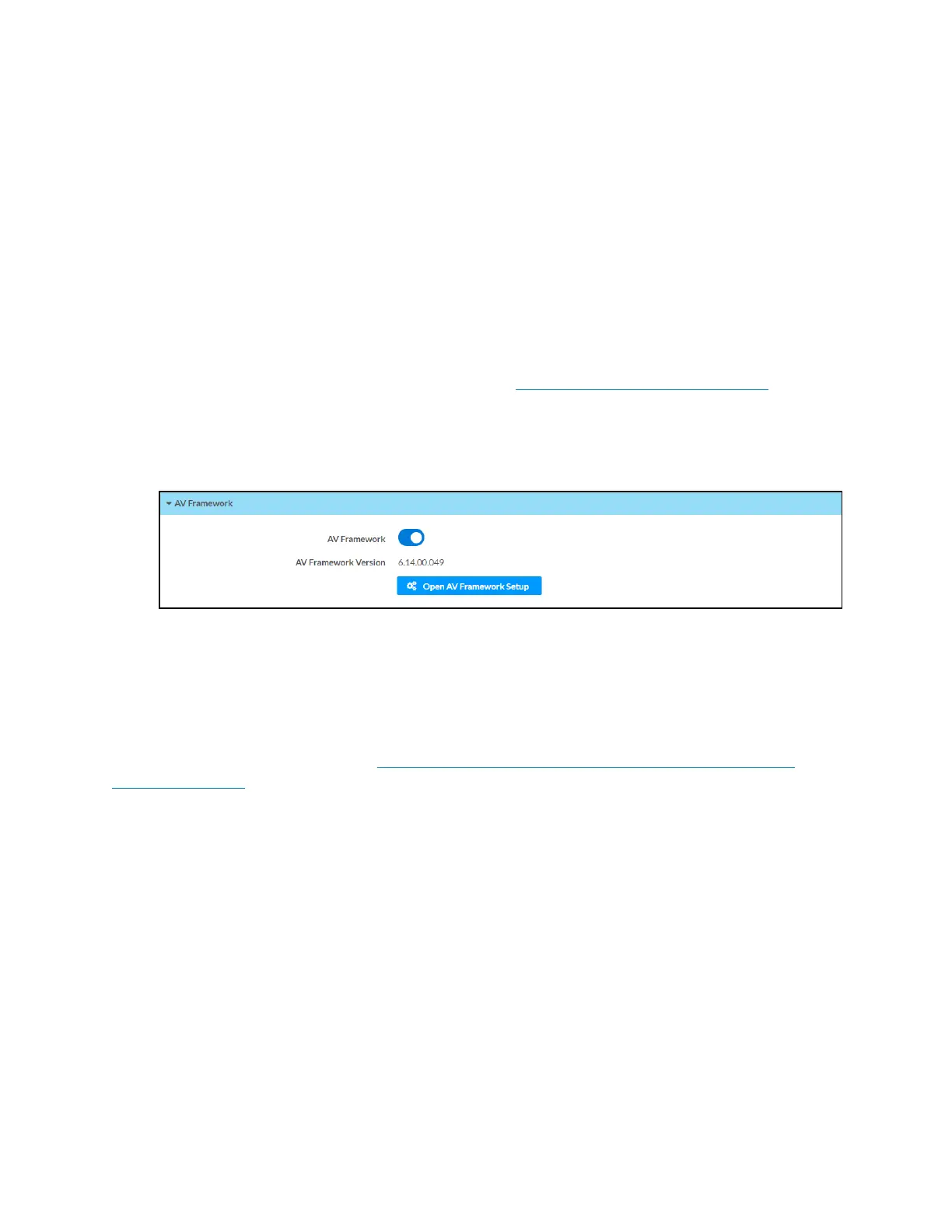
To turn on the .AVFramework software program for the control system:
1. Open the web configuration interface as described in Configure the Control System.
2. Navigate to Settings >AVFramework.
3. Turn on the AVFramework toggle.
4. Save the configuration. The control system will restart with the native .AVFramework
software program turned on.
After the control system restarts, select Open AVFramework Setup to launch the
.AVFramework web configuration utility. For more information on configuring .AVFramework
for the control system, refer to the .AVFramework Software for 4-Series Control Systems
Operations Guide.



 To Next Page