136 • 4-Series™ Control Systems Product Manual — Doc. 8559B
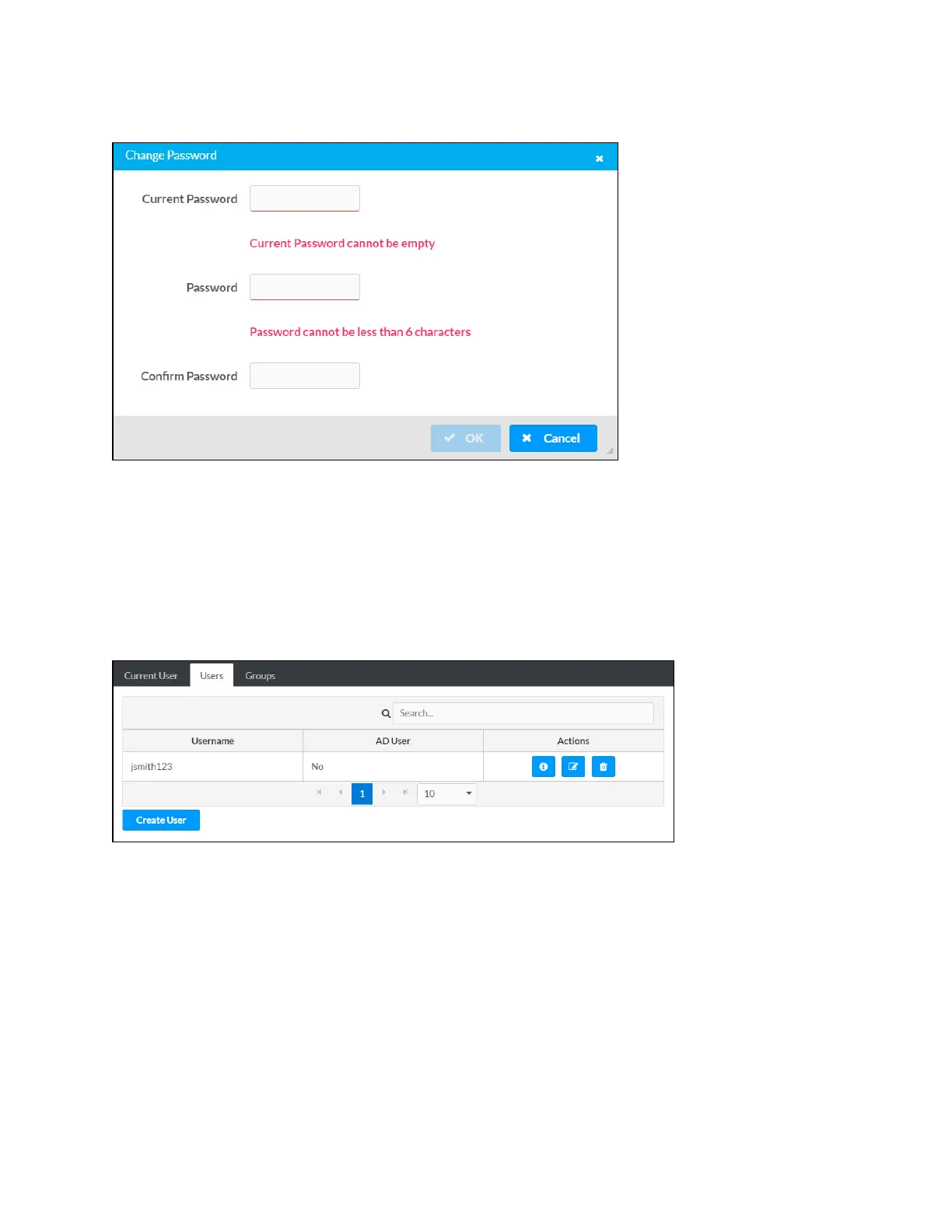
Change Password Dialog Box
Enter the existing password in the Current Password field. Then, enter a new password in the
Password field, and reenter the password in the Confirm Password field.
Select OK to save the new password, or select Cancel to cancel the change.
Users
Select the Users tab to view and edit information for the control system users.
Users Tab
Enter text into the Search Users field to find and display users that match the search term(s).
Control system users are listed in table format. The following information is displayed for each
control system user:
l
Username: The chosen username
l
AD User: Reports whether the user is (Yes) or is not (No) authenticated through Active
Directory



 To Next Page