Product Manual — Doc. 8559B 4-Series™ Control Systems • 133
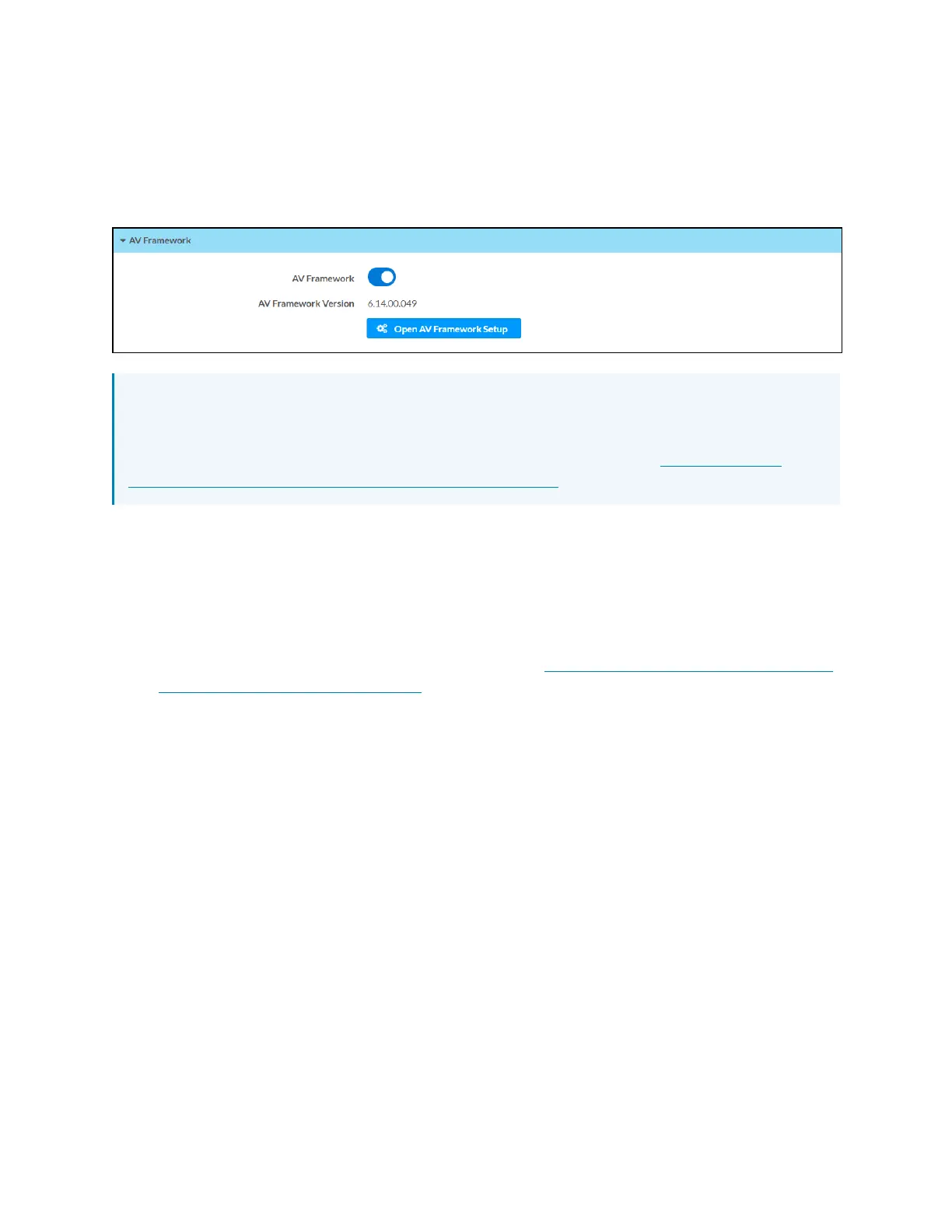
AVFramework
Select AVFramework to configure the native .AVFramework software program running on the
control system.
Settings Tab - AVFramework
NOTE:If an older version of the .AV Framework program is detected in the Program 01 slot
(6.13 and prior), the program is loaded to the Program 00 slot, but it is not turned on within
the control system. The older .AV Framework program must be removed manually before
the newer version can be turned on. For more information, refer to the .AVFramework
Software for 4-Series Control Systems Operations Guide.
l
Turn on the AVFramework toggle to turn on the native .AVFramework software program
on the control system.
l
If AVFramework is turned on, the version of the native .AVFramework software program
is reported next to AVFramework Version.
l
If AVFramework is turned on, select Open AVFramework Setup to launch the
.AVFramework web configuration utility. For more information on configuring
.AVFramework for the control system, refer to the .AVFramework Software for 4-Series
Control Systems Operations Guide.



 To Next Page