Product Manual — Doc. 8559B 4-Series™ Control Systems • 141
Group Details
Select the information button in the Actions column to view information for the selected
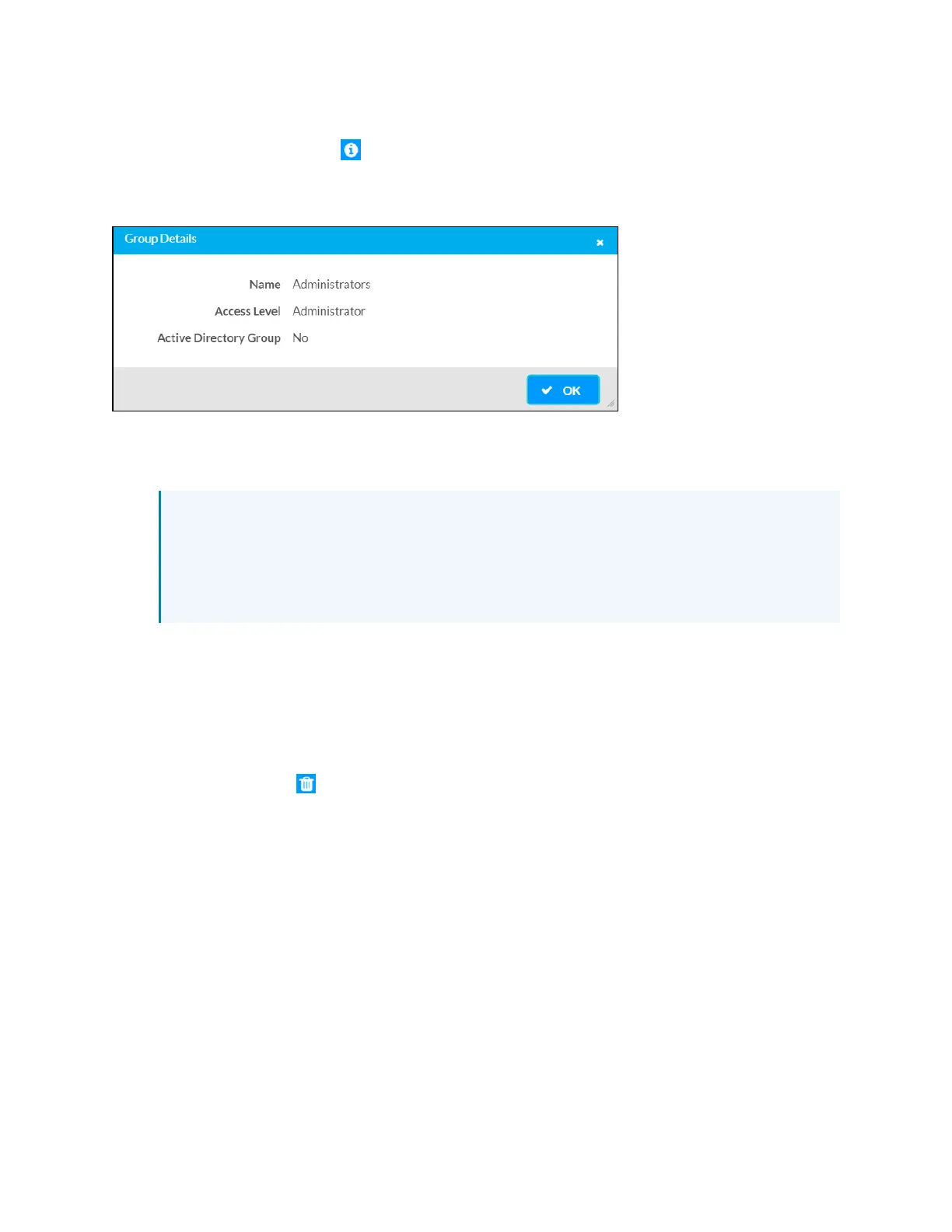
group. The Group Details dialog box is displayed.
Group Details Dialog Box
The following settings are displayed for the current group:
l
Name: The chosen group name
NOTE:If authenticating with Active Directory, do not enter the domain name for the
Active Directory group in the Name field. If this information is being entered via
console commands, omit domain\local from the command (for example,
adddomaing -n:crestron -L:A instead of adddomaing -
n:domain.local\crestron -L:A).
l
Access Level: The access level of the group and its users
l
Active Directory User: Reports whether the group is (Yes) or is not (No) authenticated
through Active Directory
Select OK to return to the Groups selections.
Delete Group
Select the trashcan icon in the Actions column to delete the group.
A pop-up dialog box is displayed asking whether the group should be deleted. Select Yes to
delete the group or No to cancel.
Create Group
Select Create Group at the bottom of the page to create a new control system group. The
Create Group dialog box is displayed.



 To Next Page