Product Manual — Doc. 8559B 4-Series™ Control Systems • 145
Type a search term into the Search… text field to search for and display CAs that match the
search term.
The following information is provided for each type of CA:
l
Name: The CA name
l
Expiry Date: The date and time that the CA is set to expire
If the CAs span multiple pages, use the navigation arrows on the bottom of the page to move
forward or backward through the pages, or select a page number to navigate to that page.
Select the trashcan button in the Actions column for a CA to delete it. A pop-up dialog box is
displayed asking if the CA should be deleted. Select Yes to delete the certificate or No to cancel.
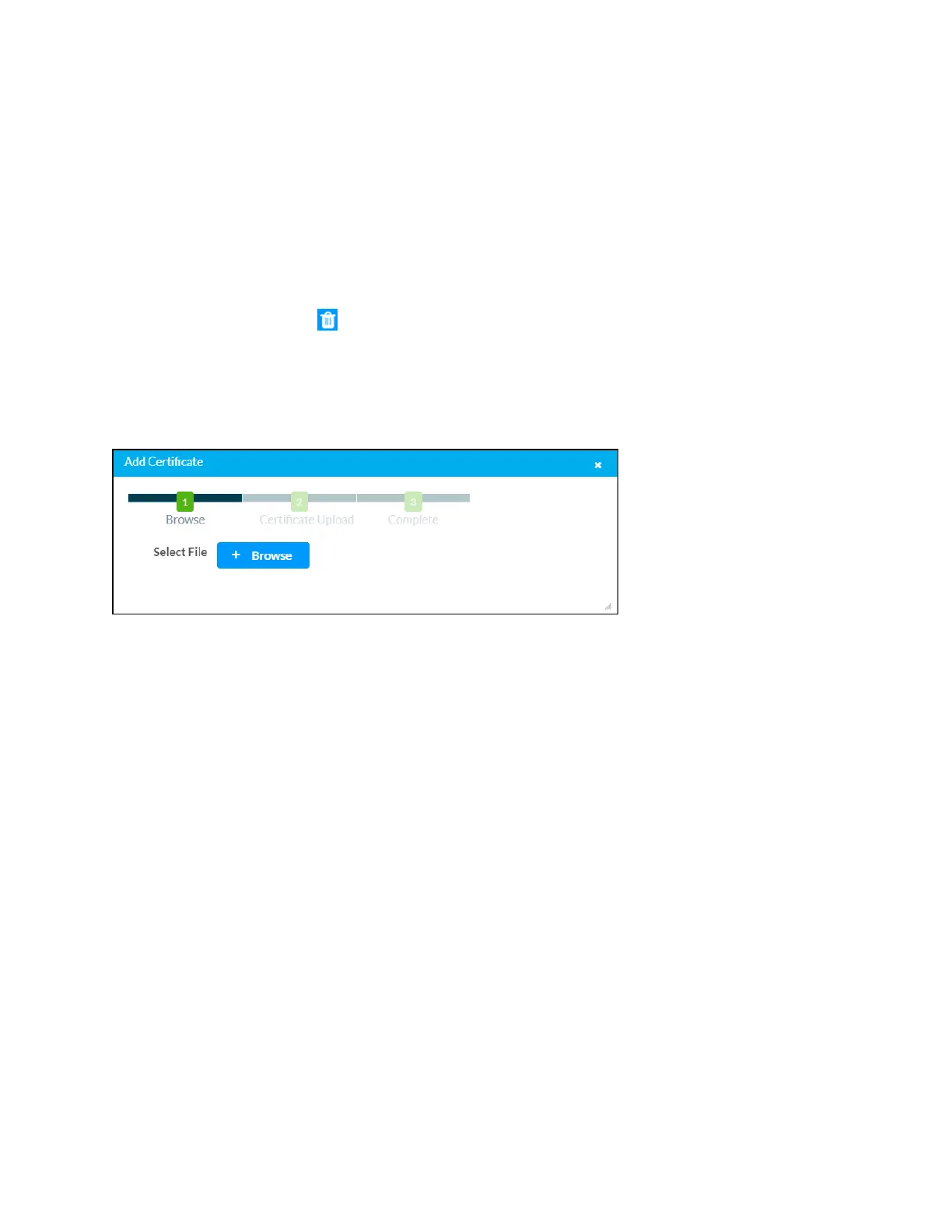
Select Add [Type] Certificate to add a CA of one of the four available types (Root, Intermediate,
Machine, or Web Server) to the list of CAs. The Add Certificate pop-up dialog box is displayed.
Add Certificate Dialog Box
To add a new certificate:
1. Select Browse.
2. Navigate to the CA file on the host computer.
3. Select the CA file, and then select Open.
4. Select Load to load the CA file to the control system. The upload progress is shown in the
dialog box.
5. Once the control system has completed the upload, select OK.
Select the x button to close the Add Certificate dialog box at any time during the upload process.
Selecting the x button before the CA file is uploaded to the control system cancels the upload.
Select the x button to close the Manage Certificates dialog box and to return to the 802.1x
Authentication page.



 To Next Page