Page 52 of 118
Button Functions in Setup Screens
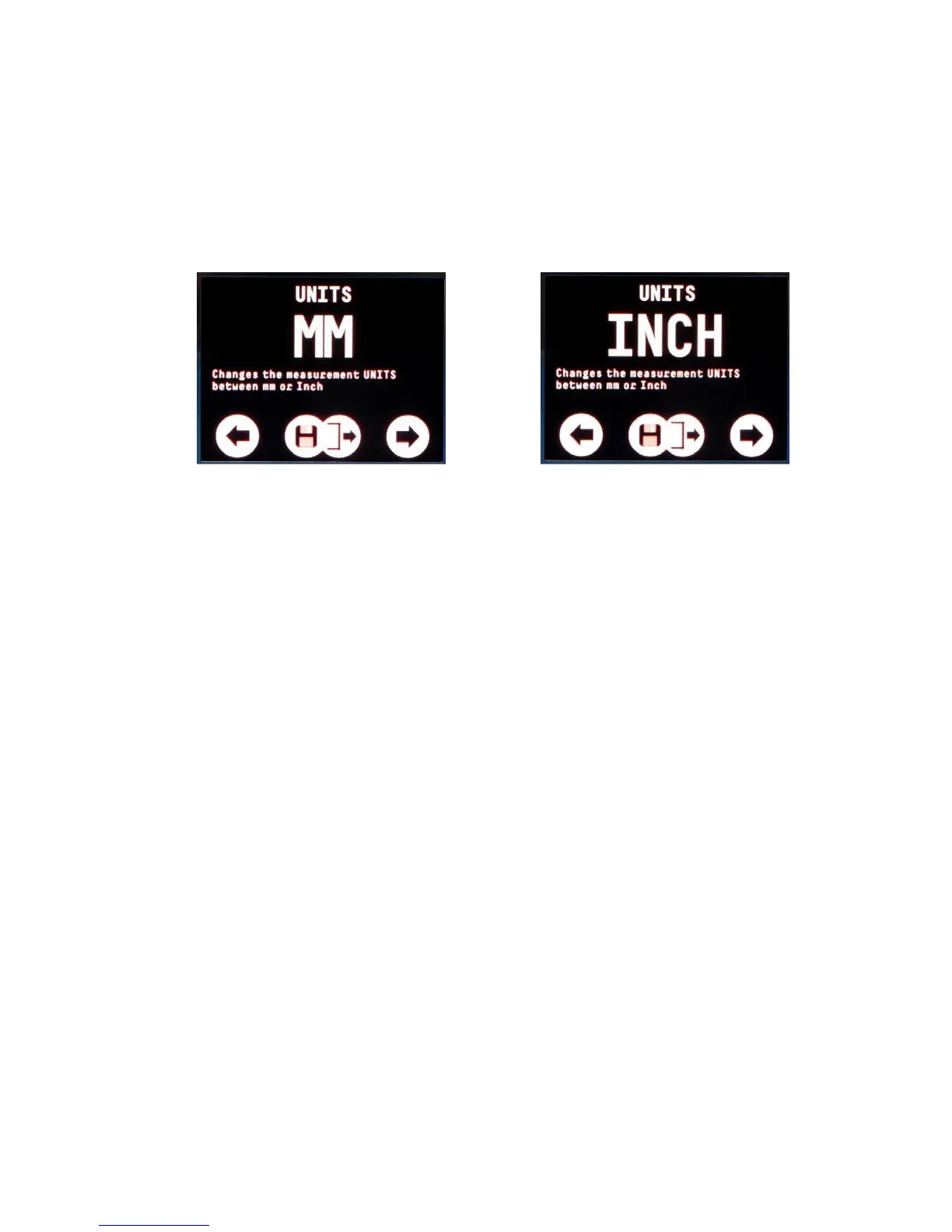
Setup screens let you change a setting or value. For example
changing the units between mm and inches. If you don’t press a
button for 20 seconds the menu will automatically exit without
saving any changes.
A setup screen – mm or inches
Left Button : Decrease or change the value
Right Button : Increase or change the value
Both Buttons : Save and Exit the setup screen
Gauge Settings Saved with Probe Type
Certain gauge settings are saved against the probe type. This
allows each probe type to have different settings that will be
recalled when that probe is re-connected and the probe type is
correctly set. The following settings are saved with each probe
type;
• Units
• Resolution
• Velocity
• Calibration
• Deep Coat (if single crystal probe – multiple echo mode)


 To Next Page