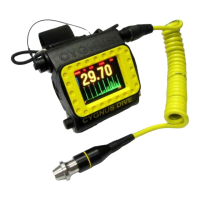
Cygnus DIVE Operating Manual M2-DIVE-M-ENG_Iss5.docx
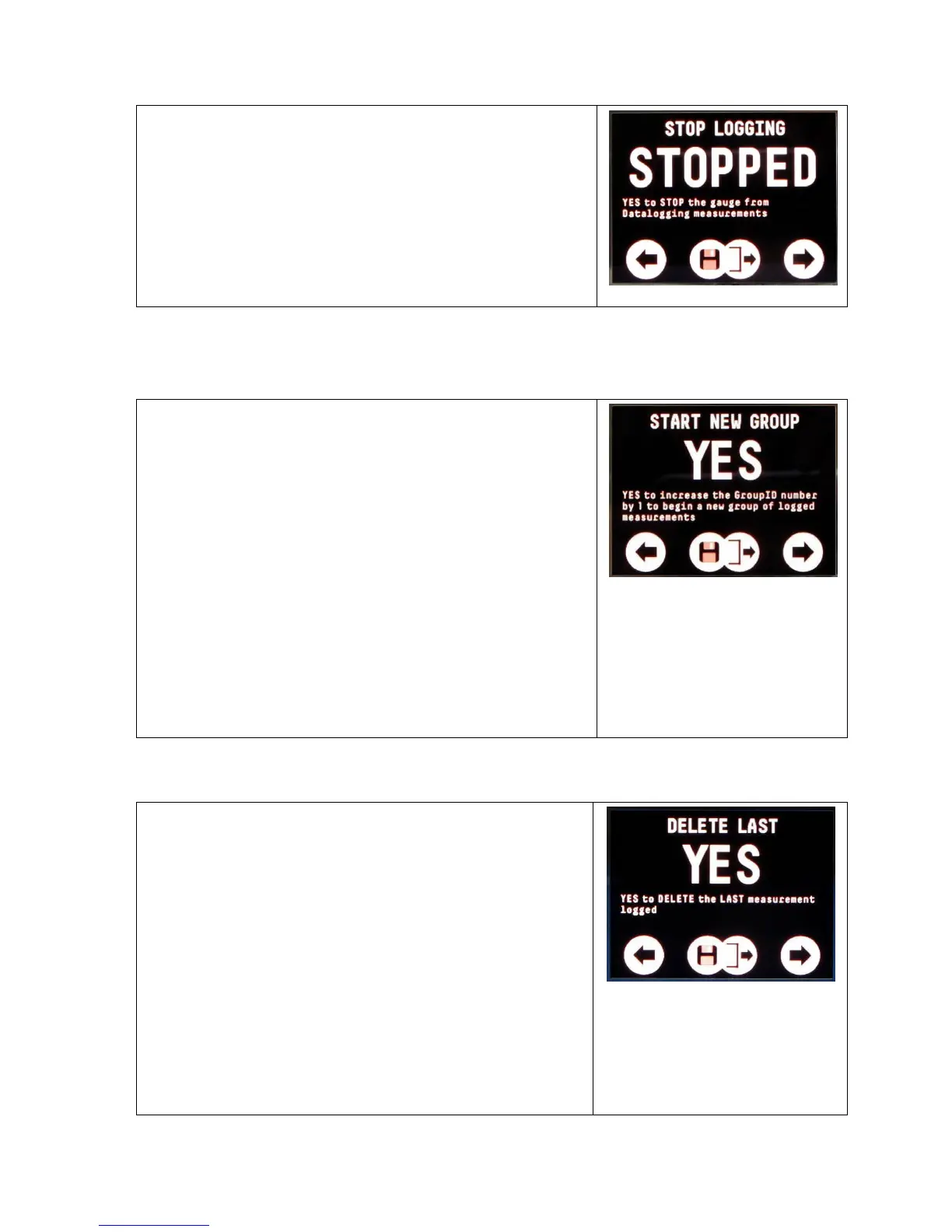
2. Select STOP LOGGING
3. Change from NO to YES
4. Press both buttons together to save
and exit
Stopped Message
Starting a new Group of Measurements (START NEW
GROUP)
At any time while you are data logging
you can use this function to start a new
group of measurements by increasing the
GroupID by 1.
To start a new group;
1. Access the DATA LOG MENU
2. Select START NEW GROUP
3. Change from NO to YES
4. Press both buttons together to save
and exit
Start New Group Screen
Deleting the Last Measurement (DELETE LAST)
measurement logged one at a time.
You can repeatedly use this function to
delete multiple measurements.
Note. Once deleted measurements can’t
be recovered.
To delete the last measurement;
1. Access the DATA LOG MENU


 To Next Page