EXPLANATORY NOTES ON THE MAINTENANCE ACTIVITIES
Inspection and adjustment 95XF series
3-28
3.20 CHECKING THE STEERING BALL JOINTS
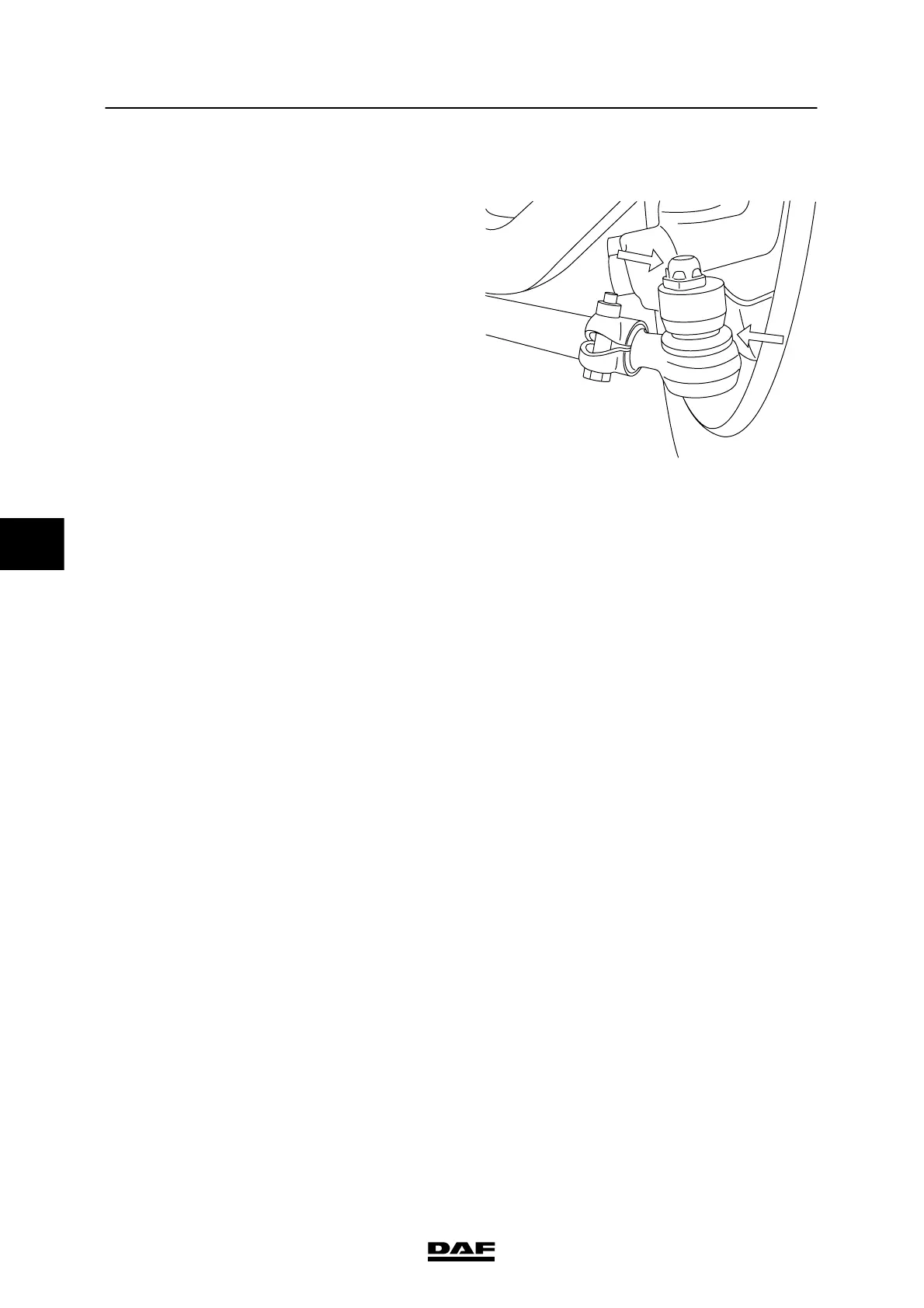
Checking the locking devices and dust cover
1. Check whether the locking devices are
present and undamaged.
2. Check that the dust c over of the steering
ball joint and its s eal are not damaged.
Replace t he steering ball joint if they are
damaged.
S700430
Checking the axial steering ball joint play
1. Check the axial steering ball joint play using
the s pecial tool (DAF no. 1329426).
2. First jack up the axle until the wheels come
off the ground and put the axle on stands.
3. Make sure t hat the castle nut split pin (if
present) does not come into contact with
the ends of the t hreaded end.
4. Screw the t hrust washer (8) onto the
threaded spindle.
5. Fit the s pring retainer (3), spring (4) and
thrust sleeve (6) into bracket (1).
Fit the locking screw (5). It should be
possible to move the thrust sleeve (6) freely.
Note:
Fit the c orrect thrust sleeve (6).
The t hrust sleeve (6) must abut the rim of
the steering ball joint (7).
6. Loosen thrust bolt (2) until the flange of the
thrust sleeve (6) abuts the bracket (A = 0
mm).
7. Fit the s pecial tool to the steering ball joint
(7) and turn the threaded spindle (9) by
hand until the special tool is tight around the
steering ball joint (7).
8. Tighten the thrust bolt (2) until its head
abuts the bracket (1).
5
200424


 To Next Page