Occupancy Menu
Menus in the Occupancy menu contain status and control items that relate to unit occupied/unoccupied operation.
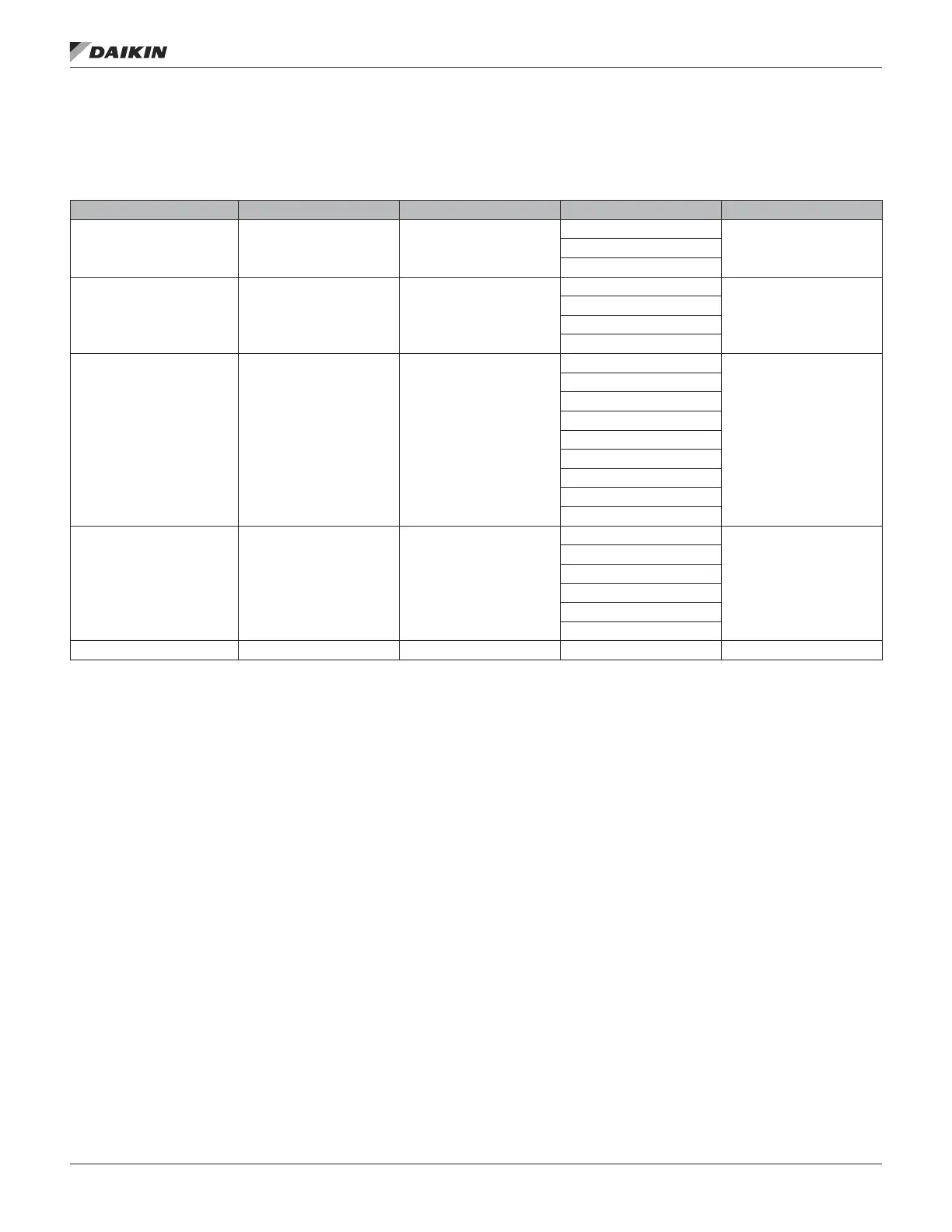
Table 4: Occupancy Menu
For more detail Item Display Name Default Setting Range Password Level
See page 94 Occupancy= —
Occ
6Unocc
Tnt Ovrd
See page 95 Occ Mode= Auto/Net
Occ
6
Unocc
Tnt Ovrd
Auto/Net
See page 95 Occ Src= —
None
6
Net Schd
Int Schd
One Evnt
Remote Sw
Occ Man Cmd
Occ Mode
TStat TO
Man TO
See page 96 Unocc Src= —
Unocc Dehum
6
Unocc Clg
Unocc Htg
Int Opt Strt
Net Opt Strt
None
See page 99 Tnt Ovrde Time= 0 0–300 min 6
Occupancy is a status only item which indicates whether the
unit is currently in an occupied, unoccupied, or tenant override
mode of operation.
OccMode is an adjustable item which allows the unit to be
set for manual occupied or unoccupied operation, automatic
operation based on a time schedule input or manual tenant
override operation.
OccSrc is a status only item which indicates the input source
or function that is responsible for setting the Occupancy
parameter to “Occ” or “TntOvrd.”
UnoccSrc is a status only item which indicates the input
source or function that is responsible for running the unit while
the Occupancy parameter to “Unocc.”
TntOvrd Time is an adjustable item which indicates the
amount of time remaining for unit operation since tenant
override operation was activated.
VIew/set Menu
www.DaikinApplied.com 27 OM 1141-3 • MICROTECH UNIT CONTROLLER










 To Next Page