LS10 Installation and Operating Guide Version 1.01
Appendix F. USB Audio Interface F-4 Document #: 9301H66300 Ver. 1.01
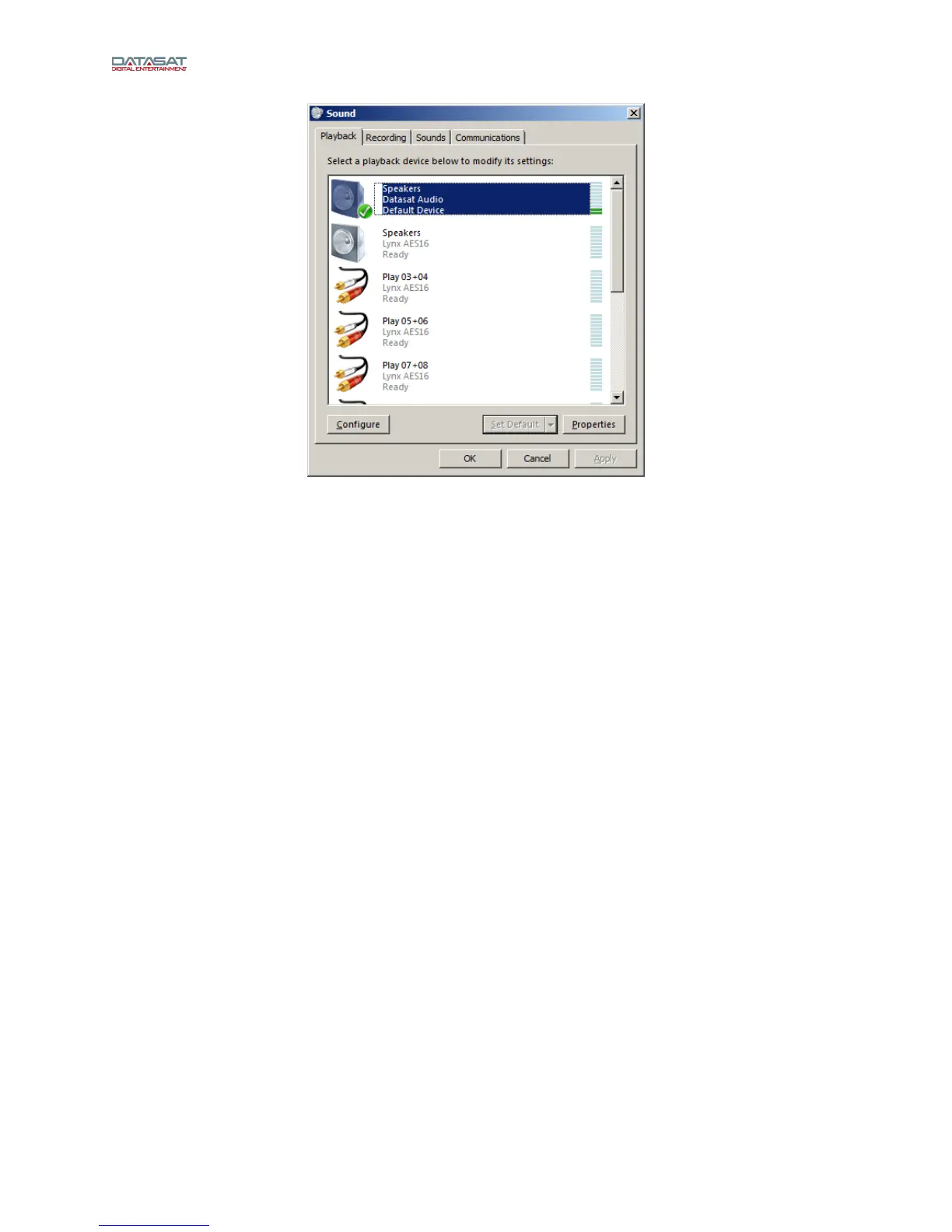
Figure 5
If desired, click the Properties button to choose the default sample rate output under the
advanced tab. A 24 bit setting is recommended. Check the setting "Allow applications
to take exclusive control of this device".
Note: Some audio players will adjust the sample rate to the source material.
Note: You may need to select the “Datasat Audio device” in the player software you are
using to get output.



 To Previous Page