LS10 Installation and Operating Guide Page 15
LS10 Installation & Operating Guide Document # 9301H66300 Ver. 1.01
Part 1: Operation
This part of this manual contains information the user needs to operate the LS10 Audio Processor on a
day-to-day basis.
1.0 Operating LS10
1.1 How-To Procedures – Operations
Caution: Before powering on the LS10 for the first time, verify that the correct input voltage
has been selected at the rear panel power entry module. Incorrect input voltage setting will
damage the LS10. See section 2.4.
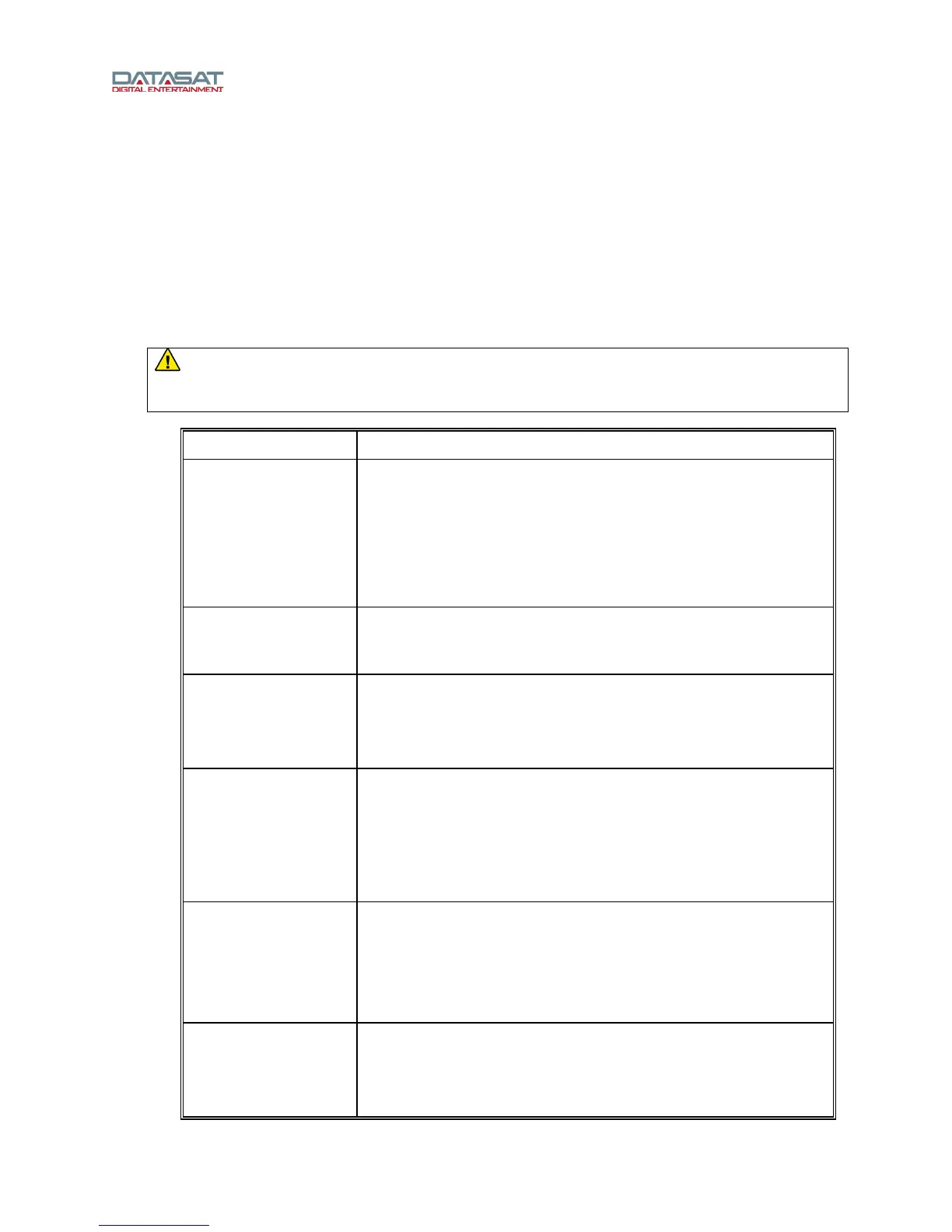
ACTIVITY INSTRUCTIONS
Turn Power ON See the Note above. Press and hold the center of volume control
on the front panel. If the unit will not power up, be sure that the
rear panel power switch is ON and the unit is plugged into a
working AC outlet protected by a surge protector. See Powering
ON the LS10
Processor, page 16.
Turn Power OFF Press and hold the power button on the front panel for about 2
seconds.
Adjust volume Turn the master volume control knob on the front panel to adjust
volume on all channels. Turn clockwise to increase volume. See
Adjusting the Volume control, page 18.
Select an input Touch the desired input button in the lower part of the LS10
display. If the input name is not visible, select the Input button at
the top of the screen and select from one of the 15 input sources.
See The Home Screen, p
age 18.
Identify the selected
input
The selection button for the current input is highlighted in the
lower part the LS10 display, if the input is one of the visible
selection buttons. If not, the input is displayed on the right just
above the selection buttons.
Mute the LS10 Touch the MUTE button (the speaker icon in the top right corner).
If successful, the MUTE button will change color to red. See
Adjusting the Volume control, page 18.



 To Next Page