LS10 Installation and Operating Guide Page 65
LS10 Installation & Operating Guide Document # 9301H66300 Ver. 1.01
HDMI Debug Logging – This is normally set to Off. Select Log to hsrdbg.txt to create a log file. The
log file is helpful for debugging by Datasat Digital Entertainment staff. You may be asked by the Datasat
staff to save the diagnostic information including the log files on the USB Flash drive, to send for
troubleshooting purposes.
Read EDID – Press this button to see extended display identification data (EDID). Use a mouse wheel or
the keyboard up/down arrows to scroll through the data displayed.
3.13 USB Save/Restore
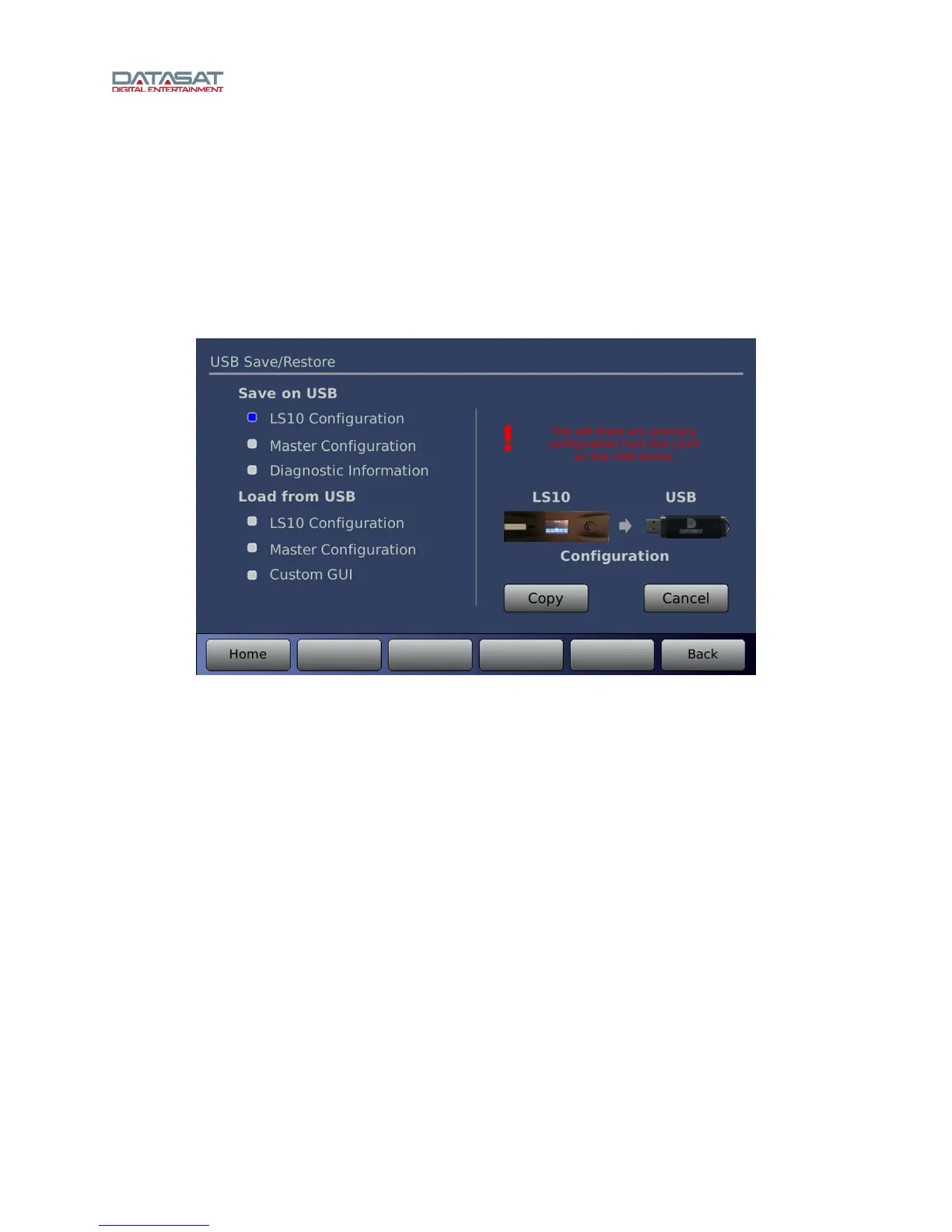
Press the USB button on the Setup Home screen to open the USB Save/Restore screen.
Figure 46. USB Save/Restore
Use this screen to save your configuration on a USB storage device, or to load from a USB. Select an
activity on the left, then tap Copy on the right.
You can save the following:
• LS10 Configuration
• Master Configuration
• Diagnostic Information – (the system log file) for use in troubleshooting the system
You can load the following from a USB drive:
• LS10 Configuration
• Master Configuration
• Custom GUI
These functions (above) are identical to the following USB functions available through the touch screen
display.
• Save LS10 Configuration = [Save]
• Save Diagnostic Information = [Diag]
• Load LS10 Configuration = [Load]



 To Next Page