LS10 Installation and Operating Guide Page 23
LS10 Installation & Operating Guide Document # 9301H66300 Ver. 1.01
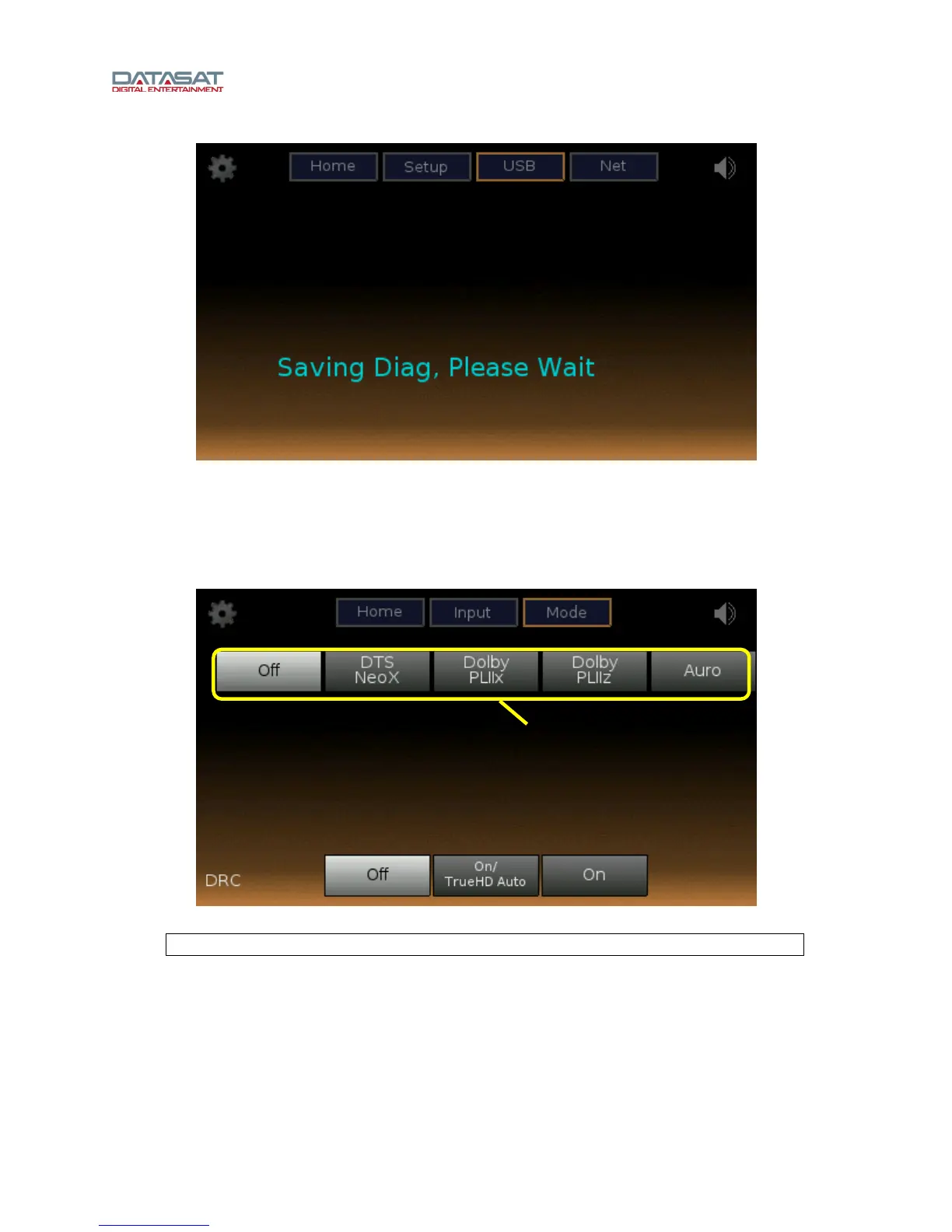
Figure 12. USB Screen, Saving Diagnostic Info
1.6 Mode, Audio Processing
Select the Mode button from the Home screen to open the audio processing setup screen.
The following example is the Mode screen with no processing selected.
Figure 13. Mode Screen, Off
Note: When Off is selected, no processing is done.
The top row of options on the audio processing screen depends on the speaker configuration. Please
note that the screen shown above is for a speaker configuration with Auro 13.1. A subset of those options
appear for different speaker configurations as shown in the table below.
Options



 To Next Page