LS10 Installation and Operating Guide Page 22
LS10 Installation & Operating Guide Document # 9301H66300 Ver. 1.01
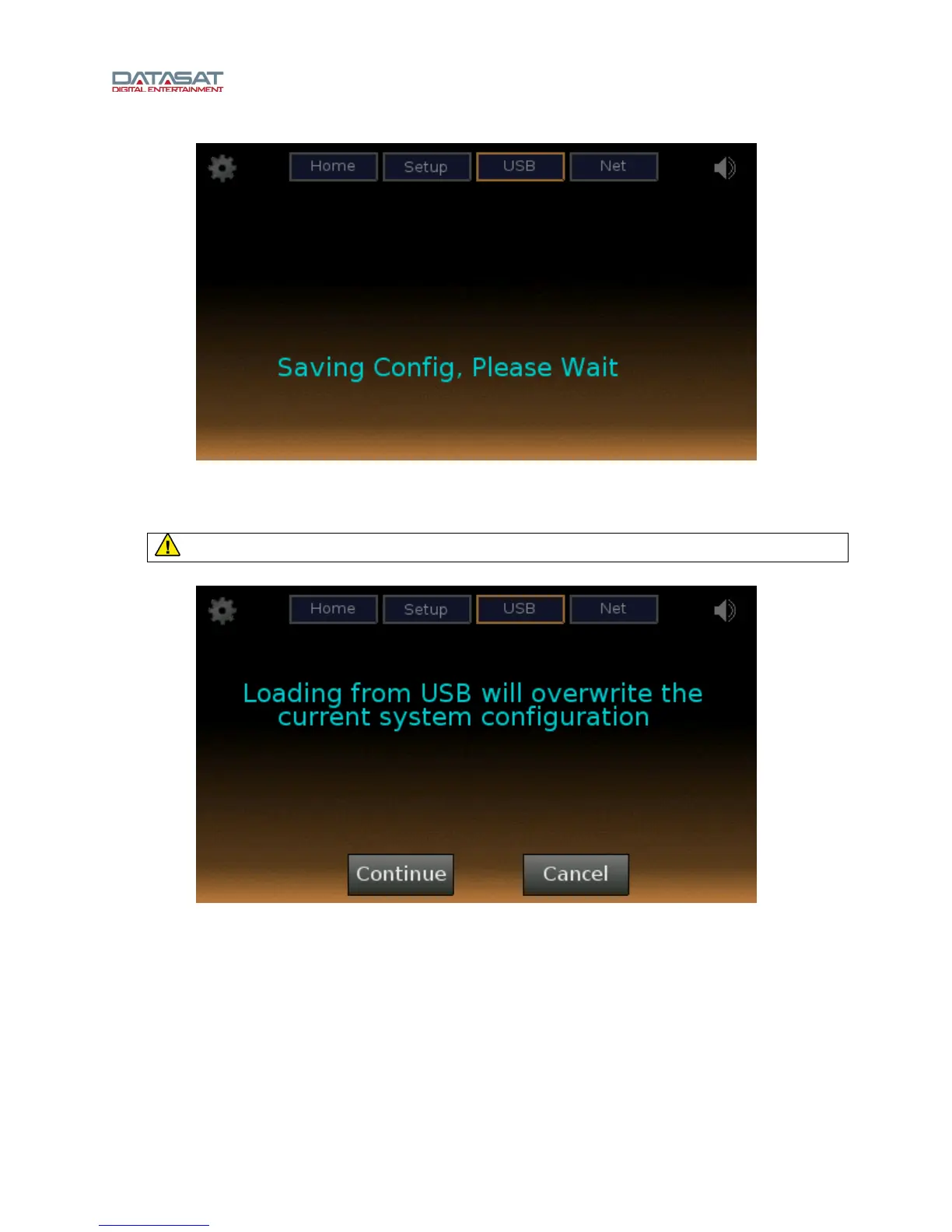
Figure 10. USB Screen, Saving Configuration
If Load is selected, a new LS10 setup configuration will be loaded to the LS10 from the USB drive. The
configuration file must have the same name “ls10_nnnn.tgz” where “nnnn” is the serial number of the unit.
Caution: Loading from the USB will overwrite the current system configuration.
Figure 11. USB Screen, Loading from USB
If Update is selected, the LS10 software will be updated from a USB memory device. The update file can
be retrieved from the Datasat Digital Entertainment web site and copied onto a USB memory device. The
update file is named “ciLS10vxyyzz_rel.upd”, where xyyzz are values taken from the version string
x.yy.zz.
As an alternate method, the software update can be done through the network without requiring USB, by
using the Setup menus. See Update System Software from Network, page 62.
If Diag is selected, diagnostic information will be saved to the USB from the LS10, for use by your
installer or
Datasat technical support, to diagnose a problem.



 To Next Page