LS10 Installation and Operating Guide Page 72
LS10 Installation & Operating Guide Document # 9301H66300 Ver. 1.01
3.19 Access Control
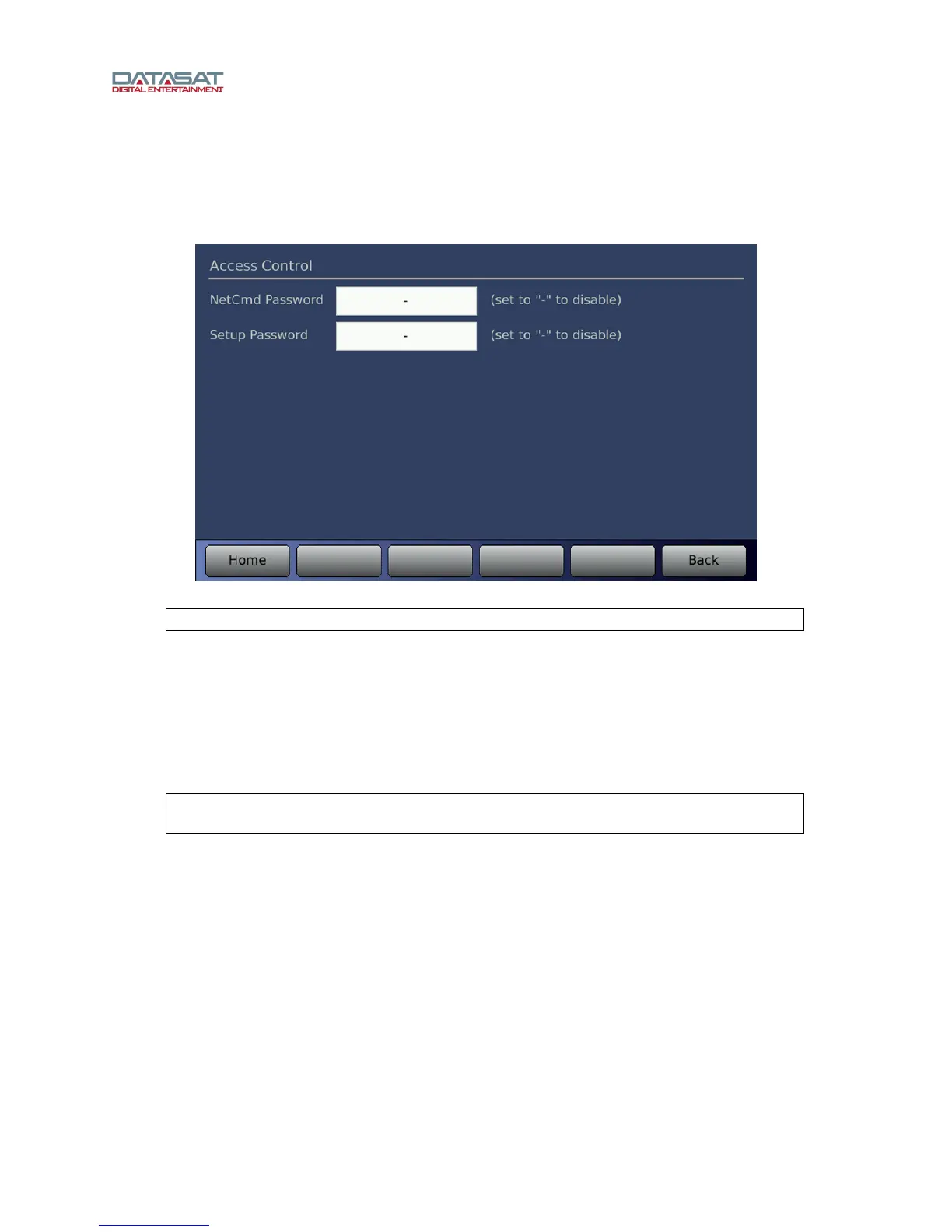
Press the Access button on the Setup Home screen to open the Setup Access Control screen.
By creating passwords, you can control user access to certain functions of the LS10.
Figure 52. Access Control
Note: This application accepts only Latin alphanumeric characters.
Enter your Network Command password and Setup Password, to continue.
The NetCmd password is used to prevent unauthorized access to network TCP/IP operator level
commands. A Setup password is used to authorize a network TCP/IP connection to perform setup
commands, and also sets the password for VNC access.
If the setup password is set to “-“ then the password is disabled at the LS10 touchscreen, but VNC
access will require the “-“ as a password for access. If this is set to blank, the password will be disabled
for both the touchscreen and VNC access.
Note: Remember that the setup password entered must be used to reenter the VNC
interface.
If the password is lost and you cannot access the LS10, contact Datasat Digital Entertainment technical
support.
Password restrictions take place as soon as the password is configured in the Access Control screen.
Passwords are case sensitive. You can enter upper case characters by using the shift button on the
virtual keyboard (see figure below). To remove Setup password protection, clear the password by
pressing the Clear button, then enter a hyphen “-“ and press OK.
Tap Home to return to the Setup Home screen.



 To Next Page