LS10 Installation and Operating Guide Page 27
LS10 Installation & Operating Guide Document # 9301H66300 Ver. 1.01
1.6.3 Dolby PLIIx
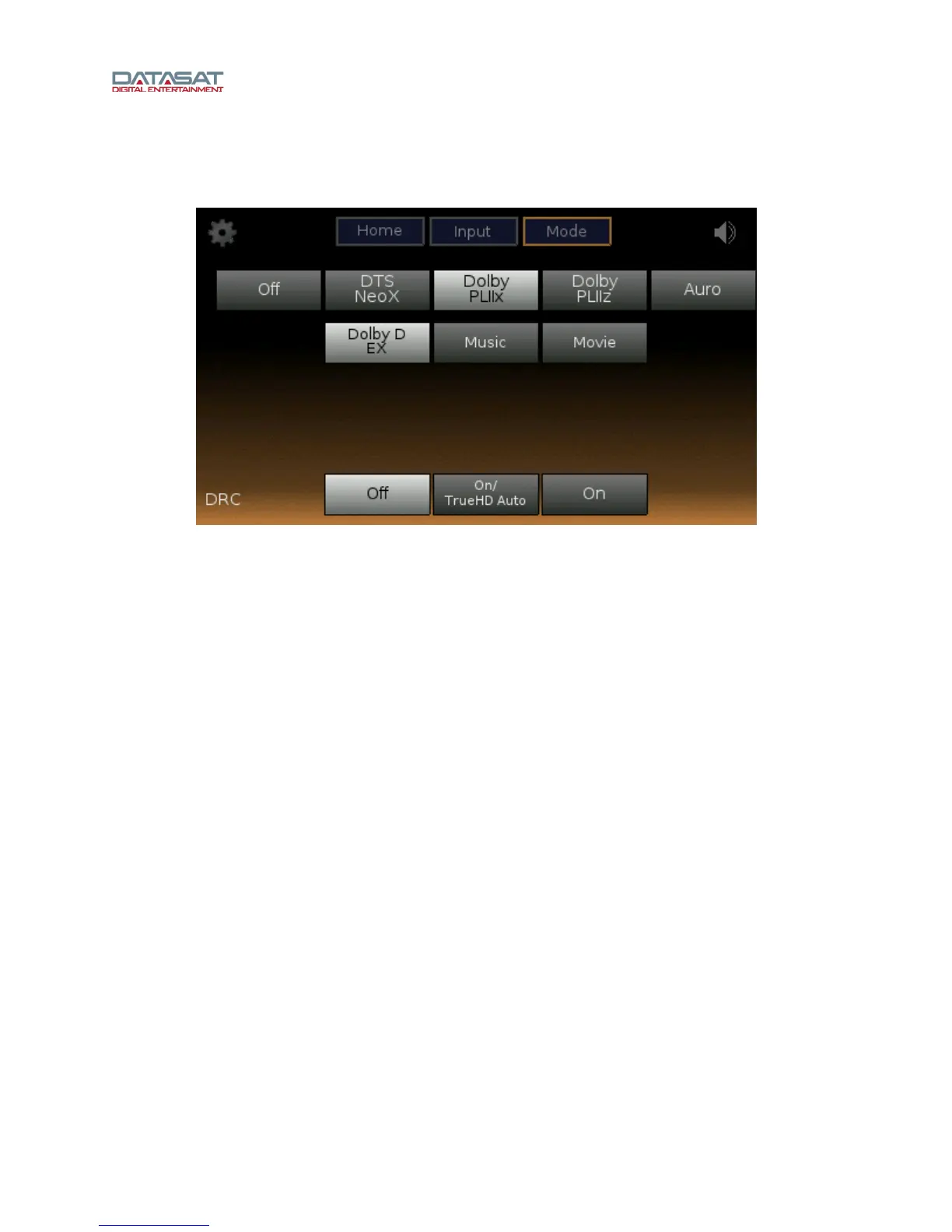
Figure 16 shows the audio processing setup with Dolby PLIIx selected.
Figure 16. Dolby PLIIx Mode
These are configuration options for Dolby PLIIx mode:
• Dolby D EX – For Dolby Digital EX content, use the Dolby Digital EX decoder to produce a
back surround channel.
• Music – PLIIx Music Options:
Panorama On or Off – create a seamless wraparound surround effect.
CWid (Center Width) – from 0 (off) to 7 (Phantom). This controls the balance of the main
vocals in the center and front channels for more natural sound.
Dim (Dimension) – adjusts the balance of the surround sound from +7 (Full to Surround)
to -7 (Full to Front).
• Movie – surround mode optimized for movie presentation.



 To Next Page