LS10 Installation and Operating Guide Page 49
LS10 Installation & Operating Guide Document # 9301H66300 Ver. 1.01
3.7 Delays
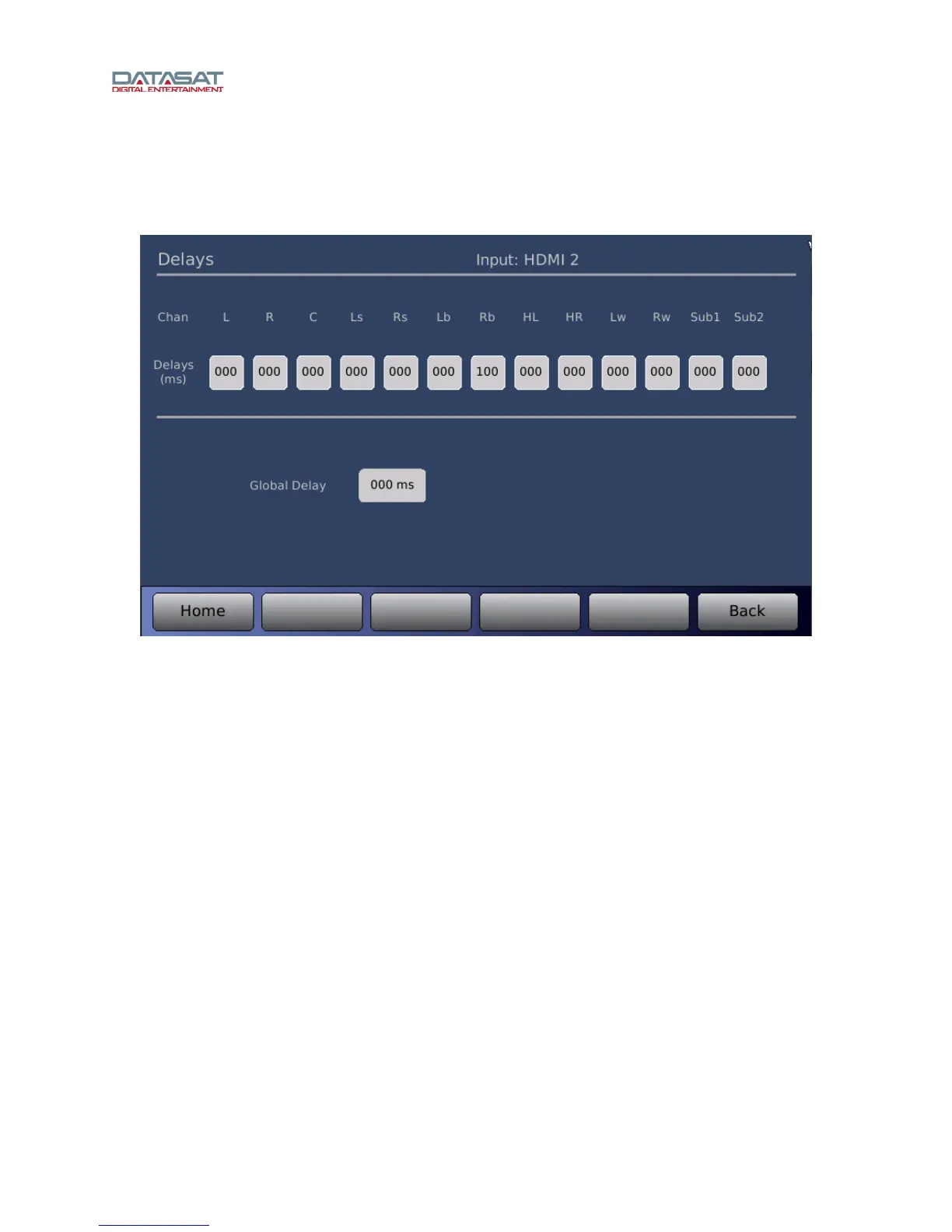
Press the Delays button on the Setup Home screen to open the Delays screen for the selected input.
Your speaker configuration determines the channels that are displayed on the Delays screen.
Figure 36. Delays Screen
You can set the delay (in milliseconds, “ms”) for each of the output channels, or set a Global Delay value
that affects all channels. Such a delay may be necessary to synchronize with a digital video projector.
There is a separate global delay configuration setting for each Input. Changing the global delay only
affects the current Input selection, and is retrieved when that Input is again selected.
Touch the Delays (ms) control under the desired channel. Enter the delay by using the up/down arrow
keys.
• Channel Delays may be set in 1 ms increments from 000 to 100ms.
• Global Delay may be set from 000 to 1000ms.



 To Next Page