LS10 Installation and Operating Guide Page 82
LS10 Installation & Operating Guide Document # 9301H66300 Ver. 1.01
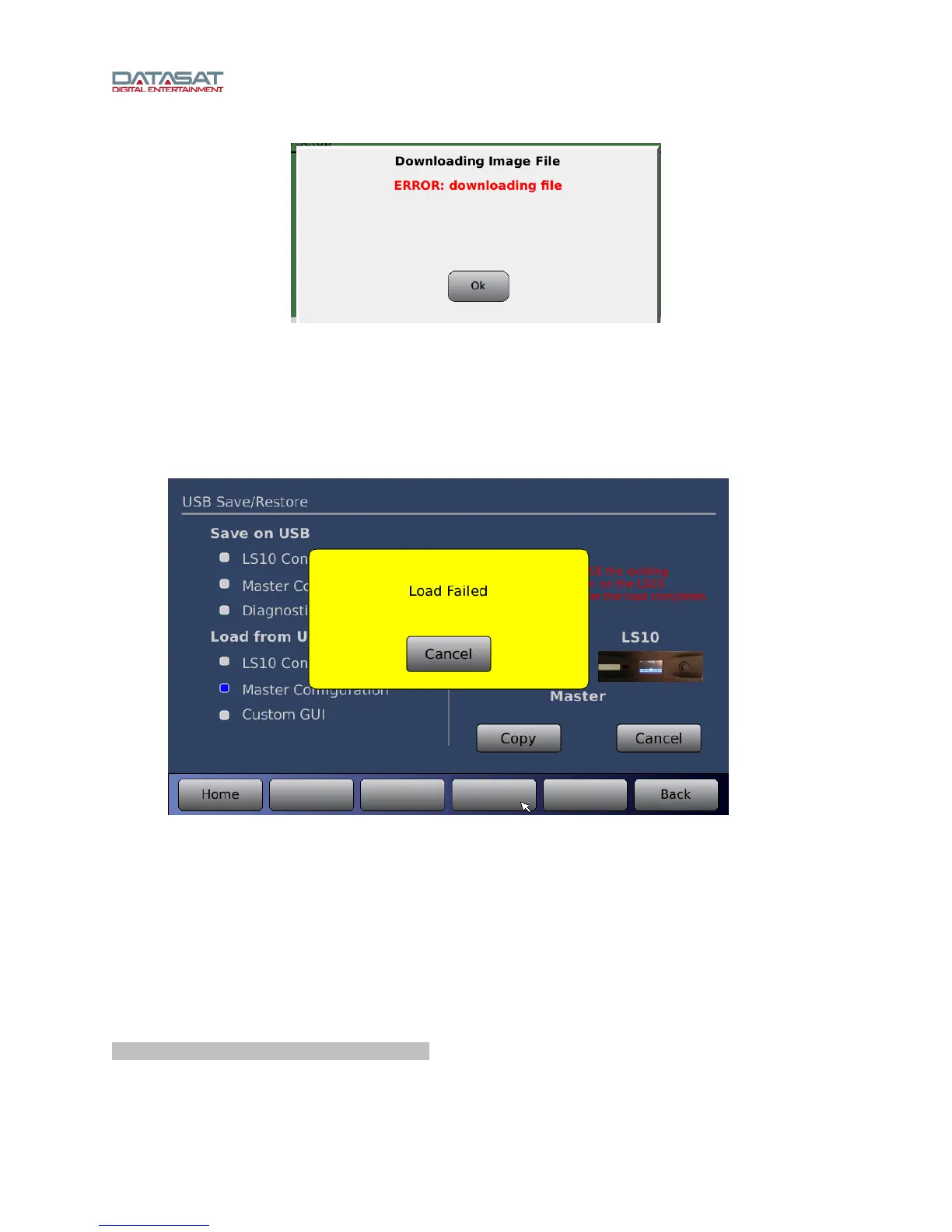
Figure 62. Downloading Error
You may encounter this message when attempting to upgrade the LS10 operating system software
through an internet connection. This message indicates there is a problem with the physical connection
between your processor and the outside world. Check your cables, router, modem, or IP addressing
scheme, as applicable, to make sure all is in order.
5.2.2 Loading or Saving Settings
Figure 63. USB Load Failed
If you encounter “Load Failed” error message, when loading from a USB device, the device may be
malfunctioning. Replace the USB device with another to see if the problem is resolved.
A “Save Failed” error message when saving to a USB device may indicate the USB device is full. Replace
the USB device with another to see if the problem is resolved.
5.2.3 Error Booting the LS10
If, during boot up, an object (such as your finger) is in contact with the touch screen, the software will fail
to load. The message below will appear with details, and continues to display until power is cycled at the
rear panel power switch (hard boot).
*********** Boot process interrupted ************
To solve this problem, reboot the LS10, making sure nothing is in contact with the touch screen during the
boot-up process.



 To Next Page