LS10 Installation and Operating Guide Page 61
LS10 Installation & Operating Guide Document # 9301H66300 Ver. 1.01
LED Bright – Adjusts brightness for the two blue LEDs on the Datasat logo on the front panel. Brightness
can be set from 0.0 (off) to 10.0.
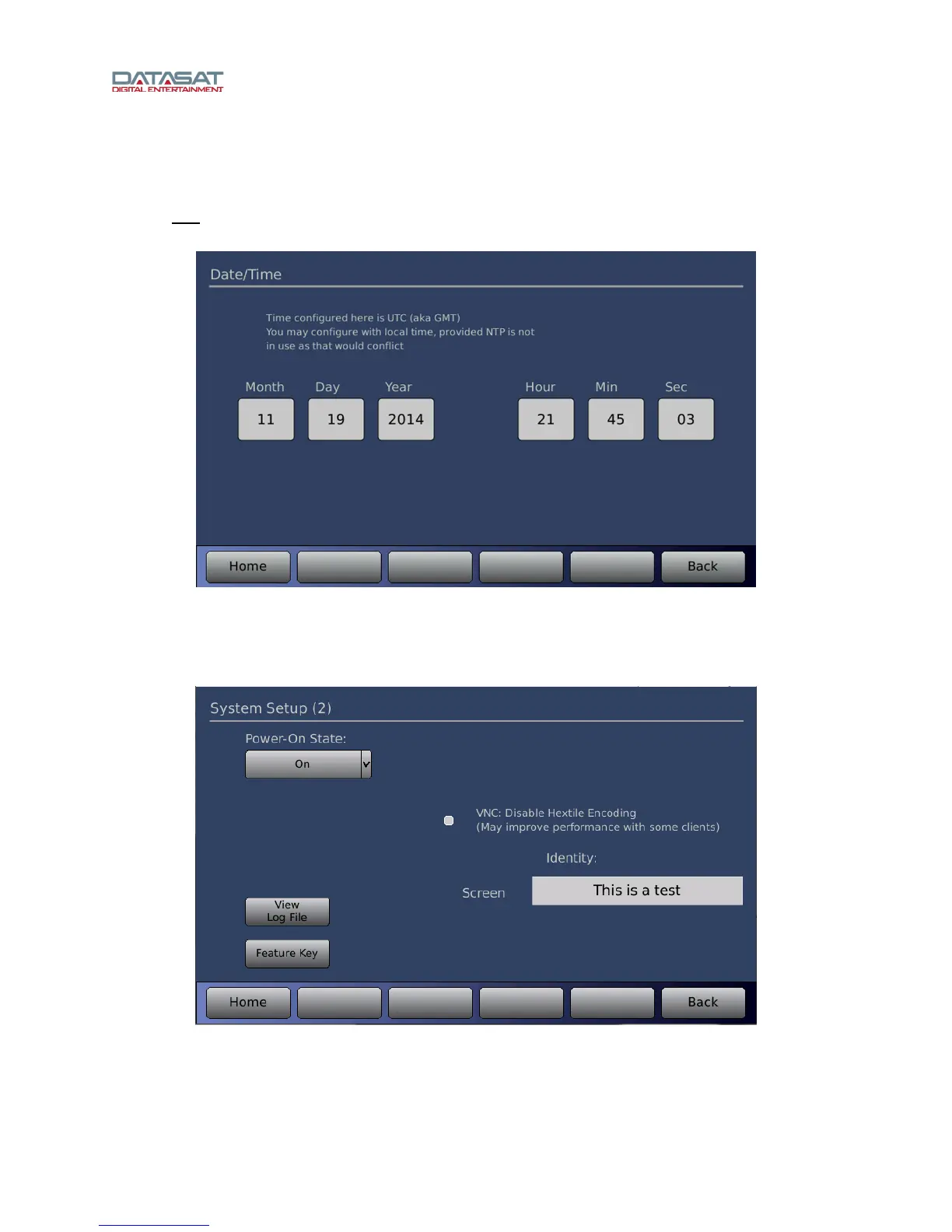
Date/Time – This screen allows you to read or set the system time and date. This should be used to set
the time only
if not using Network Time Protocol (NTP), which sets the time automatically through the
network when the system boots.
Figure 41.Date/Time
The system time and date are used for the timestamps given on files written to a USB device. It also
assists troubleshooting when problems occur because a timestamp is included in all log entries.
Touch the More button to view the second System Setup screen.
Figure 42. System Setup (2)
On this screen you can set the following:
Power-On State – Select On, Off, or Last Power State.



 To Next Page